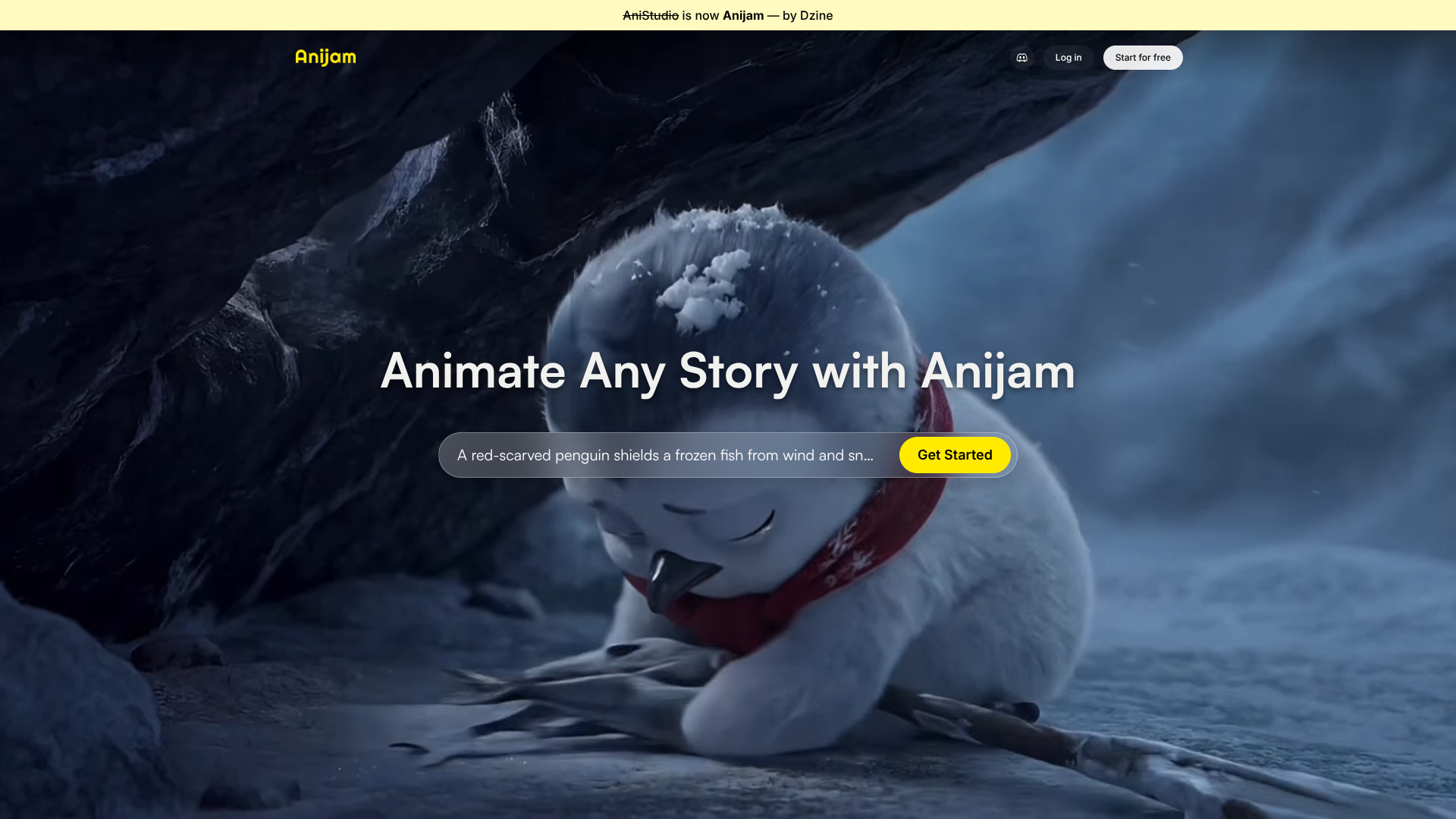
About Anijam AI
Advertiser Disclosure: Futurepedia.io is committed to rigorous editorial standards to provide our users with accurate and helpful content. To keep our site free, we may receive compensation when you click some links on our site.
Key Features
- AI Story To Scene Generation: Convert prompts or scripts into suggested shots, camera angles, and scene breakdowns that form the backbone of an animated sequence.
- Character Creation And Consistency: Design recurring characters once, then reuse them across scenes so proportions, colors, and facial features stay stable.
- Style And Look Library: Choose from preset visual styles or train a custom look so projects share a coherent visual identity.
- AI Voice And Lip Sync: Match synthetic voice lines to character mouth shapes, timing, and expressions so dialogue feels properly synced.
Pros & Cons
Pros
- Low Barrier To Entry: Lets non animators create polished clips without learning complex desktop suites.
- Speed For Iteration: Rapidly try alternate scripts, styles, or character designs, which encourages experimentation.
- Good For Short Form Content: Well suited to shorts, intros, explainers, and social snippets that benefit from quick turnaround.
- AI Handles Repetitive Work: Automates lip sync, basic motion, and style consistency so humans can focus on story and pacing.
Cons
- Less Granular Control Than Hand Animation: Expert animators may find fine tuning motion curves or subtle acting choices more limited.
- Quality Depends On Prompts And Assets: Weak scripts or poorly defined characters can still produce mediocre results, just faster.
- Web Based Constraints: Long or very high resolution renders may feel slower or capped compared with local, GPU heavy pipelines.