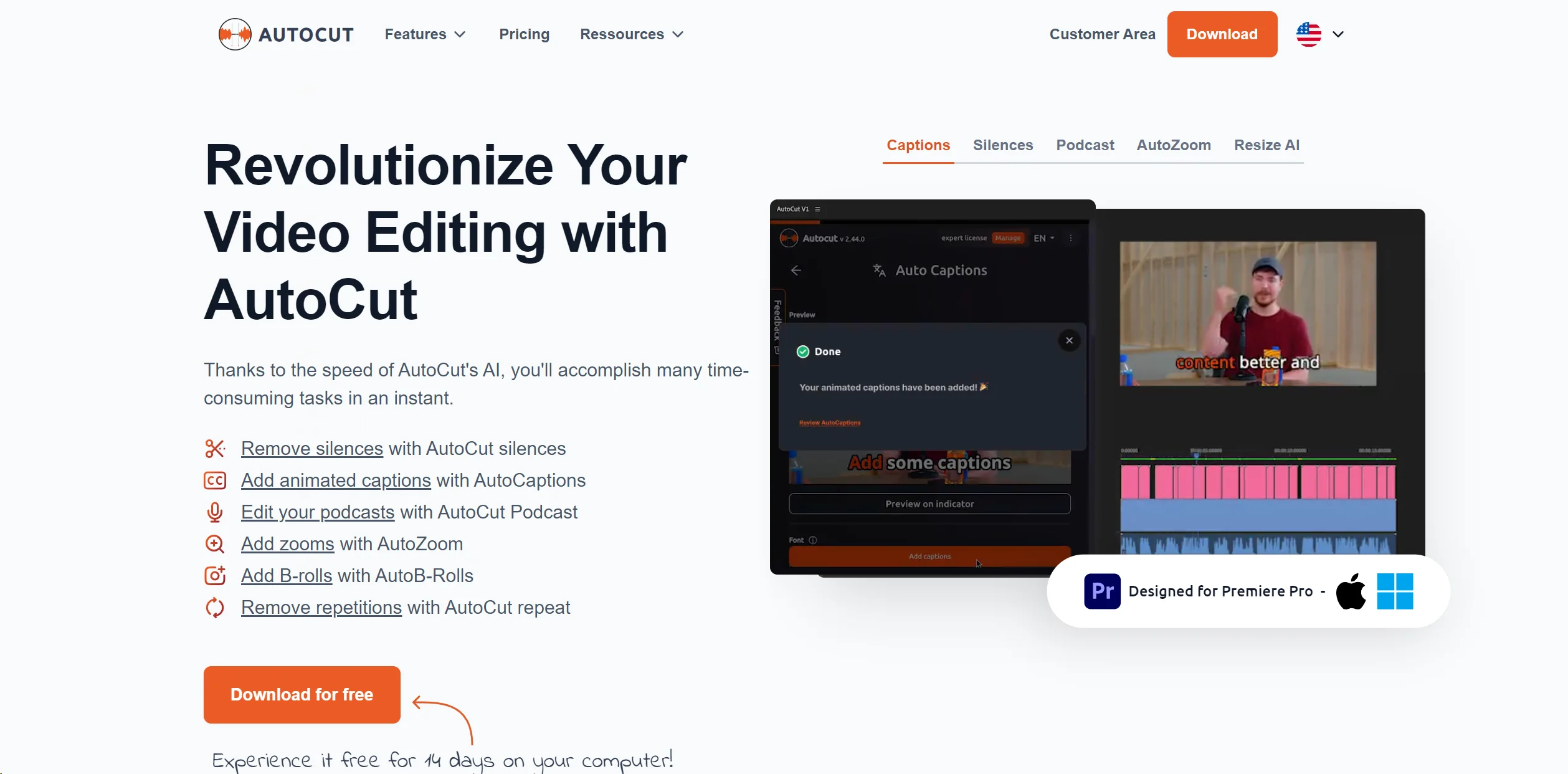
About AutoCut
Revolutionize video editing: automate silences, captions, B-rolls, enhancing quality and efficiency.
Key Features
- Automatic Silence Remover: Efficiently detects and removes unwanted silences from a video, ensuring a fluid and engaging viewing experience.
- Animated Captions with One Click: The AutoCaptions feature automatically syncs animated subtitles with spoken words, ideal for enhancing viewer engagement on platforms like TikTok and YouTube.
- Instant Podcast Editing: Simplifies podcast editing by automatically detecting silences and applying dynamic jump cuts and transitions.
- Sophisticated AutoZoom: Adds professionalism to videos by automatically zooming in on subjects, maintaining viewer focus.
- Seamless Integration of B-Rolls: Integrates relevant B-Roll footage automatically, enriching video content without manual search and placement.
Pros & Cons
Pros
- Efficiency in Editing: Saves significant time by automating routine tasks, allowing creators to focus on more creative aspects.
- Enhanced Viewer Engagement: Features like animated captions and auto zooms contribute to a more engaging and polished video.
- Ease of Use: Intuitive design makes it accessible for both novice and experienced editors.
- Continuous Innovation: Regular updates and new features ensure the tool evolves to meet the needs of modern video editors.
Cons
- Limited Compatibility: Currently only compatible with Adobe Premiere Pro, which may limit its use for users of other editing software.
- Learning Curve: New users might need some time to become familiar with all features and optimize their use.
- Subscription-Based Pricing: Ongoing costs could be a concern for freelancers or small studios on a tight budget.