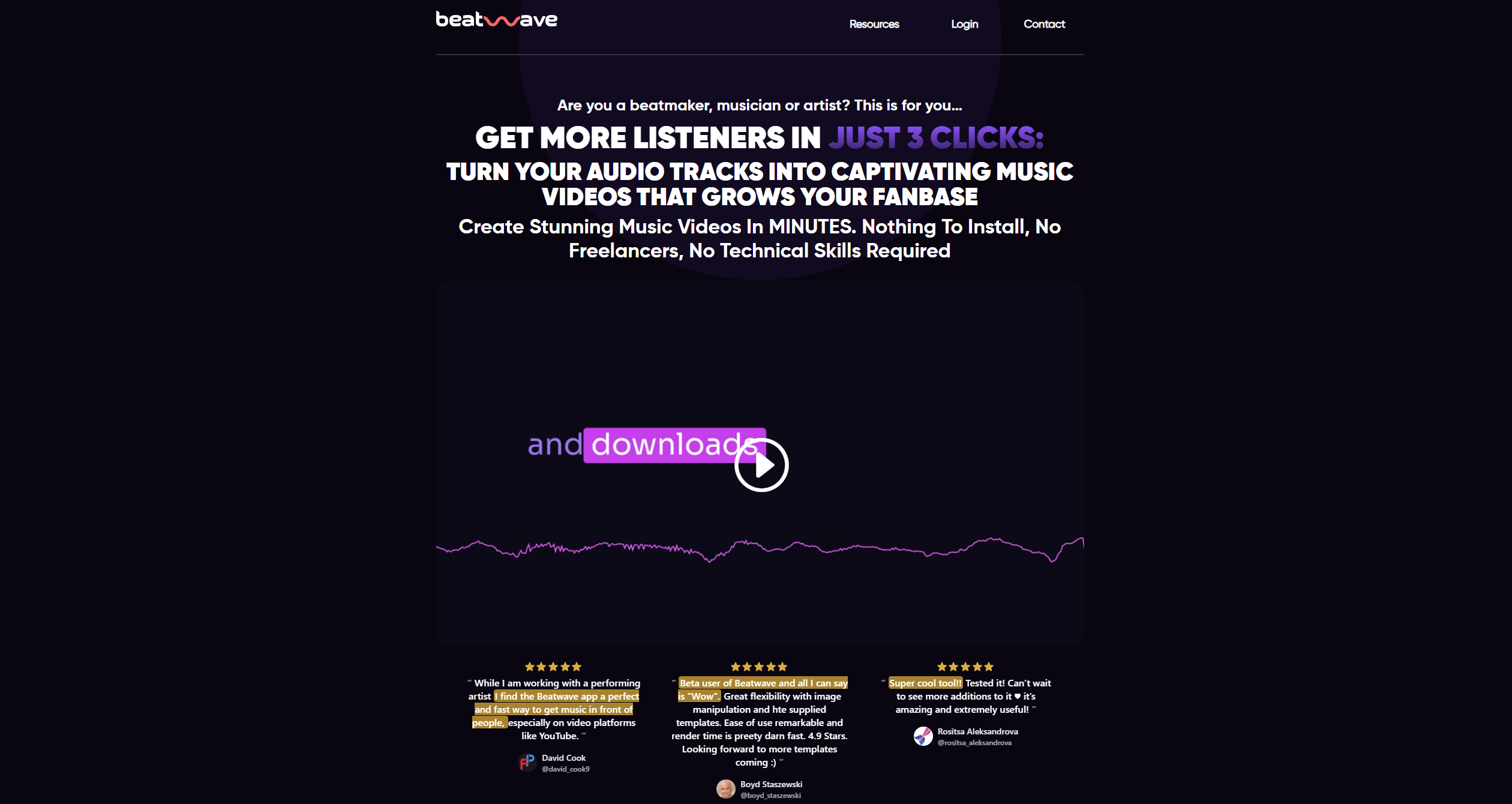
About Beatwave
Advertiser Disclosure: Futurepedia.io is committed to rigorous editorial standards to provide our users with accurate and helpful content. To keep our site free, we may receive compensation when you click some links on our site.
Key Features
- Automatic Beatwave Engine: Utilizes advanced technology to sync your music with visually appealing templates in less than 60 seconds.
- Professional Templates: Offers a diverse range of pre-designed video templates tailored for various musical styles, crafted by expert musicians.
- Customization Options: Provides extensive editing features allowing users to personalize videos with their brand colors, images, and text.
- Web and Mobile Optimization: Ensures a seamless creation process from any device, facilitating on-the-go production and direct social media publishing.
- Community Engagement: Connects users with a community of like-minded artists for inspiration and collaboration.
Pros & Cons
Pros
- Rapid Video Creation: Enables the production of music videos in under a minute, significantly reducing content creation time.
- Cost-Effective: Offers a lifetime deal with unlimited access to the tool's features, eliminating recurring costs.
- User-Friendly Interface: Simplifies the video creation process with an intuitive platform that requires no prior editing experience.
- Direct Social Media Integration: Allows for immediate publishing to various social platforms, enhancing online visibility and engagement.
Cons
- Template-Based Limitations: While there is a variety of templates, the scope for highly unique customization might be limited for some users.
- Learning Curve: New users may need some time to fully utilize all features effectively despite the intuitive design.
- Internet Dependency: Being web-based, it requires a stable internet connection for uninterrupted use.