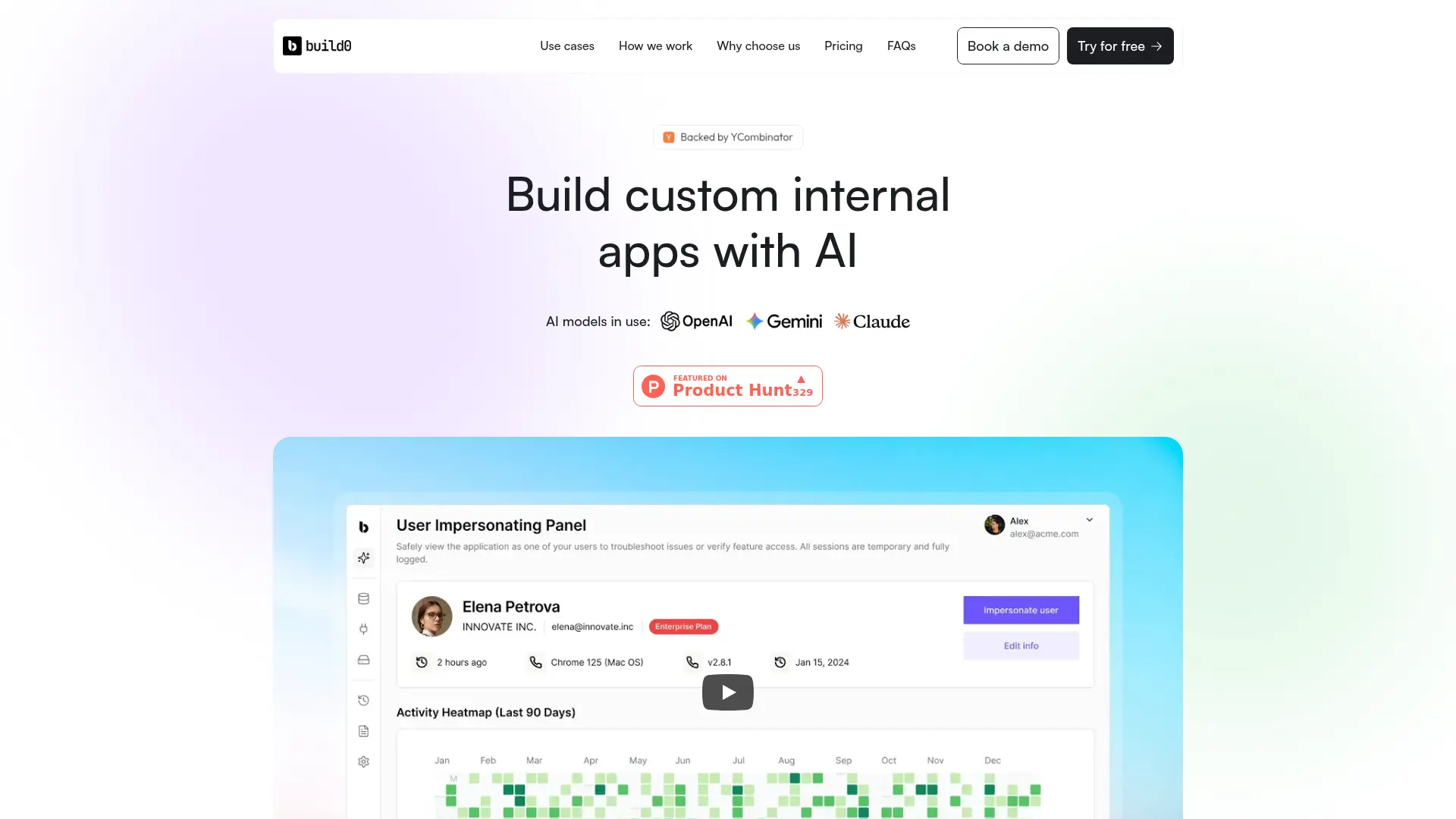
About build0
Advertiser Disclosure: Futurepedia.io is committed to rigorous editorial standards to provide our users with accurate and helpful content. To keep our site free, we may receive compensation when you click some links on our site.
Key Features
- No-Code Application Building: Users can create apps by simply describing their needs, transforming ideas into working applications in minutes.
- Third-Party Integrations: build0 supports native integrations with popular tools such as Slack and Notion, streamlining workflows.
- Security and Data Protection: The platform ensures enterprise-grade security with built-in access controls, permissions, and audit logs.
- AI-Driven Insights: Provides real-time analytics and user feedback hubs, enabling data-driven product decisions without waiting for technical teams.
Pros & Cons
Pros
- Time Efficiency: Rapid app development reduces the time from concept to deployment, enabling faster iteration and innovation.
- Cost-Effective: Eliminates the need for extensive engineering resources, making it accessible for startups and small teams.
- User-Friendly Interface: The intuitive design allows users with minimal technical expertise to build and deploy applications.
- Customization: Offers flexibility to tailor applications to specific workflows and business needs.
Cons
- Initial Learning Curve: Users may require some time to fully leverage the platform's capabilities and integrations.
- Limited Advanced Features: While suitable for most internal app needs, it may not cater to highly specialized or complex application requirements.