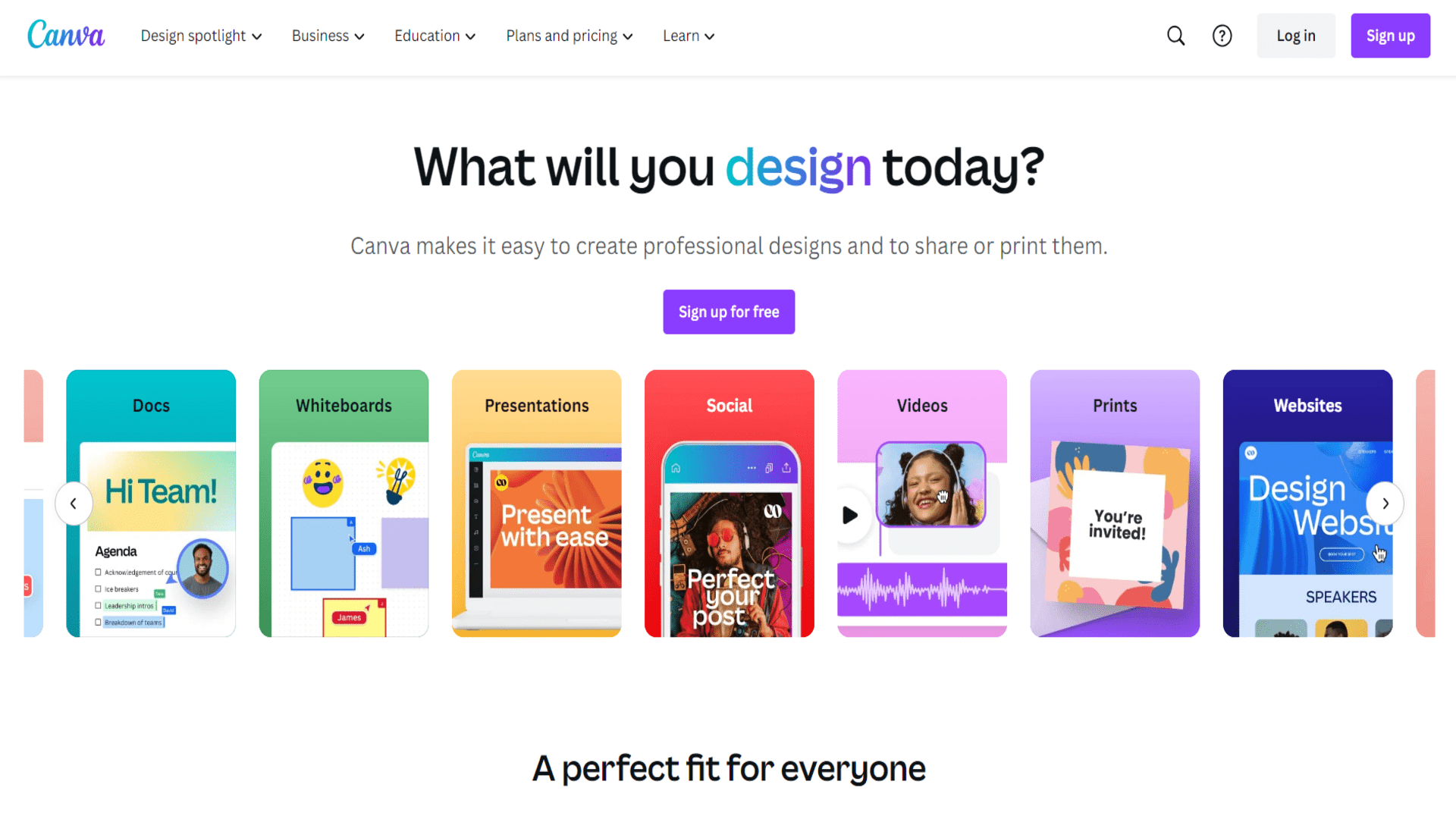
About Canva
Advertiser Disclosure: Futurepedia.io is committed to rigorous editorial standards to provide our users with accurate and helpful content. To keep our site free, we may receive compensation when you click some links on our site.
Key Features
- AI-Powered Design Suggestions: Canva uses AI to provide design suggestions and layout recommendations, helping users create aesthetically pleasing designs effortlessly.
- Extensive Template Library: With thousands of customizable templates for different purposes, Canva provides a head start on any design project.
- Drag-and-Drop Interface: Its user-friendly drag-and-drop interface allows even beginners to craft professional designs with ease.
- Collaboration Tools: Canva offers real-time collaboration features, enabling teams to work together seamlessly on design projects from anywhere.
Pros & Cons
Pros
- User-Friendly Experience: The intuitive interface ensures a smooth design process for users of all skill levels.
- Cost-Effective: Offers a free version with a wide array of features, making it accessible to everyone.
- Rich Resource Library: Provides access to millions of photos, icons, and graphics, enhancing design possibilities.
- Versatile Application: Suitable for a variety of design needs, from social media graphics to business presentations.
Cons
- Limited Advanced Features: Some professional designers may find the lack of advanced editing tools limiting.
- Internet Dependence: Requires a stable internet connection for optimal performance and access to features.
- Template Overuse: Popular templates can lead to designs that lack uniqueness if not customized adequately.