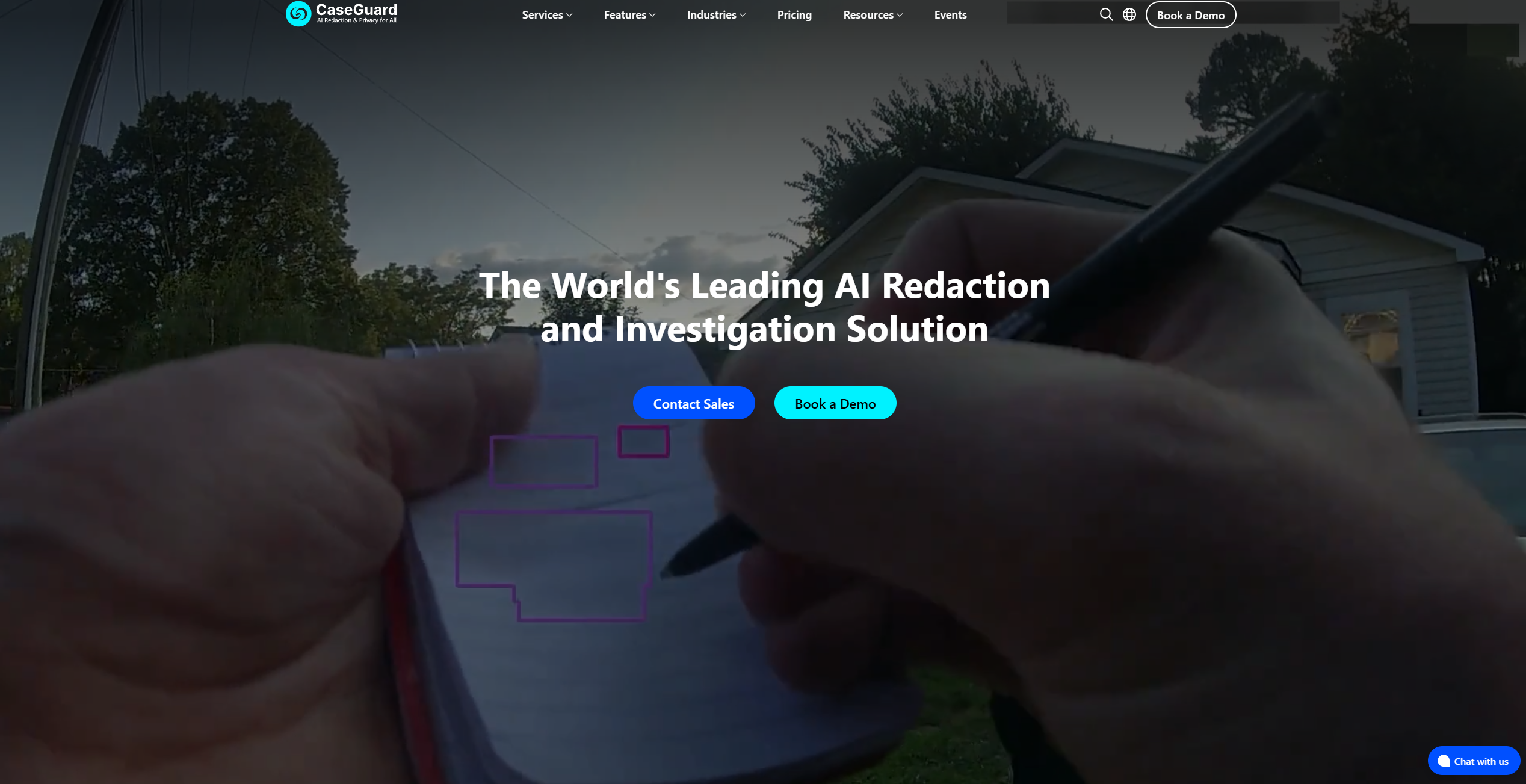
About CaseGuard Studio
Advertiser Disclosure: Futurepedia.io is committed to rigorous editorial standards to provide our users with accurate and helpful content. To keep our site free, we may receive compensation when you click some links on our site.
Key Features
- AI Video Redaction: Automatically detects and redacts faces, license plates, screens, and other sensitive elements in video footage with a single click.
- AI Audio Redaction: Offers tools to mute, bleep, and resample audio, ensuring sensitive information is concealed.
- AI Document Redaction: Quickly identifies and removes personally identifiable information (PII) from documents, including PDFs, Excel, and Word files.
- AI Image Redaction: Redacts sensitive elements in images, like faces and license plates, using advanced automatic detection features.
Pros & Cons
Pros
- Efficiency: Significantly reduces the time required for redaction tasks, allowing users to focus on more critical activities.
- User-Friendly: Intuitive interface makes it easy for users, even those with minimal technical expertise, to navigate and utilize the tool.
- Comprehensive Coverage: Supports redaction across multiple media types, from videos and audio to documents and images.
- Automation: Bulk redaction capabilities enable users to process large volumes of files with minimal effort.
Cons
- Initial Setup: Users may encounter a learning curve when setting up the software for the first time.
- Integration Limitations: Limited integration with some existing third-party platforms.