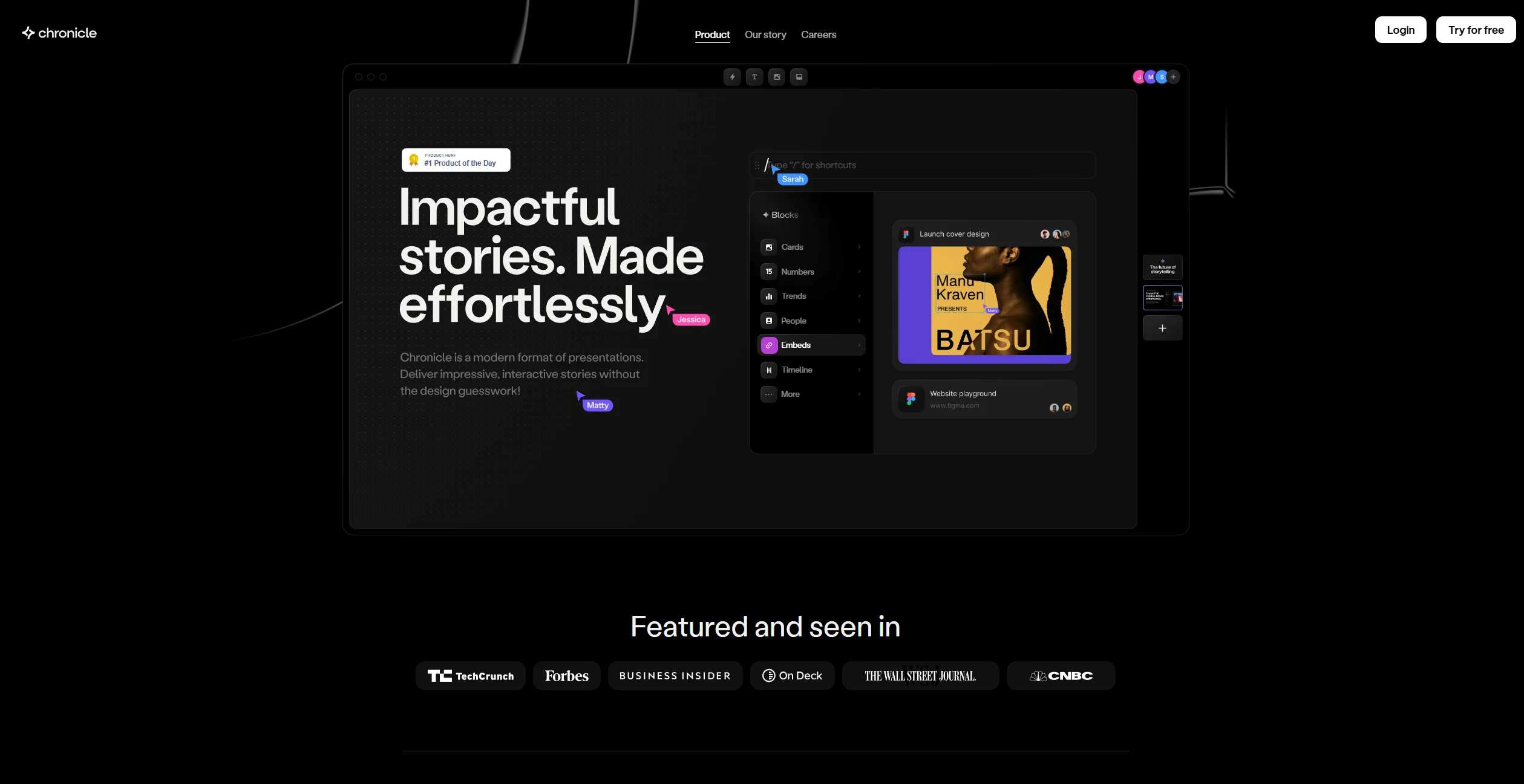
About Chronicle
Advertiser Disclosure: Futurepedia.io is committed to rigorous editorial standards to provide our users with accurate and helpful content. To keep our site free, we may receive compensation when you click some links on our site.
Key Features
- Widgets: Chronicle uses Widgets that provide pixel-perfect design, interactivity, and motion straight out of the box. This feature allows users to drag and drop elements on the canvas easily.
- Customization: The tool offers effortless customization options, ensuring that presentations maintain a professional look regardless of edits.
- Integration: Users can embed content from hundreds of tools, seamlessly integrating various outputs into their presentations.
- AI Assistance: Chronicle leverages AI to research, generate, and remix presentations, turning raw ideas into polished outputs in seconds.
Pros & Cons
Pros
- User-Friendly Design: The intuitive interface makes it easy for anyone to create professional presentations.
- Real-Time Collaboration: Enables teams to work together on presentations with seamless real-time collaboration features.
- Time-Saving: The AI-driven tools and shortcuts significantly reduce the time needed to create presentations.
- Engaging Outputs: With interactive effects and emotes, presentations become more engaging and fun.
Cons
- Learning Curve: Although user-friendly, some users might need time to explore all the features fully.
- Limited Mobile Features: While offering a mobile experience, some advanced features are best utilized on a desktop.