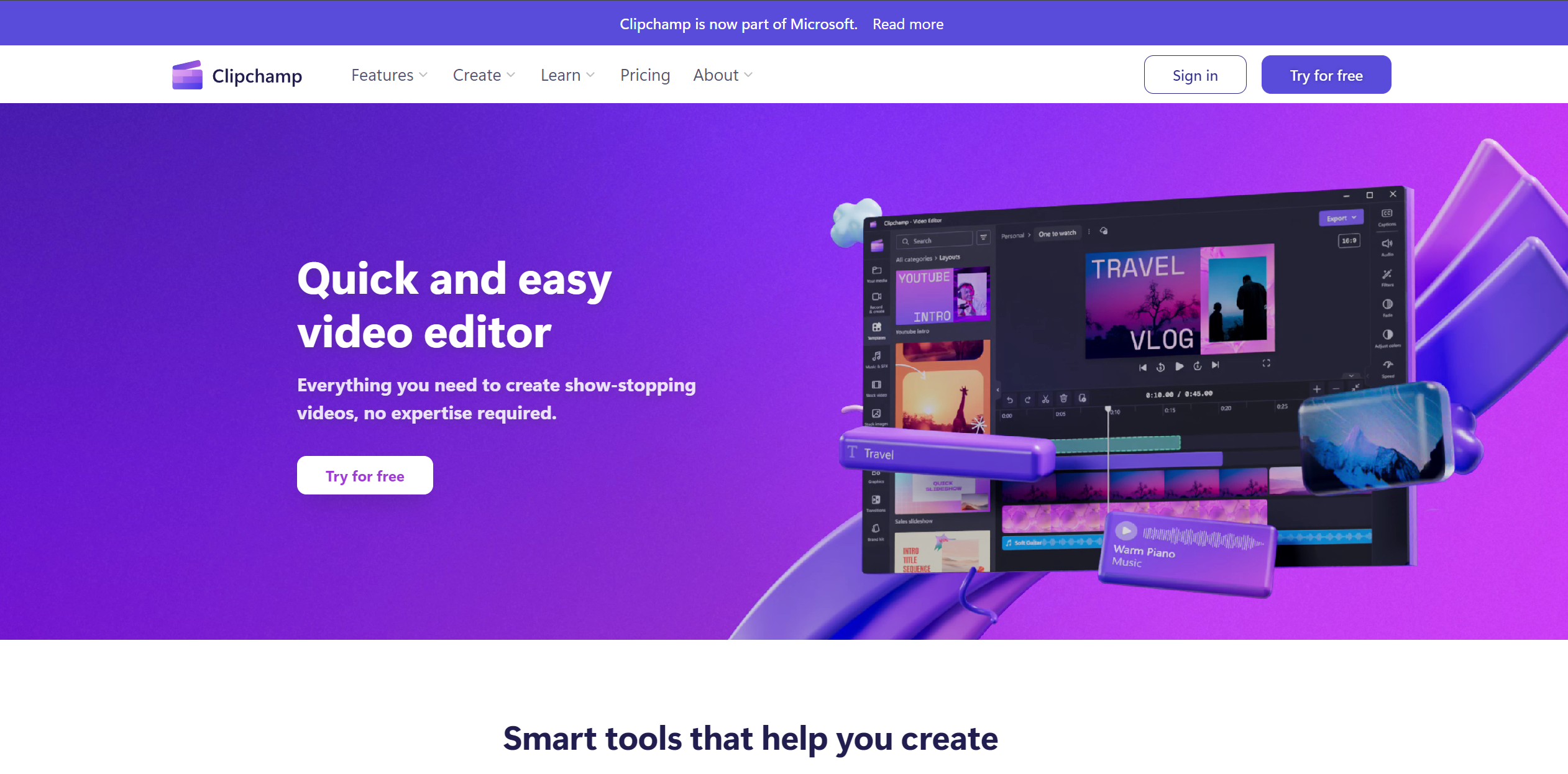
About Clipchamp
Advertiser Disclosure: Futurepedia.io is committed to rigorous editorial standards to provide our users with accurate and helpful content. To keep our site free, we may receive compensation when you click some links on our site.
Key Features
- Autocaptions: Automatically generates accurate captions in over 80 languages, leveraging advanced speech-to-text technology.
- Text to Speech: Converts text into natural-sounding speech in a variety of languages and voices.
- Resize Video: Easily adjust the aspect ratio of videos to fit different platforms, complete with background customization options.
- Speaker Coach: Offers valuable feedback on your speaking pace, pitch, and use of filler words to help improve your communication skills.
- Auto Compose: Utilizes AI to streamline the video creation process, transforming your media into engaging content.
- Royalty-Free Elements: Access to a vast library of royalty-free elements to enhance your videos without watermarks.
- Cross-Platform Accessibility: Available as an in-browser app, desktop app, and mobile app, ensuring flexibility and convenience for users.
Pros & Cons
Pros
- Ease of Use: Intuitive interface that simplifies the video editing process.
- High-Quality Output: Enables creation of high-definition videos (1080p) for professional-looking results.
- Versatility: Suitable for a wide range of users, from individuals to businesses and educators.
- Cost-Effective: Offers a robust free version and premium features accessible with a Microsoft365 subscription.
Cons
- Learning Curve: New users may need time to fully exploit the advanced features.
- Platform Limitations: Some premium features require a Microsoft365 subscription.
- Internet Dependency: Being primarily an online tool, a stable internet connection is crucial for uninterrupted usage.