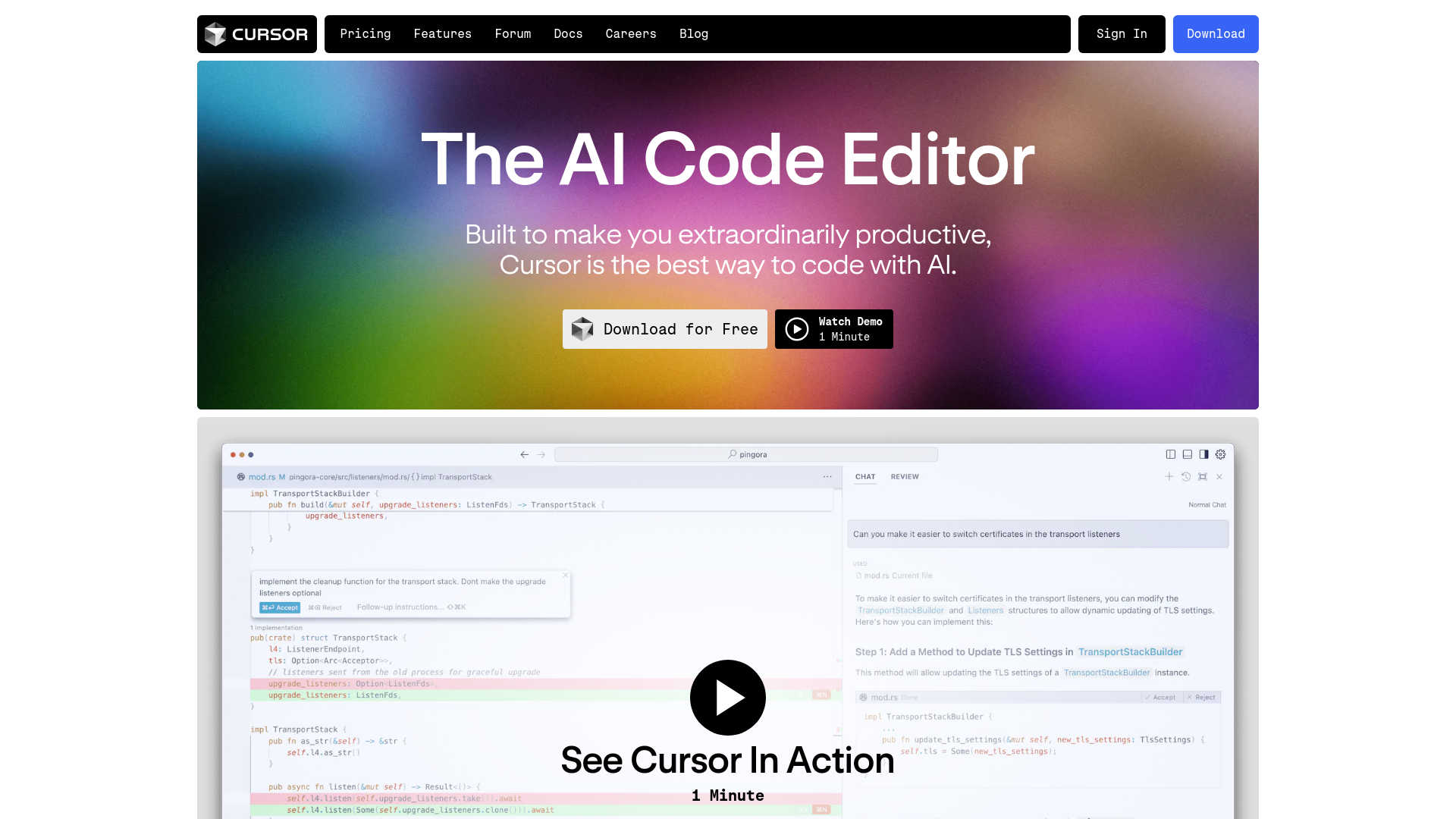
About Cursor
Advertiser Disclosure: Futurepedia.io is committed to rigorous editorial standards to provide our users with accurate and helpful content. To keep our site free, we may receive compensation when you click some links on our site.
Key Features
- AI-Powered Code Completion: Cursor’s Copilot++ predicts your next code edit, facilitating smooth and uninterrupted coding.
- Natural Language Coding: Update entire classes or functions using simple prompts with Cursor’s Cmd-K feature, simplifying complex coding tasks.
- Privacy and Security: Ensures your code remains confidential with SOC 2 certification and a privacy mode that prevents code from being stored on servers.
- Customization: Import your preferred extensions, themes, and keybindings, providing a familiar yet innovative coding environment.
- Integration with Existing Tools: Supports integration with your own API key and various tools, enhancing your coding workflow.
Pros & Cons
Pros
- Enhanced Productivity: Developers experience reduced coding time and increased efficiency.
- User-Friendly Interface: Intuitive design minimizes the learning curve and helps developers get started quickly.
- Advanced Security Features: SOC 2 certification and privacy mode ensure robust security and privacy.
- High Customizability: Adapts to personal coding preferences by allowing the importation of existing tools and settings.
Cons
- Dependency on Internet: Requires an internet connection to fully utilize AI features.
- Platform Compatibility: Limited to its own editor, which might require transitioning from other popular code editors like VSCode.
- Learning Curve for Advanced Features: While basic features are user-friendly, mastering advanced functionalities may take time.