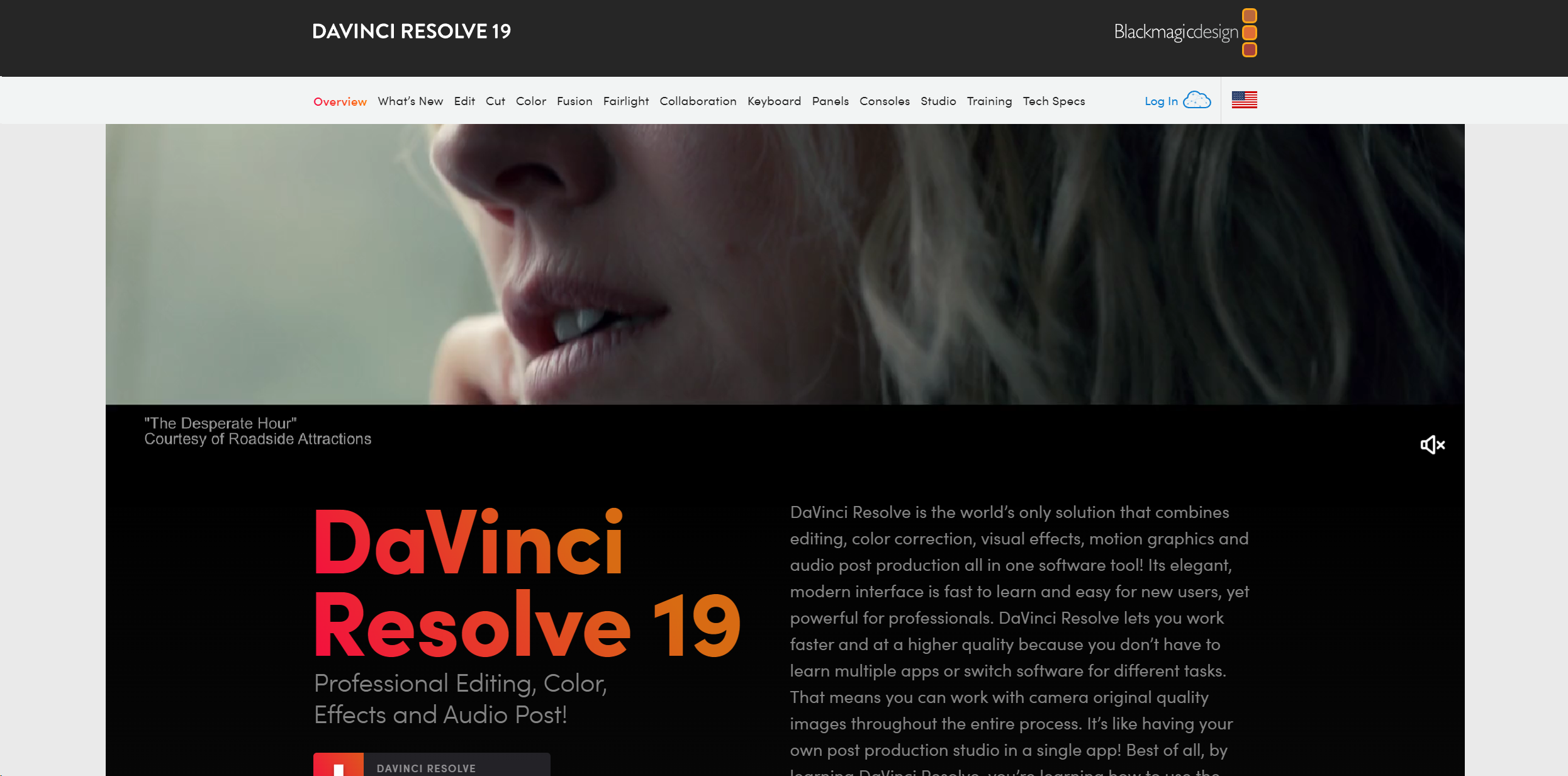
About DaVinci Resolve
DaVinci Resolve 19 is not just any video editing software; it's a comprehensive suite designed for high-end film and television post-production. Combining editing, color correction, visual effects, motion graphics, and audio post-production all in one software tool, DaVinci Resolve simplifies the post-production process, allowing you to stay in one program from start to finish. Aimed at professionals in the industry as well as enthusiastic amateurs, its robust feature set is crafted to handle projects from large cinema productions to quick-paced television content.
Key Features
- Professional Editing Tools: DaVinci Resolve includes both traditional nonlinear editing interfaces and a revolutionary cut page with streamlined workflows.
- Advanced Color Correction: Recognized as the industry standard for color grading, it offers a wide gamut workspace and powerful features that allow precise control over color and lighting effects.
- Fusion VFX: A node-based interface that provides vast capabilities for creating complex visual effects and motion graphics right within the software.
- Fairlight Audio Post: Integrated professional tools for audio post-production, capable of handling up to 2,000 tracks with real-time effects and processing.
- Multi-User Collaboration: Real-time collaboration features let multiple users work on the same project simultaneously, a game-changer for larger production teams.
- DaVinci Neural Engine: Utilizes machine learning to enable powerful features like facial recognition and scene cut detection, enhancing both creative possibilities and editing efficiency.
Pros & Cons
Pros
- All-In-One Solution: Integrates all aspects of post-production into one application, reducing the need for multiple software solutions.
- Industry-Standard Quality: Offers professional-grade tools that are used in Hollywood, ensuring high-quality output.
- Customizable Interface: Highly adaptable to various workflows and user preferences, enhancing productivity.
- Extensive Format Support: Compatible with virtually all video formats, making it highly versatile for any post-production task.
Cons
- Steep Learning Curve: The vast array of features can be overwhelming for beginners.
- Resource-Intensive: Requires a robust hardware setup to utilize all features smoothly.
- Limited Third-Party Plugin Support: While powerful, it could offer more in terms of third-party integrations and extensions.