About DeepL Translator
Advertiser Disclosure: Futurepedia.io is committed to rigorous editorial standards to provide our users with accurate and helpful content. To keep our site free, we may receive compensation when you click some links on our site.
Key Features
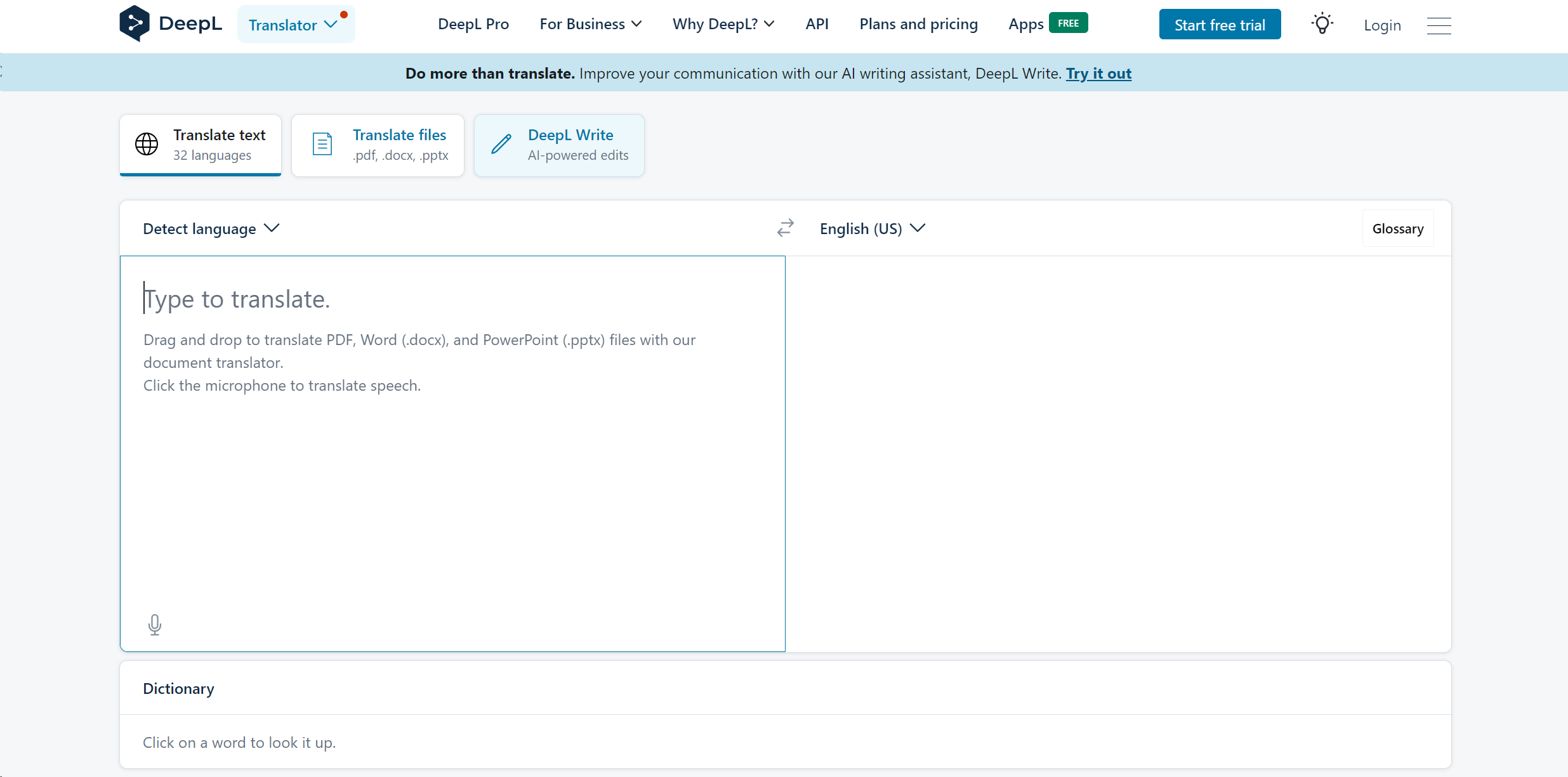
- Accurate Translations: Leverages advanced machine learning to provide translations that are often more accurate and contextually appropriate than competitors.
- Multiple Language Support: Supports translations between 32 languages, including popular and less commonly spoken languages.
- Document Translation: Users can directly upload and translate documents in formats like PDF, .docx, and .pptx, maintaining the original layout.
- DeepL Write: Enhances written content by checking grammar, rephrasing sentences, and suggesting tone adjustments.
Pros & Cons
Pros
- High Translation Quality: Translations are not only quick but also of high quality, capturing nuanced meanings better than many other tools.
- User-Friendly Interface: The platform is straightforward to navigate, making it accessible even to those who are not tech-savvy.
- Secure Data Handling: Offers maximum data security, especially with the DeepL Pro version, ensuring user data is handled with the utmost confidentiality.
- Versatile Application: Useful for a broad range of users from students to professionals across various industries.
Cons
- Character Limit in Free Version: The free version has a limit of 3,000 characters and three document translations per month, which might be restrictive for heavy users.
- Limited Offline Capabilities: Lacks an extensive offline functionality, which could be a drawback for users with unstable internet connections.
- Subscription Cost: While it offers a free trial, continuous access to all features requires a subscription, which might not suit all budgets.