About Fellow
Advertiser Disclosure: Futurepedia.io is committed to rigorous editorial standards to provide our users with accurate and helpful content. To keep our site free, we may receive compensation when you click some links on our site.
Key Features
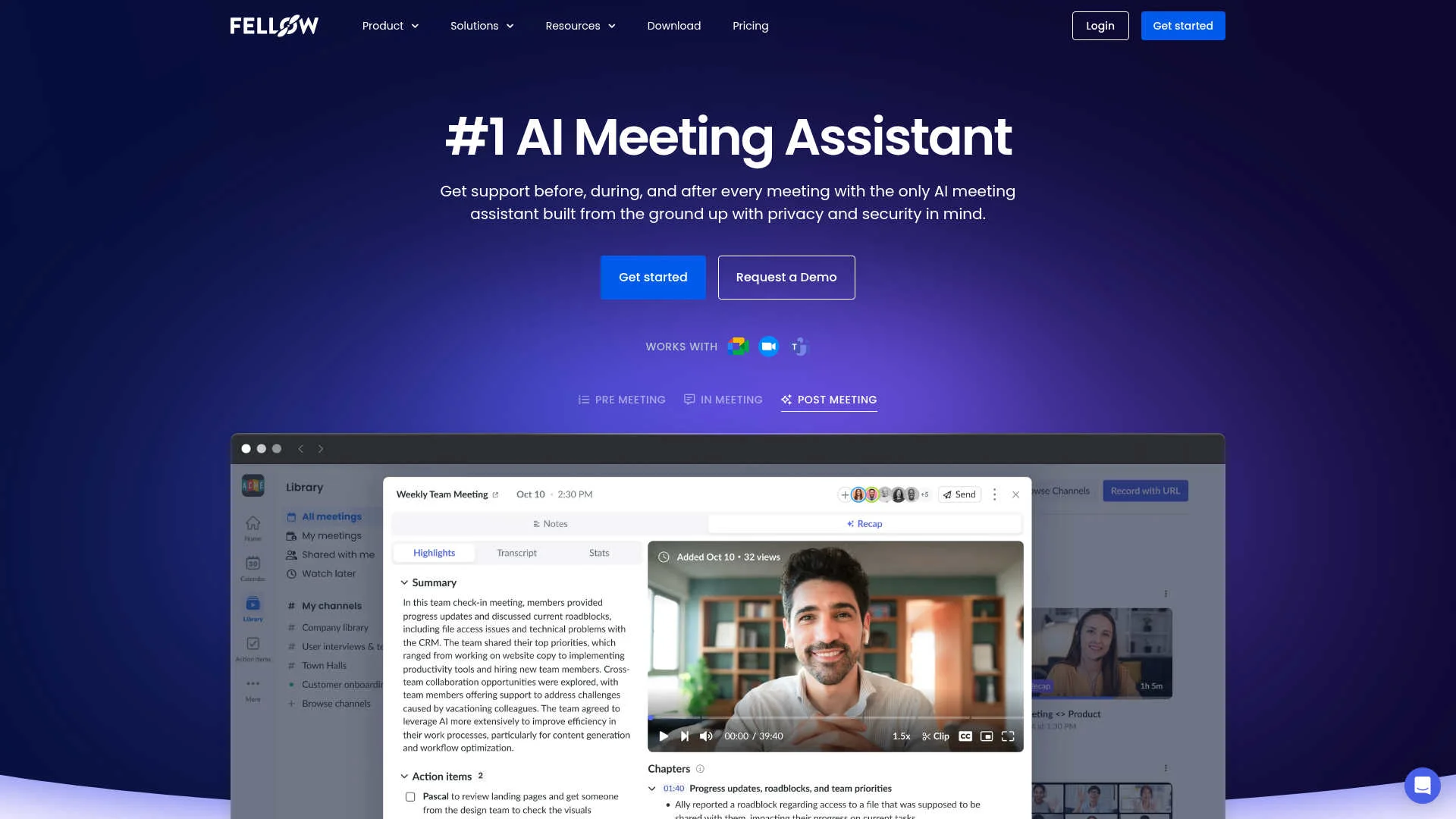
- AI-Driven Meeting Notes: Automatically captures detailed notes and action items during meetings, enabling participants to concentrate on the conversation without distraction.
- Comprehensive Meeting Insights: Utilize the "Ask Fellow" feature to gain insights on meetings you missed, ask questions about specific meetings, and even draft follow-up emails.
- Centralized Recordings and Summaries: All meeting recordings and summaries are stored in one accessible location, with privacy controls to manage who can view them.
- CRM Automation: Seamlessly updates CRM systems by syncing meeting information and suggesting fields to update based on discussions.
Pros & Cons
Pros
- Time Efficiency: Streamlines the meeting process by automating note-taking and follow-ups, leading to significant time savings.
- Enhanced Collaboration: Facilitates collaborative agendas and pre-meeting briefs, ensuring all participants are well-prepared.
- Privacy and Security: Prioritizes user privacy with robust control settings over who can access meeting notes and recordings.
- Integration Capabilities: Connects with over 50 tools, integrating seamlessly into existing workflows.
Cons
- Initial Learning Curve: Users may need time to become familiar with all features and functionalities.
- Dependency on Internet: Requires a stable internet connection for optimal performance.