About Wispr Flow
Advertiser Disclosure: Futurepedia.io is committed to rigorous editorial standards to provide our users with accurate and helpful content. To keep our site free, we may receive compensation when you click some links on our site.
Key Features
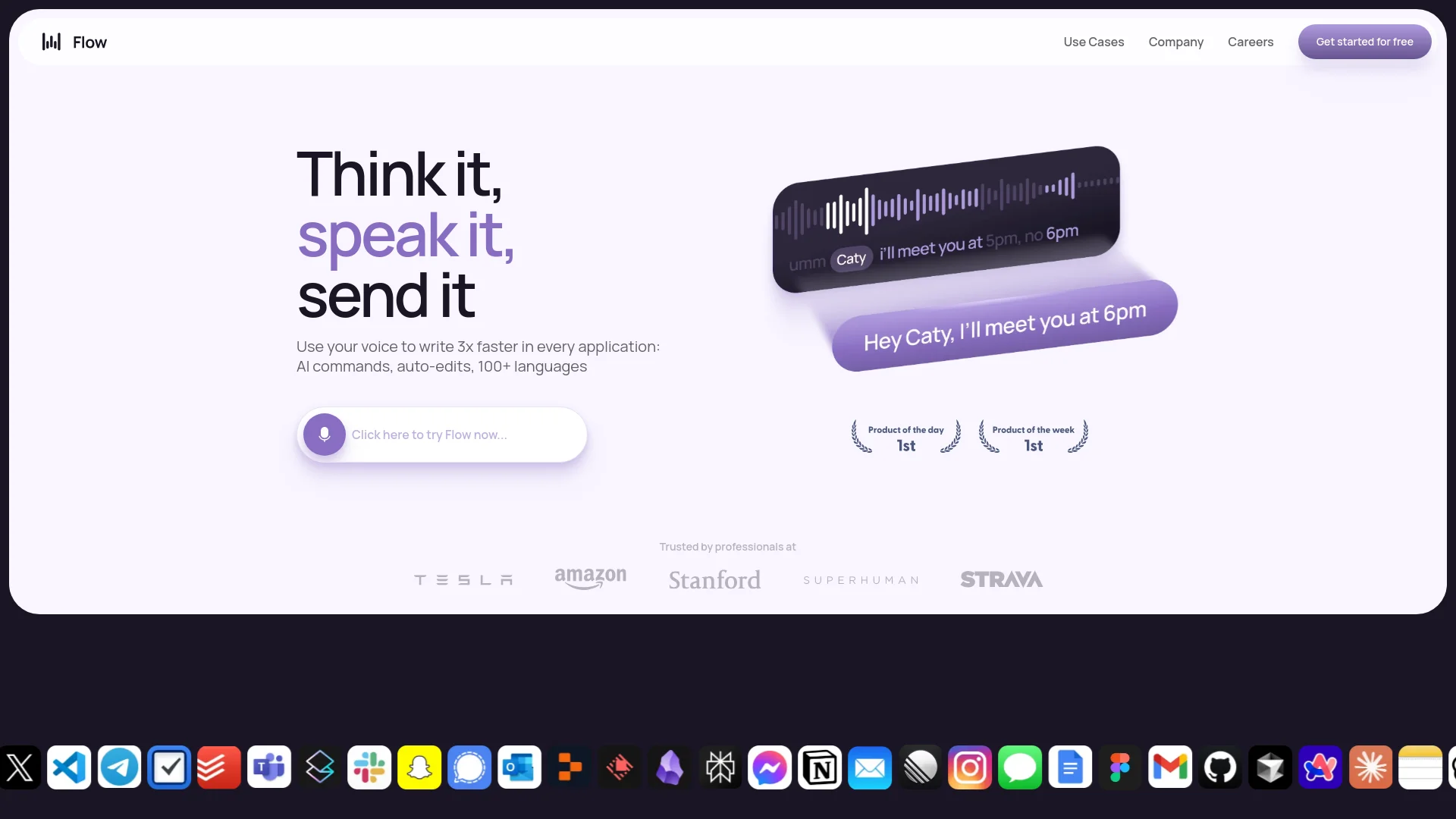
- AI Commands and Auto-Edits: Wispr Flow incorporates advanced AI-driven commands to facilitate seamless document management and auto-editing, ensuring your voice inputs are accurate and polished.
- Multi-Language Support: With support for over 100 languages, Wispr Flow caters to a global audience, making it a versatile tool for multilingual users.
- Context-Aware Voice Typing: The tool adapts to different contexts, whether you're drafting an email or coding, ensuring appropriate tone and syntax.
- Tone Match: Wispr Flow personalizes the dictation experience by adjusting to your unique voice and style, enhancing communication consistency across different platforms.
Pros & Cons
Pros
- Time Efficiency: Allows users to dictate and edit documents significantly faster than traditional typing, saving valuable time.
- Enhanced Accuracy: Offers high precision in voice recognition, minimizing errors and reducing the need for manual corrections.
- User-Friendly Interface: The intuitive design ensures a smooth user experience, even for those new to voice dictation.
- Versatile Usage: Compatible with various applications, making it a flexible tool for different professional and personal needs.
Cons
- Initial Learning Curve: New users may require some time to fully adapt to the advanced features and voice commands.
- Limited Free Usage: The free tier restricts users to 2,000 words per week, which might not suffice for heavy users.