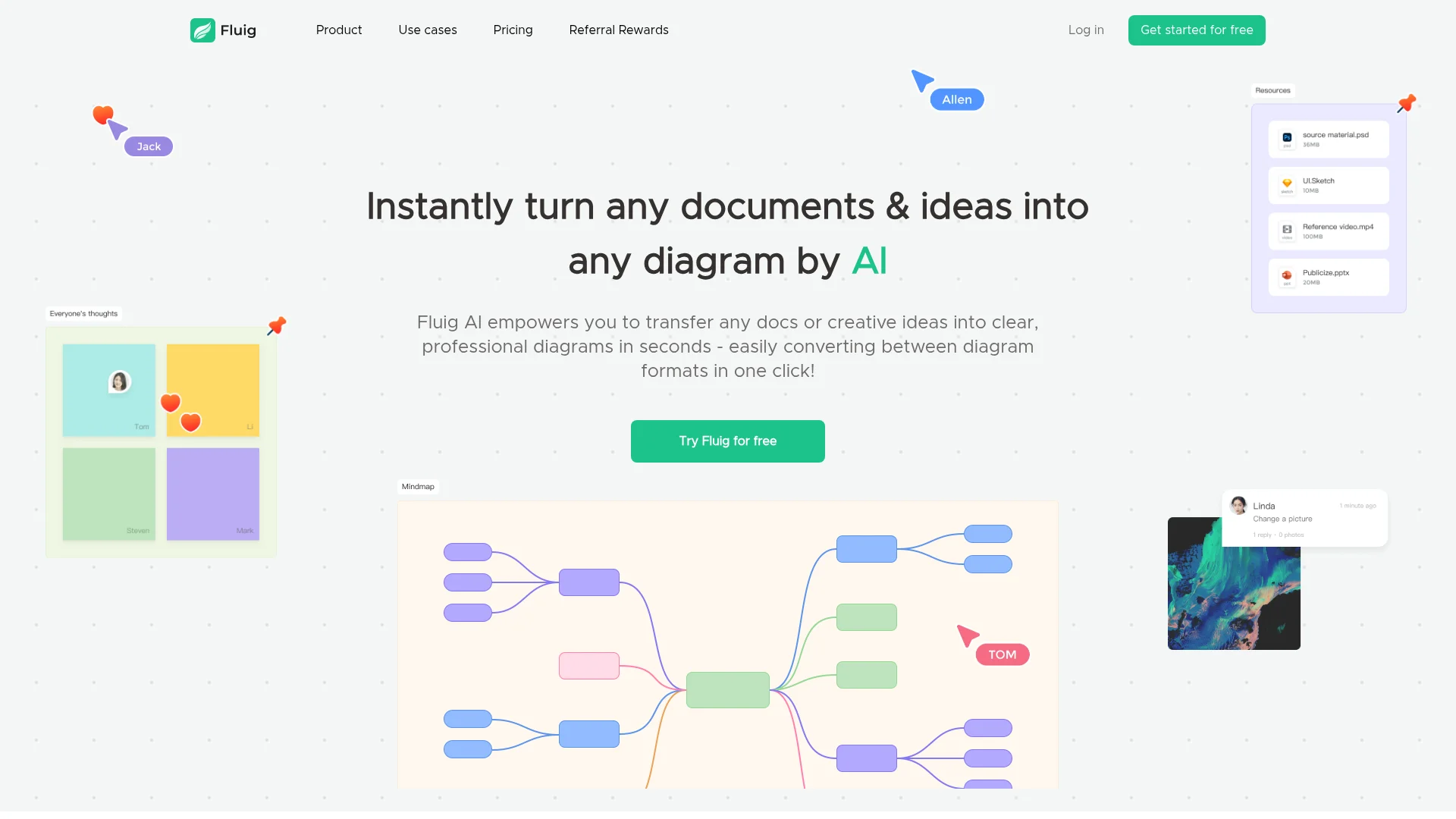
About Fluig AI
Advertiser Disclosure: Futurepedia.io is committed to rigorous editorial standards to provide our users with accurate and helpful content. To keep our site free, we may receive compensation when you click some links on our site.
Key Features
- Instant Diagram Conversion: Fluig AI can turn documents, images, and URLs into diagrams with a single click, saving time and effort.
- Format Flexibility: Easily switch between diagram formats like mind maps, flowcharts, and tables, allowing for versatile presentation options.
- Real-Time Collaboration: Share and discuss ideas with others in real-time using features like online comments and sticky notes.
- Infinite Canvas: Work on an expansive canvas that accommodates various scenarios and roles, enhancing creativity and productivity.
Pros & Cons
Pros
- Time-Saving: Quickly converts content into diagrams, significantly reducing the time spent on manual design tasks.
- User-Friendly: No need for design or technical skills to use effectively.
- Versatile Application: Supports a wide range of diagram formats suitable for different professional needs.
- Free Trial Available: Users can explore premium features without any upfront payment.
Cons
- Initial Learning Curve: Users may need a little time to familiarize themselves with all available features.
- Limited Free Usage: The free version limits the number of diagrams and AI credits.