About GitMind AI
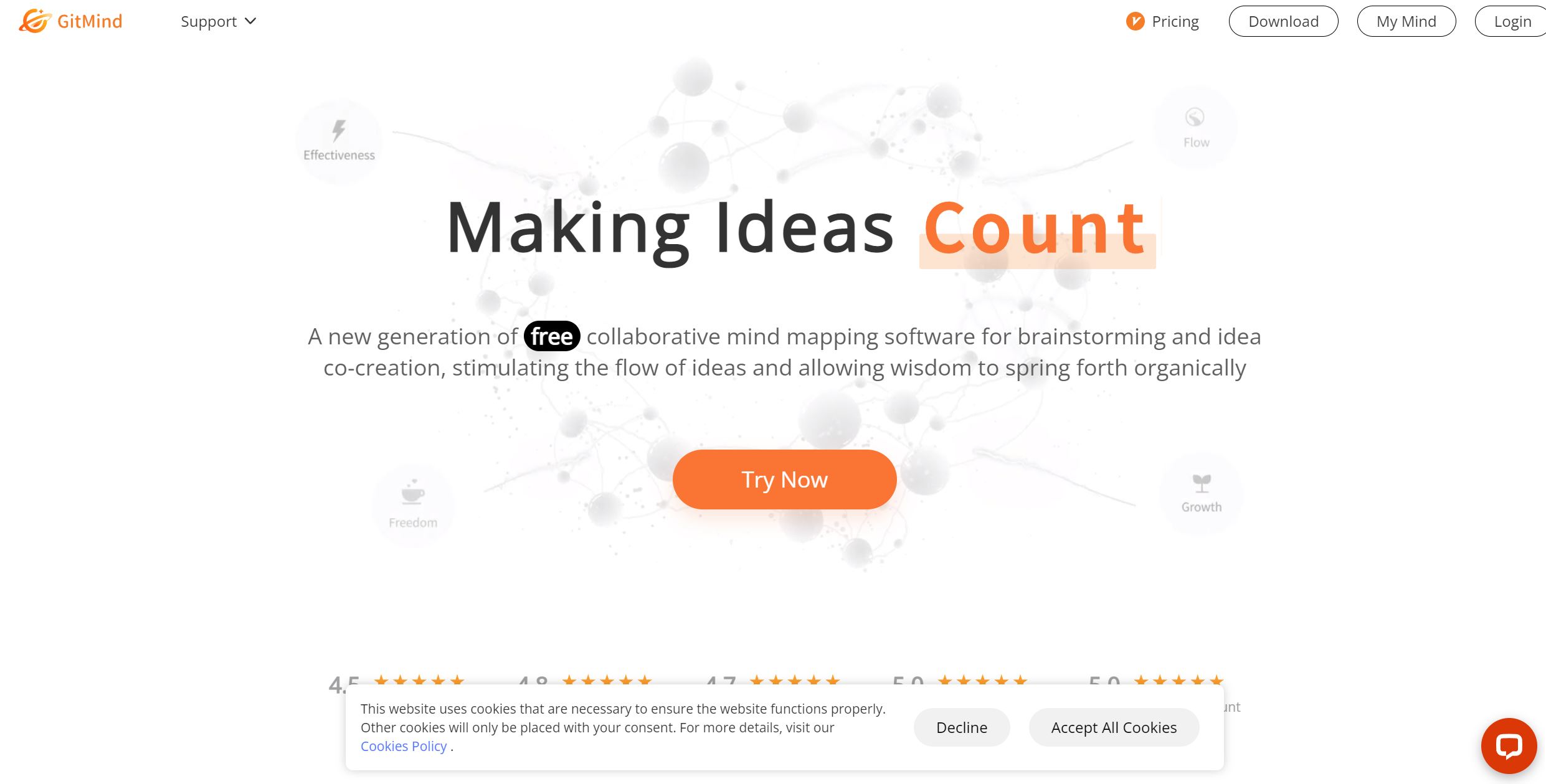
GitMind revolutionizes mind mapping, offering a comprehensive suite of tools for creating dynamic flowcharts, whiteboards, and organizational diagrams. Designed for individuals and teams, it simplifies brainstorming and knowledge management, fostering an environment where ideas can flourish and evolve seamlessly. With its AI-powered features, GitMind not only enhances the creative process but also supports effective collaboration across various platforms.
Key Features
- AI-Powered Mind Mapping: GitMind leverages artificial intelligence to transform textual prompts into structured mind maps, streamlining the brainstorming process.
- Collaborative Whiteboards: The platform supports real-time collaboration, allowing multiple users to work together on mind maps and flowcharts simultaneously.
- File to Mind Map Conversion: Users can convert documents into mind maps, making information digestion more intuitive and visually engaging.
- YouTube Video Summarizer: This feature extracts key points from videos, providing concise summaries and enhancing productivity.
Pros & Cons
Pros
- User-Friendly Interface: GitMind offers an intuitive design that requires minimal learning curve, making it accessible for users of all skill levels.
- Versatile Applications: Suitable for various tasks such as note-taking, presentation creation, and brainstorming sessions.
- Cost-Effective Solution: With a free tier available, GitMind provides substantial value without the need for significant investment.
- Cross-Platform Availability: Accessible on web and mobile devices, ensuring flexibility and convenience for users on the go.
Cons
- Limited Third-Party Integrations: While functional, GitMind's integration capabilities with other software are somewhat restricted, which might limit its use in more complex workflows.
- Initial Setup Requirements: Some users may find the initial setup and customization process time-consuming.