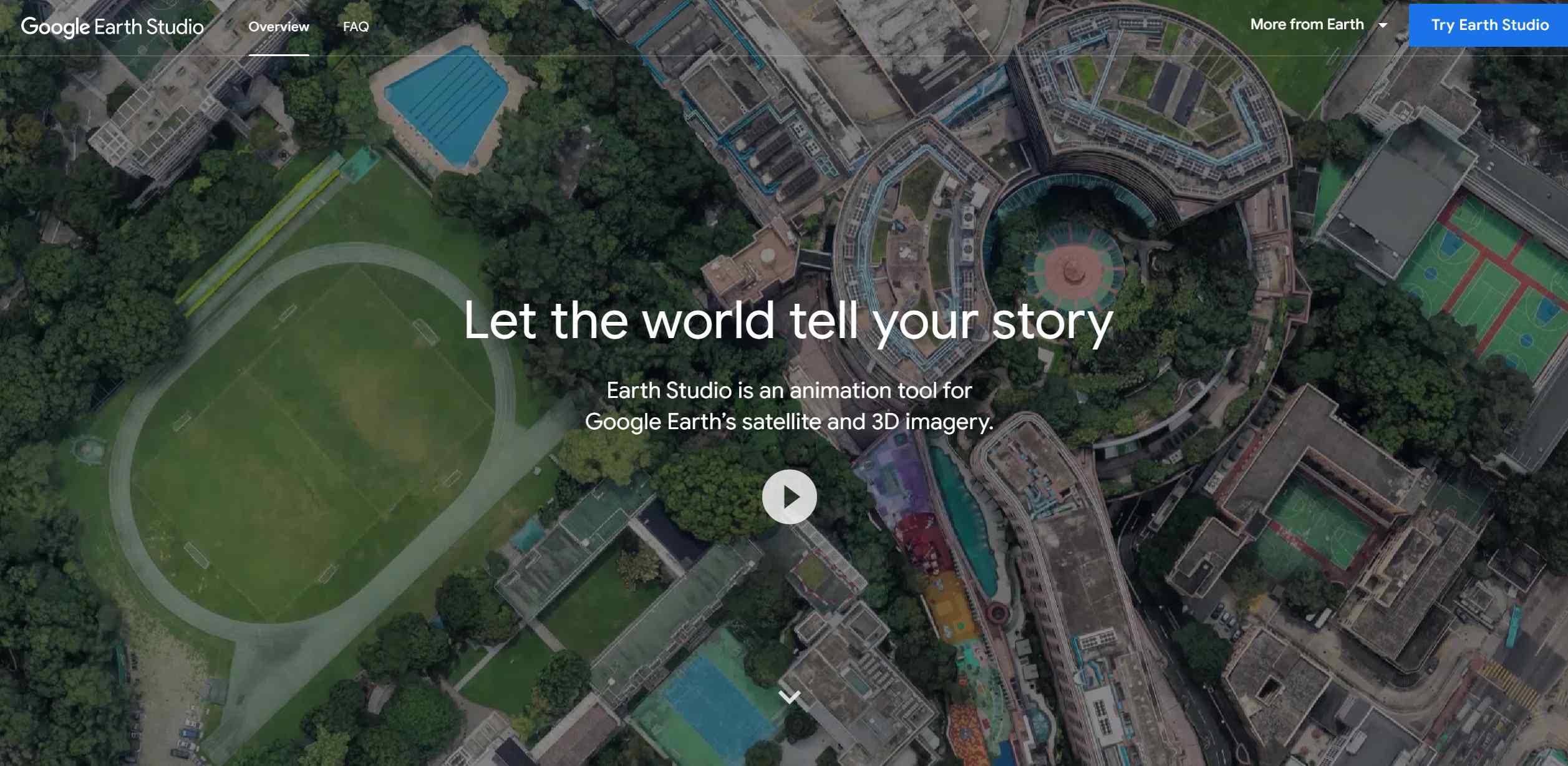
About Google Earth Studio
Advertiser Disclosure: Futurepedia.io is committed to rigorous editorial standards to provide our users with accurate and helpful content. To keep our site free, we may receive compensation when you click some links on our site.
Key Features
- Keyframe Animation: Utilizes keyframes to animate camera movements and the globe itself, similar to industry-standard animation software.
- Quick-Start Templates: Offers up to five templates for quick creation of animations such as orbits or point-to-point flights, suitable for users without prior animation experience.
- Animatable Effects: Allows users to animate attributes like the sun's position and the camera's field of view, adding depth and realism to scenes.
- 3D Camera Export: Supports camera export to Adobe After Effects for post-production enhancements such as adding map labels and pins.
Pros & Cons
Pros
- Immersive Storytelling: Provides a unique platform for creating compelling narratives with a geographic element.
- Ease of Use: Intuitive interface and templates make it accessible for beginners and professionals alike.
- High-Quality Imagery: Leverages Google Earth's high-resolution satellite and 3D imagery for stunning visuals.
- Free to Use: Available at no cost, making it accessible for educators and content creators on a budget.
Cons
- Browser Limitations: Works only with the desktop version of Google Chrome, limiting accessibility for users of other browsers.
- Learning Curve: While user-friendly, mastering all features may take some time.
- Export Options: Limited to Adobe After Effects for camera export, which may not suit all users' workflows.