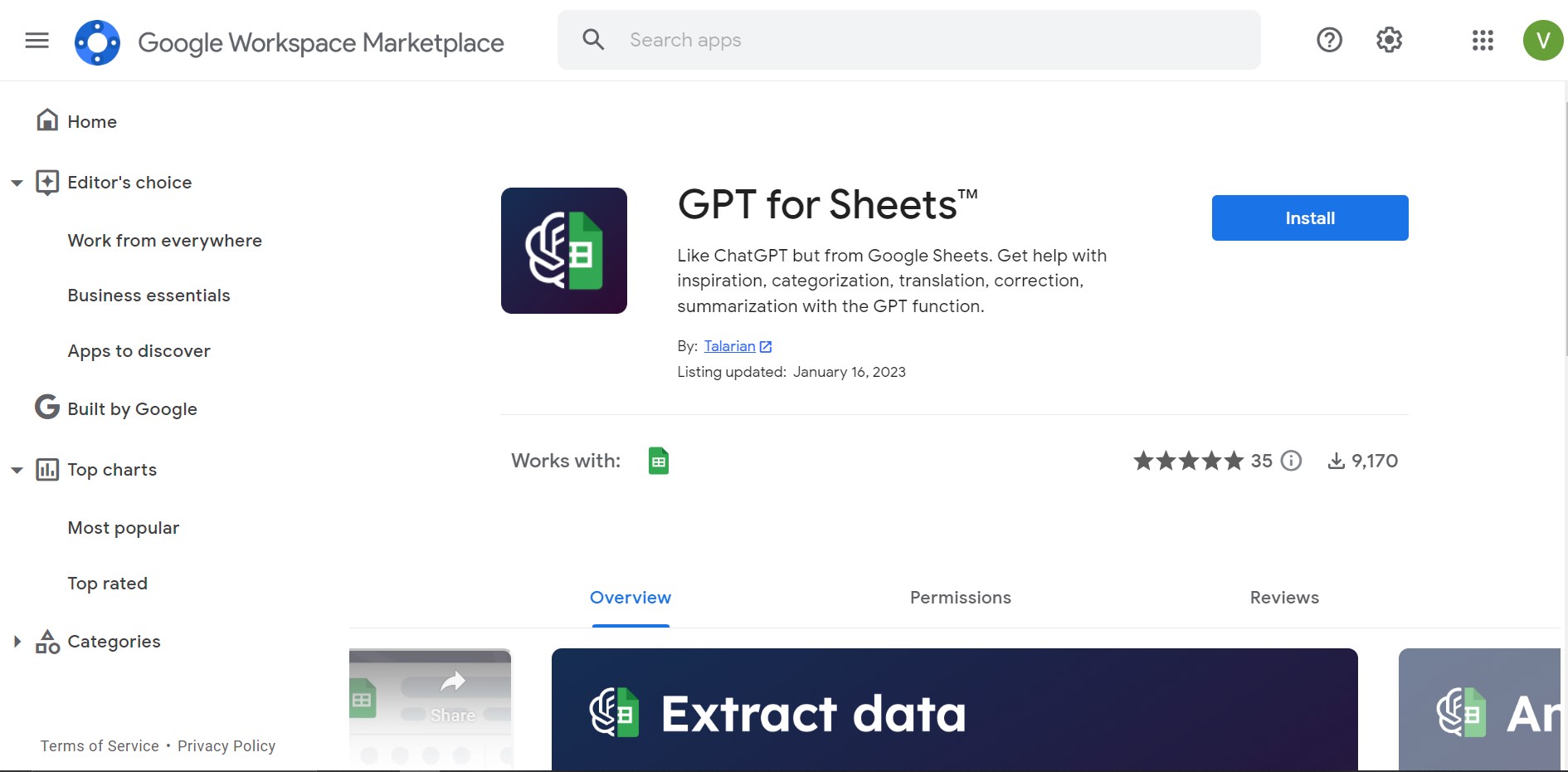
About GPT for Sheets and Docs
GPT for Sheets and Docs is an innovative AI tool designed to seamlessly integrate the capabilities of generative AI models directly into Google Sheets™ and Docs™. As someone who has reviewed numerous AI tools, I found this one particularly intriguing for its promise of bringing the full power of AI, including ChatGPT and other models like GPT-3.5, GPT-4 Turbo, and Claude AI, into the familiar interfaces of Google's most popular productivity apps. This tool caters to both individual users and professionals seeking to enhance their productivity in data handling, content creation, and more, by automating tasks such as data cleaning, classification, extraction, translation, editing, and summarization directly within Sheets and Docs.
Key Features
- Bulk Processing Capabilities: Ideal for handling tasks at scale, such as rewriting, categorizing, and clustering data in Google Sheets™.
- Diverse Model Selection: Access to a range of models including OpenAI's GPT-3.5, GPT-4 Turbo, GPT-4, GPT-4 Vision, Anthropic's Claude 3, and Perplexity's sonar-small-online.
- Versatile Use Cases: Supports a wide array of text-based tasks, from writing and editing to summarizing and translating, across both Sheets and Docs.
- Ease of Integration: Designed to work effortlessly within the Google Workspace environment, requiring minimal setup for immediate use.
Pros & Cons
Pros
- Enhanced Productivity: Dramatically reduces the time needed for data-related tasks and content creation.
- Cost-Effective Solution: Offers a free tier with optional paid features, providing flexibility for businesses and individuals.
- User-Friendly Interface: Intuitive design that integrates smoothly with Sheets and Docs, making it accessible for users of all skill levels.
- Support and Documentation: Comes with comprehensive documentation and responsive support, ensuring users can maximize the tool's potential.
Cons
- Learning Curve: New users may need some time to familiarize themselves with the tool's full range of capabilities.
- Model Costs: While the tool itself is affordable, extensive use of certain AI models may incur additional costs.
- Integration Limitations: Primarily designed for Google Workspace, which may limit its use for those reliant on other productivity suites.