About GPTConsole
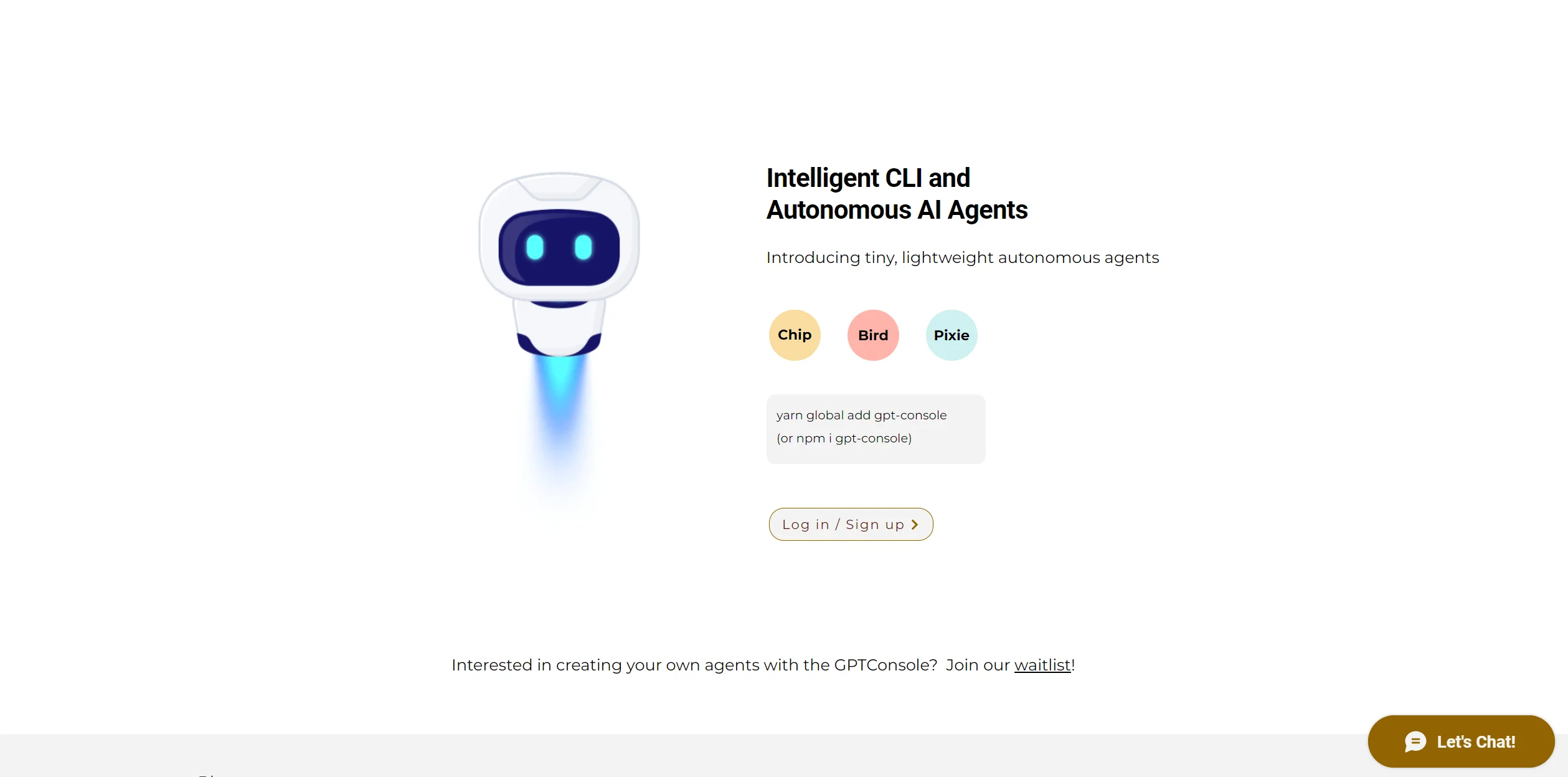
GPTConsole is a cutting-edge AI tool designed to revolutionize the way developers interact with artificial intelligence. This platform is dedicated to creating, sharing, and monetizing AI agents, offering specialized AI workers that not only provide information but also perform tasks for extended periods. With its focus on simplifying complex AI agent development processes—such as event chaining, lifecycle management, and memory handling—GPTConsole empowers developers to concentrate on setting agent objectives. This tool is particularly tailored for developers seeking to generate production-ready applications, build features for existing apps, and even create animated doodles.
Key Features
- Developer-Focused Platform: Built by developers for developers, GPTConsole offers a CLI tool accessible through npm or yarn, allowing seamless integration and direct command-line access to AI agents.
- Flexible Data Infrastructure: GPTConsole's data infrastructure supports efficient AI agent lifecycle management, ensuring agents can perform tasks continuously and effectively.
Pros & Cons
Pros
- Customizable AI Solutions: Developers can tailor AI agents to specific business needs, enhancing productivity and innovation.
- Seamless Integration: Easily integrates with existing codebases and developer workflows, particularly through tools like Chip that interact with GitHub repositories.
- Cost-Effective Pricing: Offers a flexible pricing model, including free credits on sign-up and pay-as-you-go options, making it accessible for various budgets.
- Community and Support: Backed by a community of over 5000 developers, GPTConsole provides robust support and resources for users.
Cons
- Initial Learning Curve: New users may need time to familiarize themselves with the tool's full capabilities and integration options.
- Limited to Developer Use: Primarily designed for developers, which may not suit users from non-technical backgrounds.
- Requires Command Line Use: Some features necessitate command-line knowledge, which might be challenging for those unfamiliar with CLI tools.