About Grammarly
Advertiser Disclosure: Futurepedia.io is committed to rigorous editorial standards to provide our users with accurate and helpful content. To keep our site free, we may receive compensation when you click some links on our site.
Key Features
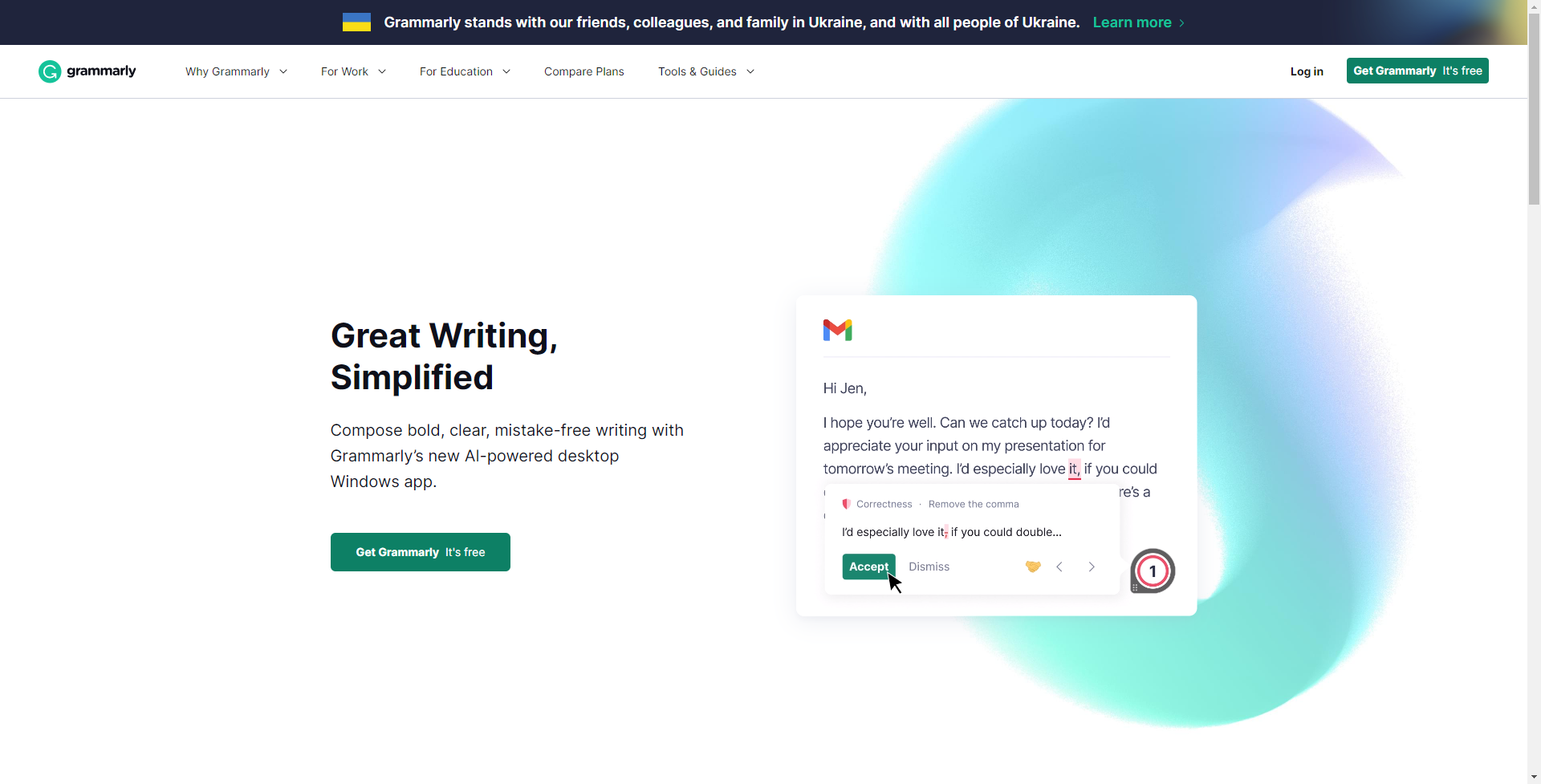
- Advanced Grammar Checker: Grammarly meticulously scans your writing for hundreds of types of grammatical mistakes, from basic to advanced.
- Contextual Spelling Correction: It identifies and corrects misspelled words, considering the context of their usage.
- Vocabulary Enhancement Suggestions: The tool suggests synonyms and better word choices to elevate your writing style.
- Plagiarism Detection: Grammarly can compare your text against billions of web pages to check for plagiarism and originality.
- Writing Style Customization: It allows you to set goals based on intent, audience, style, and emotion to tailor your writing to the desired impact.
- Tone Detection: The AI analyzes your word choice and phrasing to give feedback on the tone of your writing.
Pros & Cons
Pros
- Enhanced Writing Quality: Grammarly helps to ensure your writing is not only correct but also clear and concise.
- Time-Saving: The tool's real-time suggestions can drastically reduce editing and proofreading time.
- Versatility: Grammarly is available as a browser extension, desktop app, and mobile keyboard, making it accessible across various devices and platforms.
- User-Friendly Interface: Its intuitive design is suitable for both amateur writers and professionals, streamlining the user experience.
Cons
- Internet Dependency: Requires an internet connection for most features, limiting offline utility.
- Limited Free Version: While useful, the free version includes only basic features, with more advanced options locked behind a premium subscription.