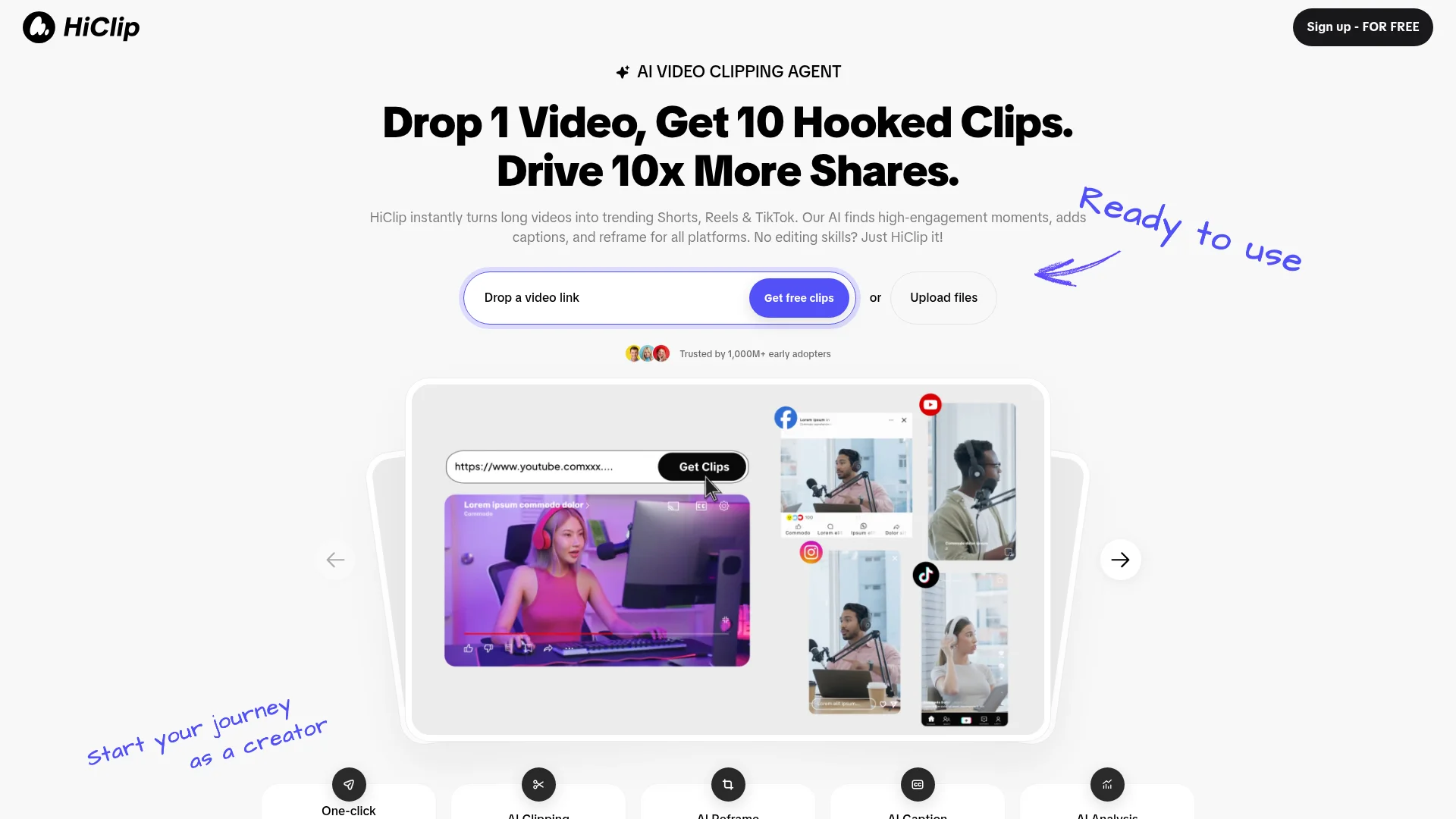
About HiClip
Advertiser Disclosure: Futurepedia.io is committed to rigorous editorial standards to provide our users with accurate and helpful content. To keep our site free, we may receive compensation when you click some links on our site.
Key Features
- AI Clipping: Automatically extracts the most engaging moments from your videos, ensuring each clip captures attention.
- AI Reframe: Adjusts the video framing to suit different social media formats, making it easy to repurpose content across platforms.
- AI Caption: Generates captions with suggested trending hashtags, enhancing the discoverability of your content.
- Context-Aware Analysis™: Utilizes advanced algorithms to track engagement signals like visual dynamics, audio cues, and semantic context for optimal clip selection.
Pros & Cons
Pros
- Time Efficiency: Users report saving over 85% of their editing time, turning a 30-minute manual task into a 20-second automated process.
- User-Friendly: Designed for those with no editing skills, making video content creation accessible to everyone.
- Multi-Platform Support: Supports a variety of input formats and exports clips in over 10 presets tailored for different social media platforms.
- High Engagement: By focusing on high-engagement moments, the tool helps drive more shares and interactions on social media.
Cons
- Initial Learning Curve: New users might need some time to familiarize themselves with all the features.
- Limited Manual Control: While automation is a key selling point, users seeking detailed manual editing options might find it lacking.
- Platform Dependency: Relies heavily on social media trends, which might not suit all types of content or audiences.