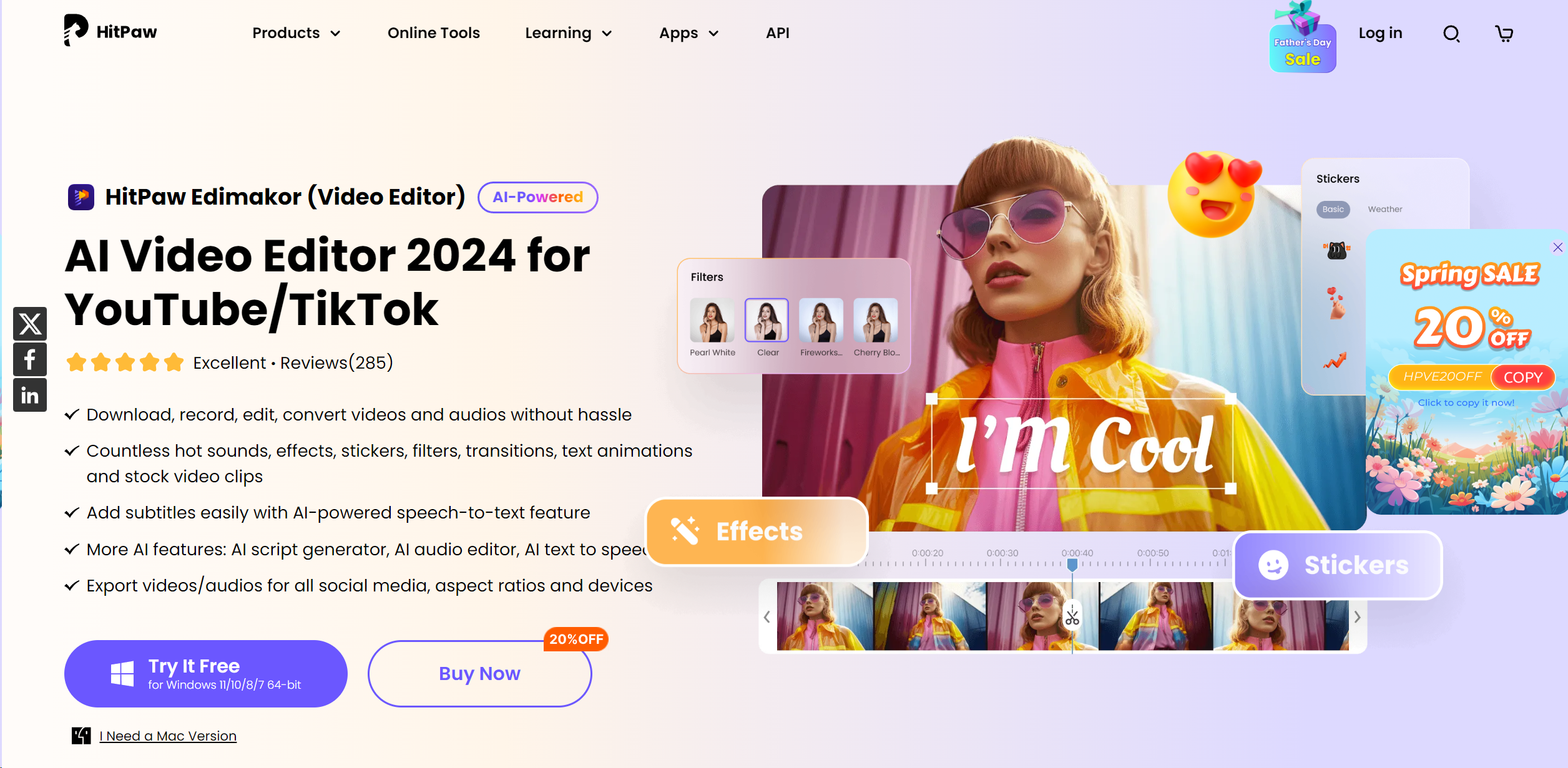
About HitPaw Edimakor
Advertiser Disclosure: Futurepedia.io is committed to rigorous editorial standards to provide our users with accurate and helpful content. To keep our site free, we may receive compensation when you click some links on our site.
Key Features
- AI-Powered Subtitle Generation: Automatically transcribes spoken words to text, significantly easing the subtitle creation process.
- Advanced Video Effects: Includes a vast library of filters, stickers, transitions, and text animations to enhance visual appeal.
- Speed Adjustment Tools: Allows for easy adjustments of video playback speed to create dynamic effects or emphasize specific moments.
- Comprehensive Audio Editing: Equipped with tools to cut, adjust speed, and remove noise, ensuring your video’s audio is as crisp as its visuals.
- Multi-Platform Export Options: Supports exporting videos in various aspect ratios and formats, optimized for social media platforms.
Pros & Cons
Pros
- User-Friendly Interface: Simplifies the learning curve with an intuitive design and streamlined workflow.
- Cost-Effective: Offers competitive pricing without compromising on features and functionality.
- High Customization Capability: Extensive editing toolkit allows for high customization of video projects.
- Robust Support Resources: Provides detailed tutorials and customer support for a smooth user experience.
Cons
- Platform Limitations: Currently available only for Windows and macOS, limiting accessibility for users on other platforms.
- Resource Intensity: May require a relatively modern computer system to operate smoothly due to its advanced features.