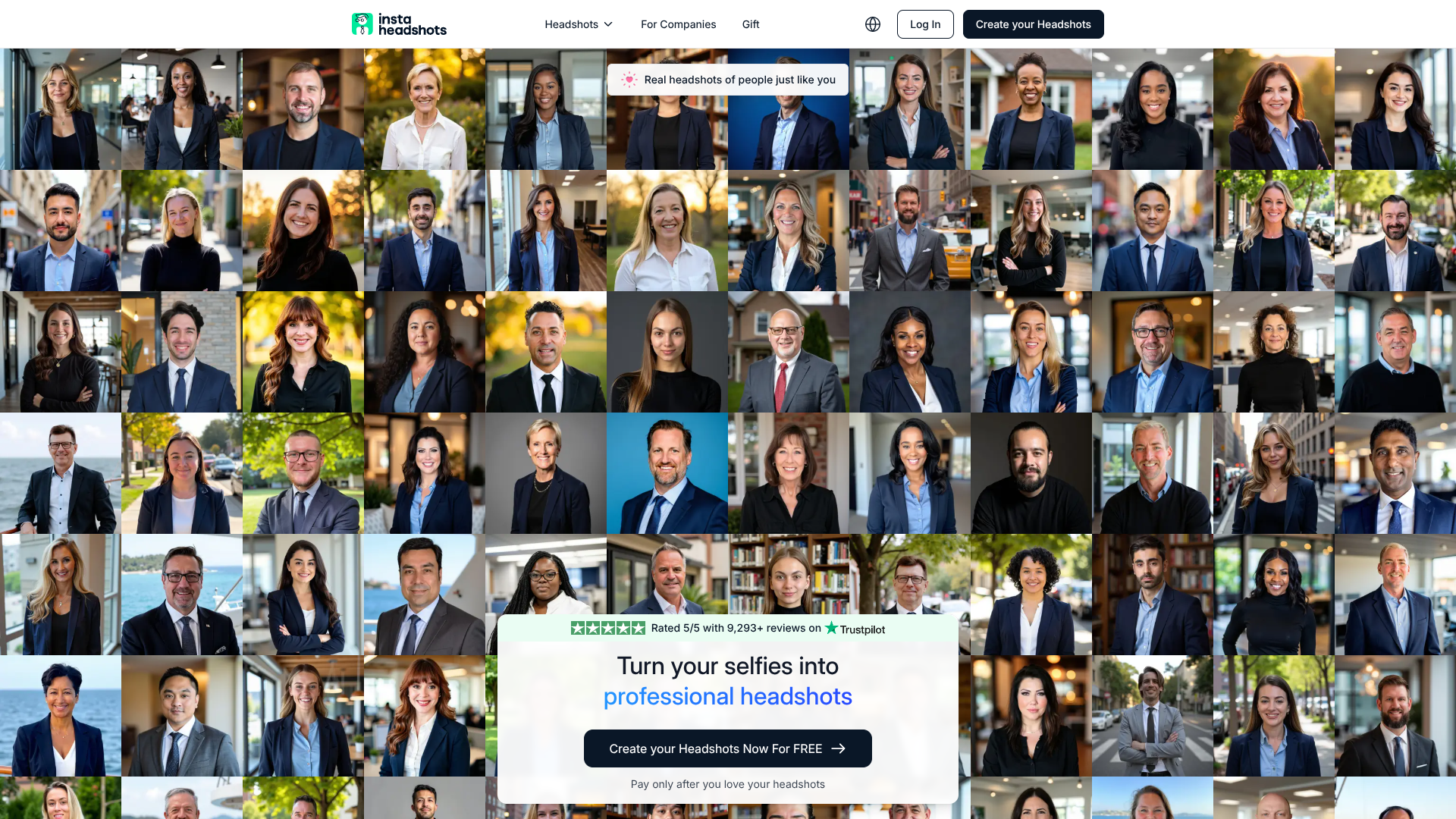
About Insta Headshots
Advertiser Disclosure: Futurepedia.io is committed to rigorous editorial standards to provide our users with accurate and helpful content. To keep our site free, we may receive compensation when you click some links on our site.
Key Features
- Personalized AI training: Builds a unique model for every user, learning facial features, hair, glasses, and expressions from around 10 uploaded selfies.
- High-volume output: Generates around 50 to 100 headshots per session, with multiple poses, backgrounds, and outfits so users can pick several favorites.
- Style presets: Offers business formal, business casual, creative, and industry-specific looks, plus optional edits such as outfit and background tweaks for an extra fee.
- Fast turnaround: Starter packs typically complete in about 60 minutes, while higher tiers promise headshots in roughly 15 minutes.
- Resolution and upscaling: Default 1024 x 1024 pixel images work well for social profiles, with optional paid upscaling for print-ready versions.
- Strong privacy controls: Images are encrypted, used only for that user’s model, never added to broader training, and deleted automatically after 30 days unless the user removes them sooner.
Pros & Cons
Pros
- Huge variety per shoot: Dozens of usable headshots instead of the usual handful from a studio session.
- Pay-after-preview model: Users can generate headshots first and only pay if they actually like the results.
- Clear professional focus: Presets tailored for LinkedIn, corporate, executive, and role-specific use give a very “ready-to-upload” feel.
- Customer-friendly policies: Satisfaction guarantee, refunds when results miss expectations, and responsive support for tweaks and corrections.
Cons
- Limited fine-grain control: Styles are chosen from presets, so ultra-specific art direction may require manual post-editing.
- Square aspect ratio by default: Great for online profiles, but print use generally needs the paid upscaling step.
- No direct integrations: Output must be downloaded and manually uploaded to LinkedIn or HR tools.