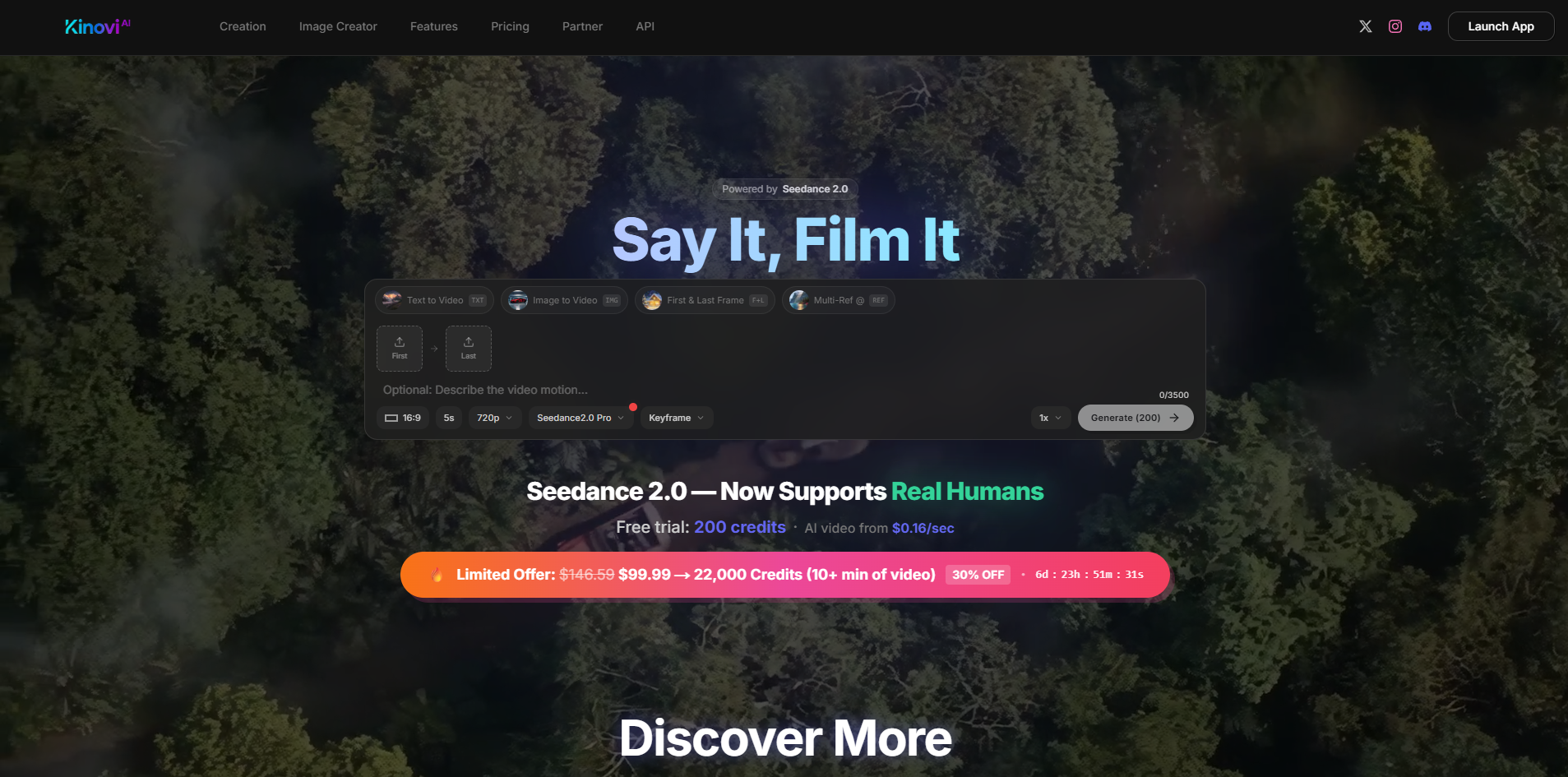
About Kinovi
Advertiser Disclosure: Futurepedia.io is committed to rigorous editorial standards to provide our users with accurate and helpful content. To keep our site free, we may receive compensation when you click some links on our site.
Key Features
- Short-form AI video generation: Generates 4–15 second clips at 16:9, with options like First & Last Frame and Multi-Ref modes, powered by Seedance 2.0 Pro and more than 10 underlying AI models.
- Iterative editing tools: Shots can be extended, regenerated, or refined with new instructions, so creators can iterate on a promising take instead of restarting from scratch.
- Integrated image creator: Credits can be spent on still images starting around $0.06 per image, useful for boards, thumbnails, or standalone artwork.
- Credit-based studio economics: Pay-per-second video (roughly $0.20–$0.40 per second) keeps costs tied to actual usage rather than monthly subscriptions.
Pros & Cons
Pros
- Fine-grained creative control: Multimodal references plus @-tagging give directors far more control over camera feel, composition, and rhythm than typical “prompt-only” text-to-video tools.
- Production-friendly clip lengths: The 4–15 second range is ideal for shots, ads, hooks, and B-roll that can be stitched into longer edits in any NLE.
- Commercial-ready output: No watermark on paid generations, with commercial use and a full commercial license on higher credit packs.
- One-time, non-expiring credits: Starter and XL packs are one-off purchases that never expire, which suits studios and freelancers who work in bursts.
- Fast iteration for short clips: Marketing claims of generation in under 5 seconds for some cases make it practical for rapid ideation and A/B testing.
- Image and video in one place: Having both image and video generation under a single credit system simplifies budgeting.
Cons
- Credit model can add up: Per-second pricing means heavy experimentation or many long shots can become expensive compared with some flat subscription tools.
- Short-clip focus only: Those needing longer continuous sequences must plan multi-shot storyboards and handle stitching externally.
- Some learning curve: The @-tag workflow and reference management feel more like a lightweight directing toolkit than a casual “one-button” video toy.