About Letterbook
Advertiser Disclosure: Futurepedia.io is committed to rigorous editorial standards to provide our users with accurate and helpful content. To keep our site free, we may receive compensation when you click some links on our site.
Key Features
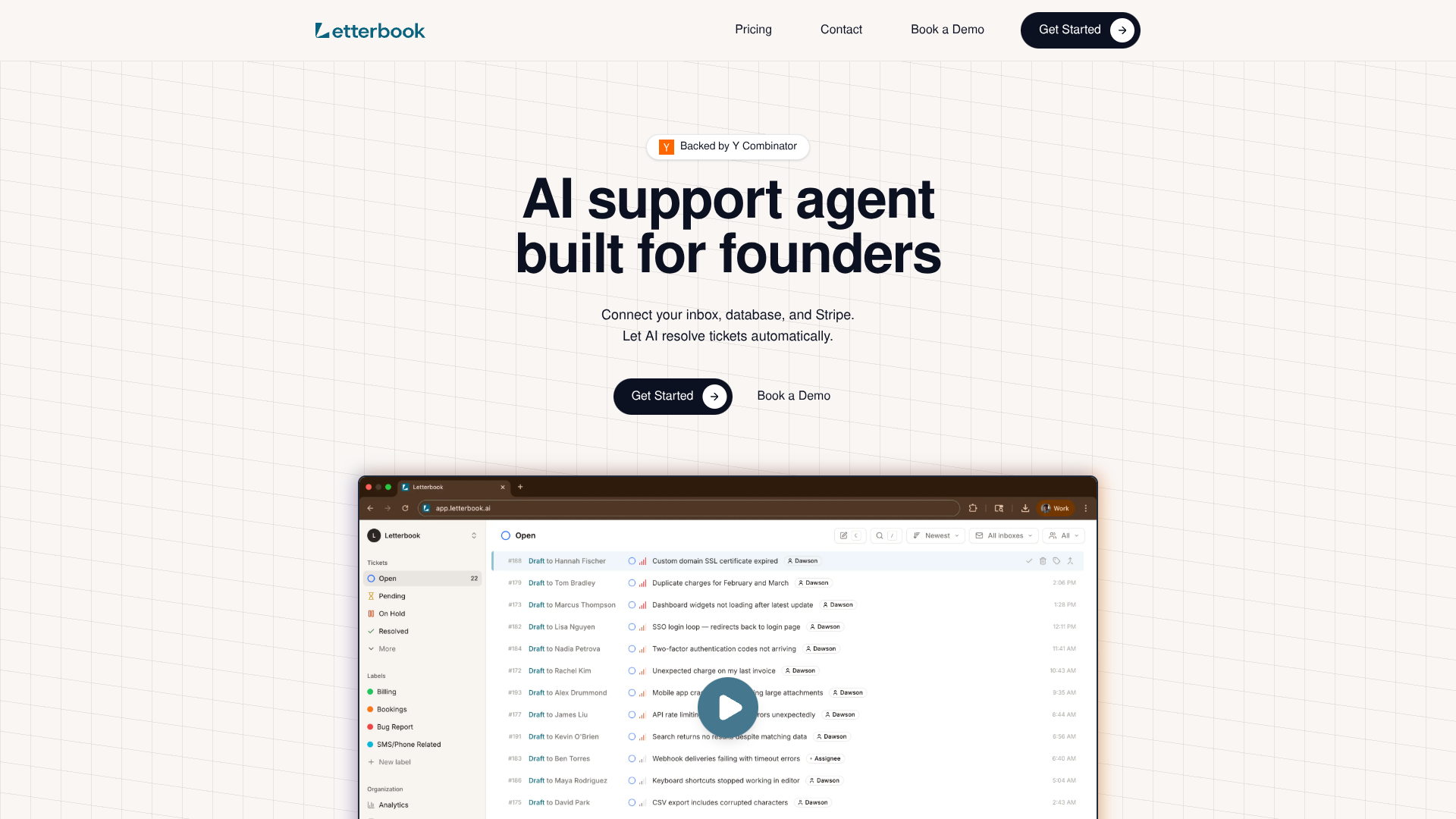
- Modern Contact Center UI: A fast, keyboard-friendly interface helps human agents review AI drafts, make edits, and send replies quickly when manual oversight is needed.
- Smart Knowledge Base & Auto-updating Scenarios: Support scenarios and internal knowledge are updated as tickets are solved, keeping the AI aligned with the latest policies and product changes.
- Built-in Analytics: Dashboards track metrics such as resolution time, automation rate, and customer satisfaction so teams can see how much work the AI is handling and where to refine scenarios.
Pros & Cons
Pros
- Founder-centric setup: Designed so a small team can connect tools, define scenarios, and have the AI solving real tickets in minutes rather than weeks.
- High automation potential: Routine, repetitive requests can be handled end to end by the AI, freeing humans to focus on complex or high-touch cases.
- Low management overhead: Less time spent hiring, coaching, and scheduling agents, since the AI agent scales with ticket volume.
- Improving quality over time: Feedback on each draft response trains the system, so support quality can steadily rise as more tickets pass through it.
- Modern alternative to legacy helpdesks: Provides core helpdesk functions with an interface built around AI from day one rather than bolted-on automation.
Cons
- Data access requirements: Granting read access to production databases and Stripe may raise security and compliance questions for some organizations.
- Best for repeatable workflows: Works strongest where support can be expressed as clear scenarios; highly novel or sensitive cases still need careful human handling.
- Younger tool ecosystem: Has fewer long-standing integrations and community resources than older platforms like Zendesk or Intercom.