About Magic Hour AI
Advertiser Disclosure: Futurepedia.io is committed to rigorous editorial standards to provide our users with accurate and helpful content. To keep our site free, we may receive compensation when you click some links on our site.
Key Features
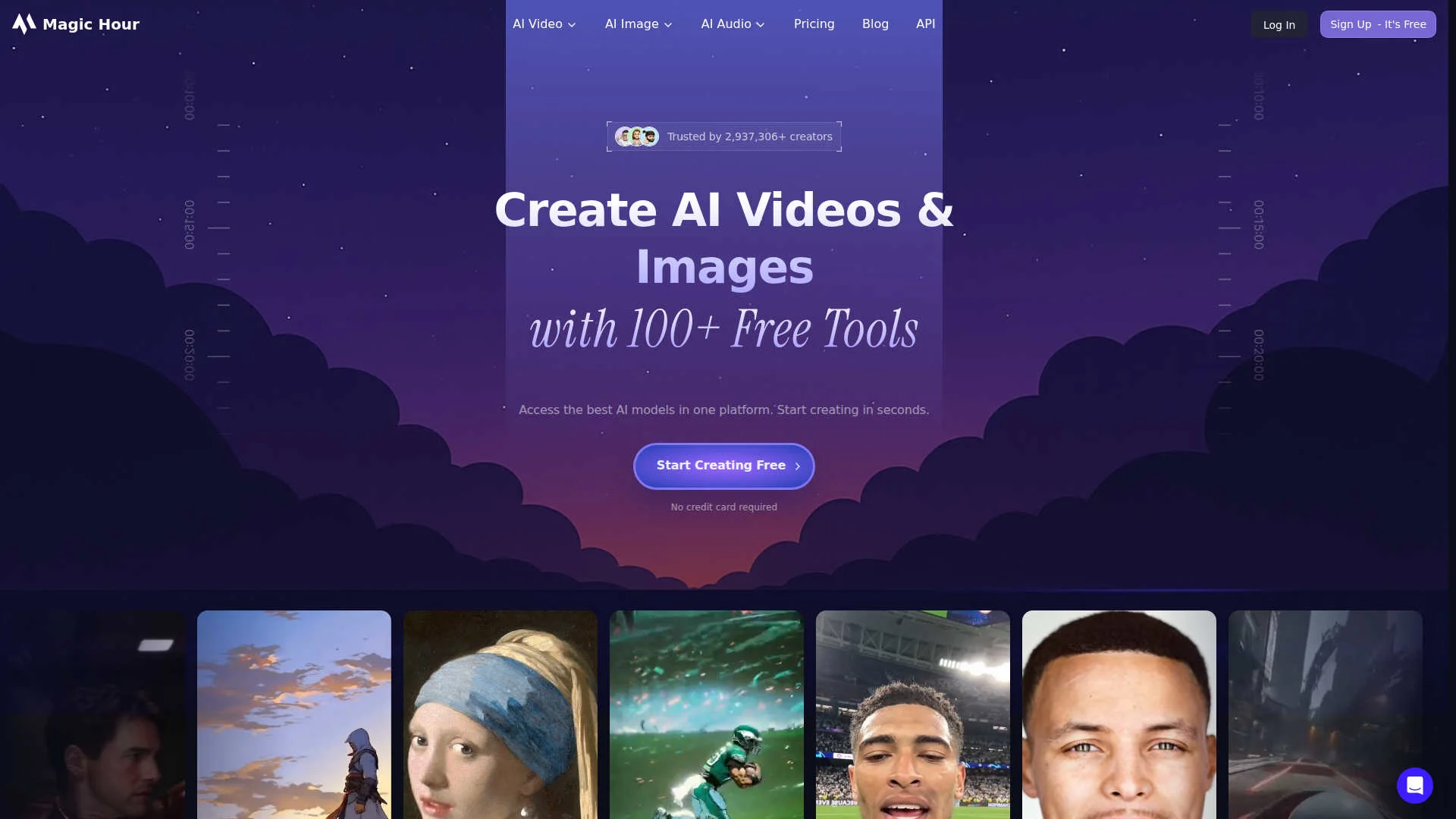
- AI video toolkit: Text-to-video, image-to-video, video-to-video, UGC ad generator, talking photos, animation, lip sync, face swap, subtitles, and more in one workspace.
- AI image workspace: Image generator and editor, headshot and selfie tools, AI clothes changer, background remover, colorizer, QR code and meme generators, plus image upscaling.
- Audio and voice tools: Voice changer, voice cloner, and voice generator for adding narration or stylized voices to content without separate recording.
- Templates and presets: Ready templates for ads, explainers, and social formats, with control over aspect ratio, duration, transitions, pacing, and style.
- Developer friendly API: HTTP API with subscription or usage based credits, resolution tiers up to 4K, and access to the same underlying image, video, and audio models.
Pros & Cons
Pros
- Huge tool library in one account: Video, image, and audio tools live together, reducing the need for multiple services.
- Strong fit for short-form content: HD text-to-video up to around 60 seconds, UGC-style ads, and talking photos suit TikTok, Reels, and shorts workflows.
- Approachable for non technical users: Guided flows, clear steps, and sensible defaults keep the learning curve relatively gentle.
- Scales from hobby to enterprise: Credit tiers, 4K support, higher upload limits, and an API give agencies and product teams room to grow.
Cons
- Watermarks and limits on the free tier: The no cost plan is best for testing rather than polished client delivery.
- Credit system feels abstract: New users think in credits, resolutions, and modes instead of simple minutes or projects.
- Web based experience only: Those who prefer native desktop or mobile apps must work in the browser and export assets.