About Momentic
Advertiser Disclosure: Futurepedia.io is committed to rigorous editorial standards to provide our users with accurate and helpful content. To keep our site free, we may receive compensation when you click some links on our site.
Key Features
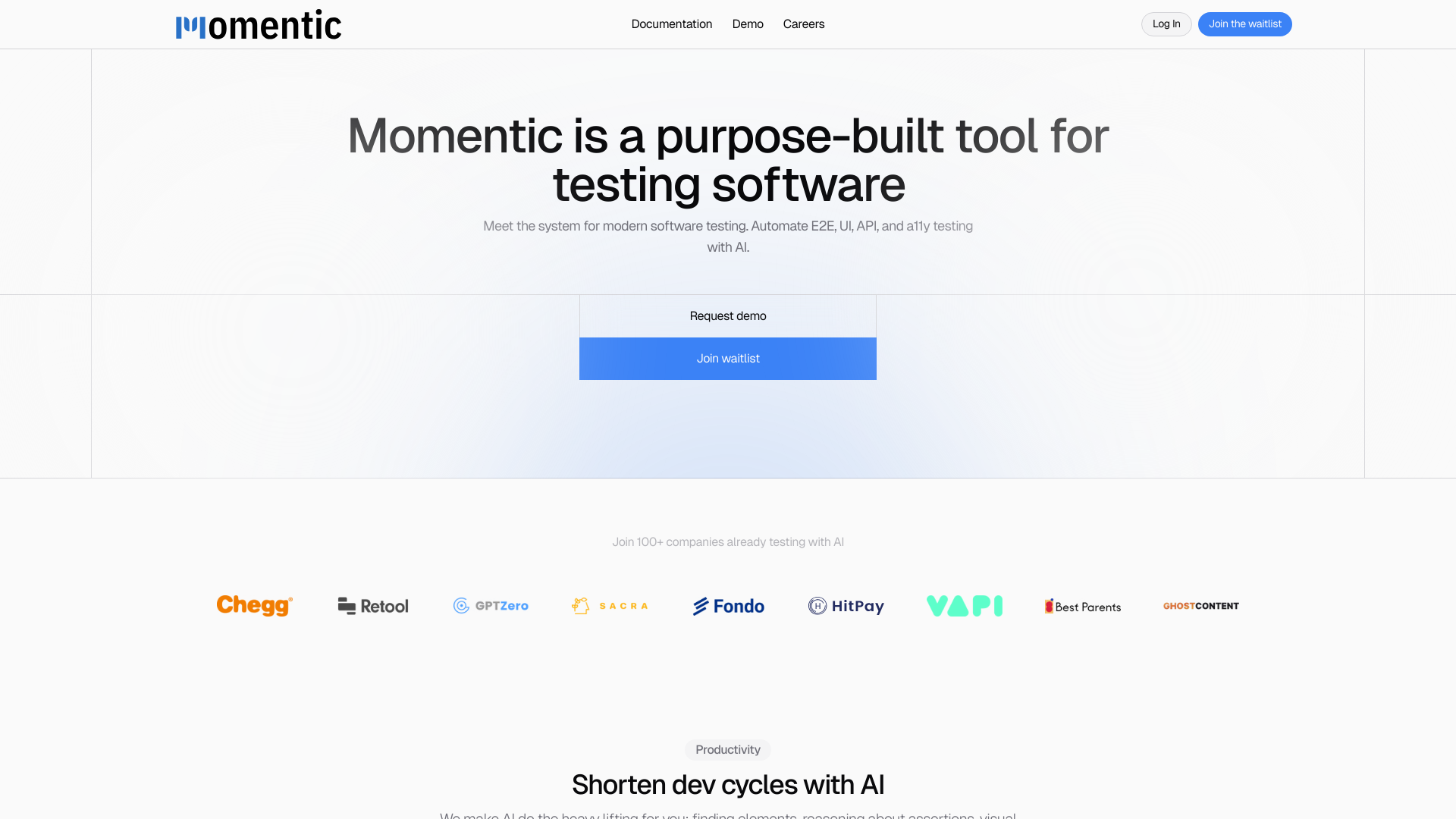
- AI-Driven Element Location: Momentic uses AI to intuitively locate elements based on plain English descriptions, moving away from traditional methods like XPath or CSS selectors.
- Dynamic Assertion Crafting: Create powerful assertions based on any logical statement or visual condition, enhancing test robustness.
- Automated Test Recording: Simply record your interactions, and Momentic will automatically generate the necessary tests.
- Local Application Testing: Use the Momentic app to develop and run tests locally without the need for a publicly accessible URL.
- Smart Waiting Mechanism: Automatically tracks in-flight requests and waits for them to complete, ensuring tests run smoothly.
- Integration with CI/CD Pipelines: Compatible with popular CI/CD tools like GitHub Actions, CircleCI, and GitLab Pipelines.
Pros & Cons
Pros
- Enhanced Productivity: AI does the heavy lifting, significantly shortening development cycles by automating repetitive testing tasks.
- User-Friendly Interface: Features an intuitive editor and interactive browser preview that simplifies the creation of complex tests.
- Highly Adaptable: Runs tests in various environments, supporting both local and CI/CD pipeline integrations.
- Plain English Interaction: Allows users to describe elements and assertions in plain English, making it accessible even to less experienced developers.
Cons
- Limited Public Information: As a relatively new tool, some potential users might find it challenging to locate extensive user reviews or detailed case studies.
- Advanced Features Learning Curve: While designed to be user-friendly, some users may require time to fully leverage all advanced features.
- Dependency on Modern Technology: Requires up-to-date software environments to integrate smoothly.