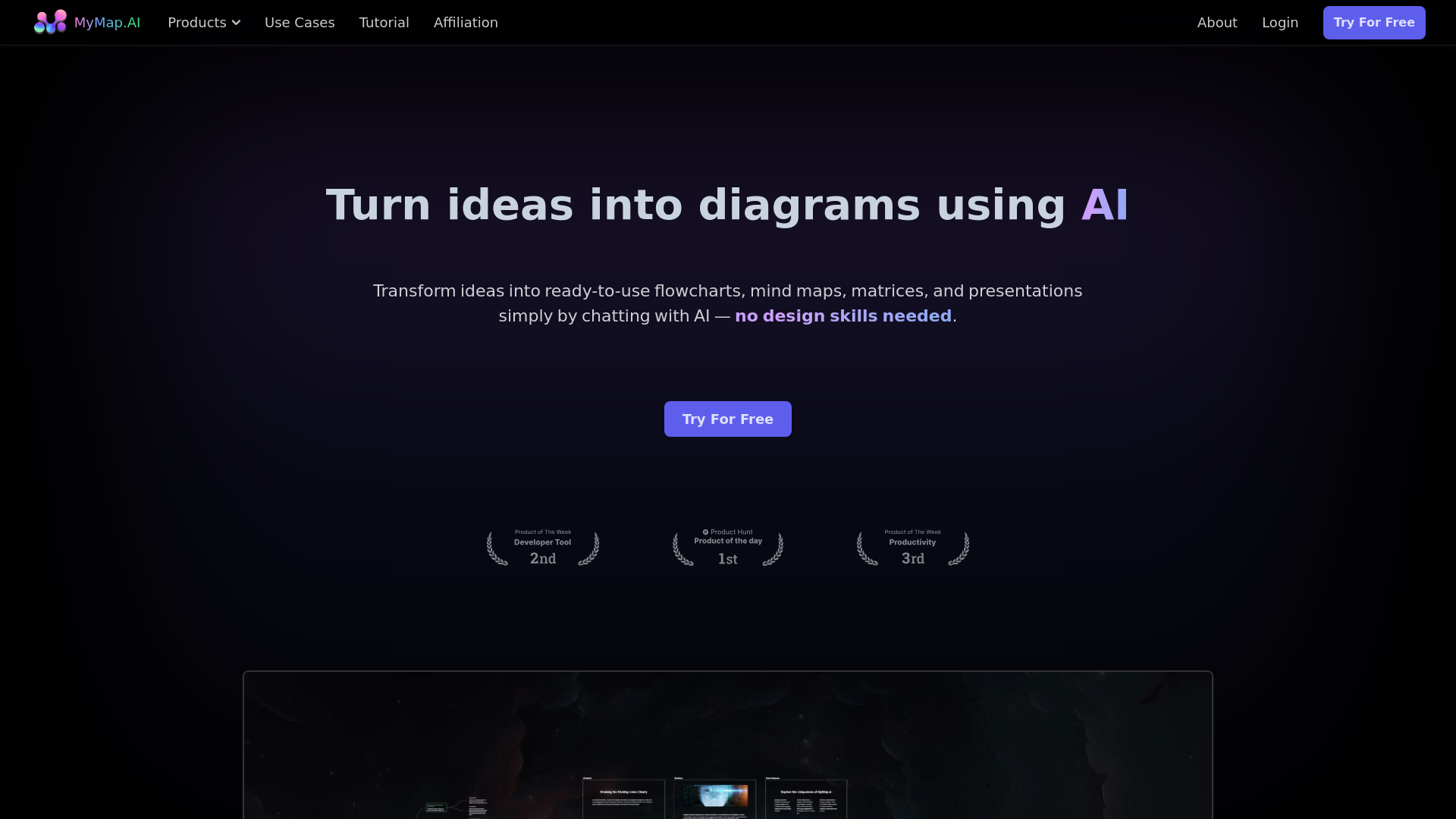
About MyMap AI
Advertiser Disclosure: Futurepedia.io is committed to rigorous editorial standards to provide our users with accurate and helpful content. To keep our site free, we may receive compensation when you click some links on our site.
Key Features
- AI-Native: Just chat with AI to create diagrams—no need to fiddle with tools yourself.
- Multiple Format Upload: Upload various file types or enter topics, and the AI creates diagrams using the context provided.
- Web Search: Create context-rich diagrams using live Google or Bing search results.
- Internet Access: Paste any URL, and the AI pulls out relevant info to use in your maps.
- Collaboration: Team up with coworkers on the same map in real-time.
- Share & Export: Save your map as images or PDFs, or just share the link with others.
Pros & Cons
Pros
- Time Efficiency: Significantly reduces the time required to create diagrams.
- User-Friendly: No design skills needed; simply chat with the AI.
- Versatile Formats: Supports a wide range of input formats and outputs.
- Real-Time Collaboration: Enhances team productivity with real-time collaboration features.
Cons
- Initial Learning Curve: May require some time to get used to the chat-based interface.
- Limited Offline Capabilities: Requires internet access for full functionality.
- Customization Limits: Some users might find the customization options limited compared to traditional diagram tools.