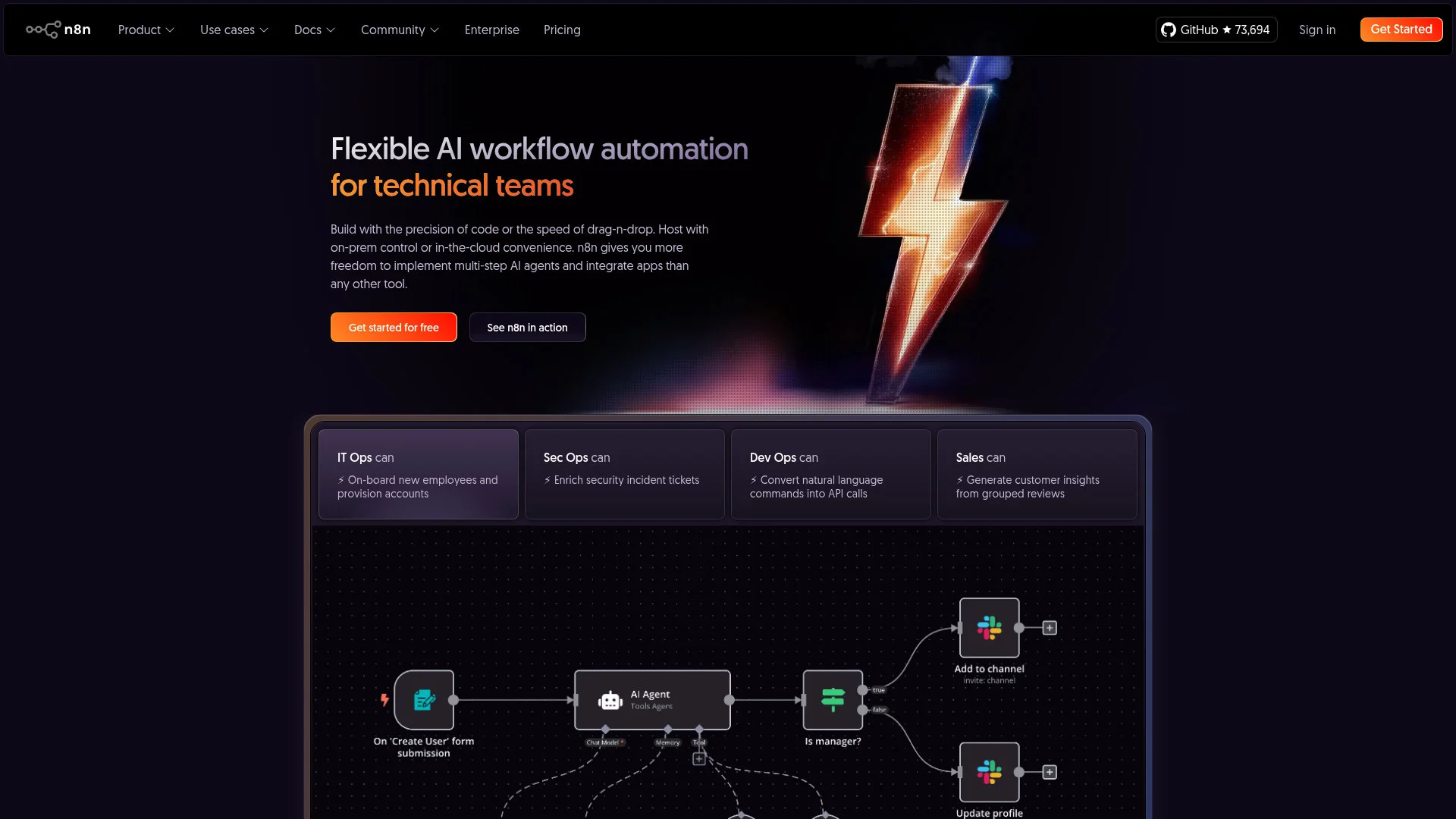
About n8n
Advertiser Disclosure: Futurepedia.io is committed to rigorous editorial standards to provide our users with accurate and helpful content. To keep our site free, we may receive compensation when you click some links on our site.
Key Features
- Flexible Workflow Automation: n8n allows users to construct workflows with either a visual builder or by coding, accommodating both non-coders and developers.
- Extensive Integration Options: With over 400 integrations available, n8n connects effortlessly with a multitude of apps, including Slack, Salesforce, and Asana.
- Customizable AI Agents: Users can build multi-step AI agents and integrate any language model into their workflows, enhancing task automation.
- Self-Hosting Capabilities: n8n provides the option for complete self-hosting, ensuring users have full control over their data and workflow execution.
Pros & Cons
Pros
- Highly Customizable: Users can fine-tune workflows with custom code, providing flexibility for unique business requirements.
- Robust Integration Capabilities: The vast array of integrations enables seamless connection with existing tools and systems.
- User-Friendly Interface: The drag-and-drop builder simplifies workflow creation, reducing the complexity for non-technical users.
- Community and Support: With a large community and extensive resources, users can access support and share insights easily.
Cons
- Initial Learning Curve: Mastering the full range of features and capabilities may require some time, especially for non-technical users.
- Resource-Intensive Setup: Setting up self-hosting and managing integrations can be resource-intensive for small teams.