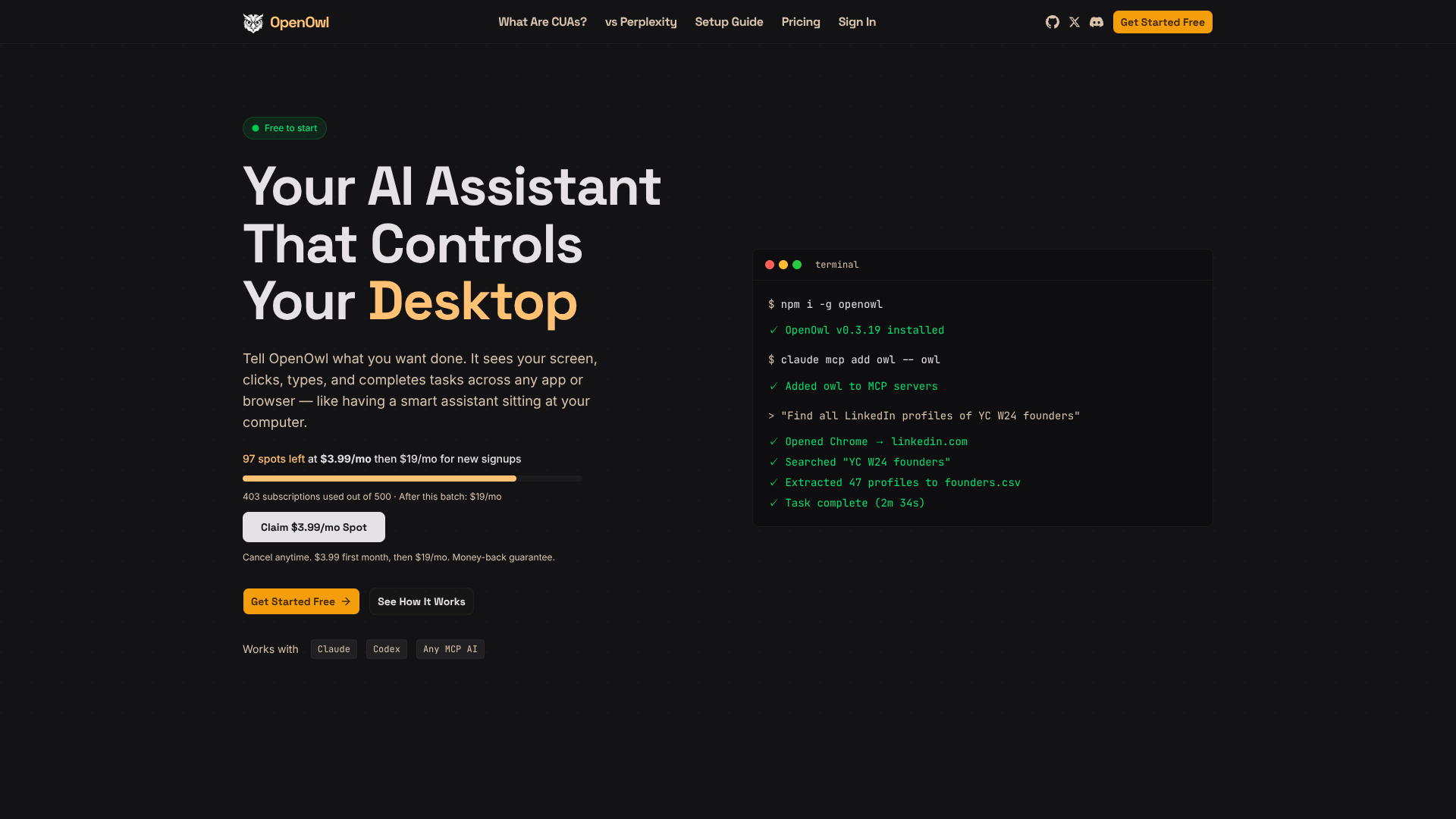
About OpenOwl
Advertiser Disclosure: Futurepedia.io is committed to rigorous editorial standards to provide our users with accurate and helpful content. To keep our site free, we may receive compensation when you click some links on our site.
Key Features
- MCP-based desktop control: Runs as an MCP server so compatible assistants can call tools to see, click, type, and scroll.
- Natural language workflows: Accepts high level prompts like “find 50 LinkedIn leads and save them to a CSV” and breaks them into stepwise actions.
- Cross app automation: Moves data between websites, SaaS tools, and desktop apps, handling tasks such as UGC sourcing, investor research, and multi channel launches.
- Local only execution: Uses a locally compiled binary so screenshots, keystrokes, and file contents stay on device, with only a lightweight license check over the network.
- Configurable MCP tools: Offers dozens of fine grained tools that can be enabled, limited, or gated for higher risk actions.
Pros & Cons
Pros
- Hands on automation: Handles tasks APIs cannot reach, like messy admin panels and legacy tools.
- Assistant agnostic: Works with any MCP compatible AI assistant instead of locking users into one provider.
- Strong privacy posture: Automation, screenshots, and inputs run locally, which suits sensitive data and accounts.
- Fast initial setup: Installation is a single npm command plus a short MCP configuration step.
Cons
- macOS first: Current public messaging and community posts focus on Mac support.
- Technical onboarding: Requires terminal use and MCP configuration, which may intimidate non technical teams.
- Dependent on LLM quality: Complex UIs or prompts can still confuse the assistant, so supervision remains important.