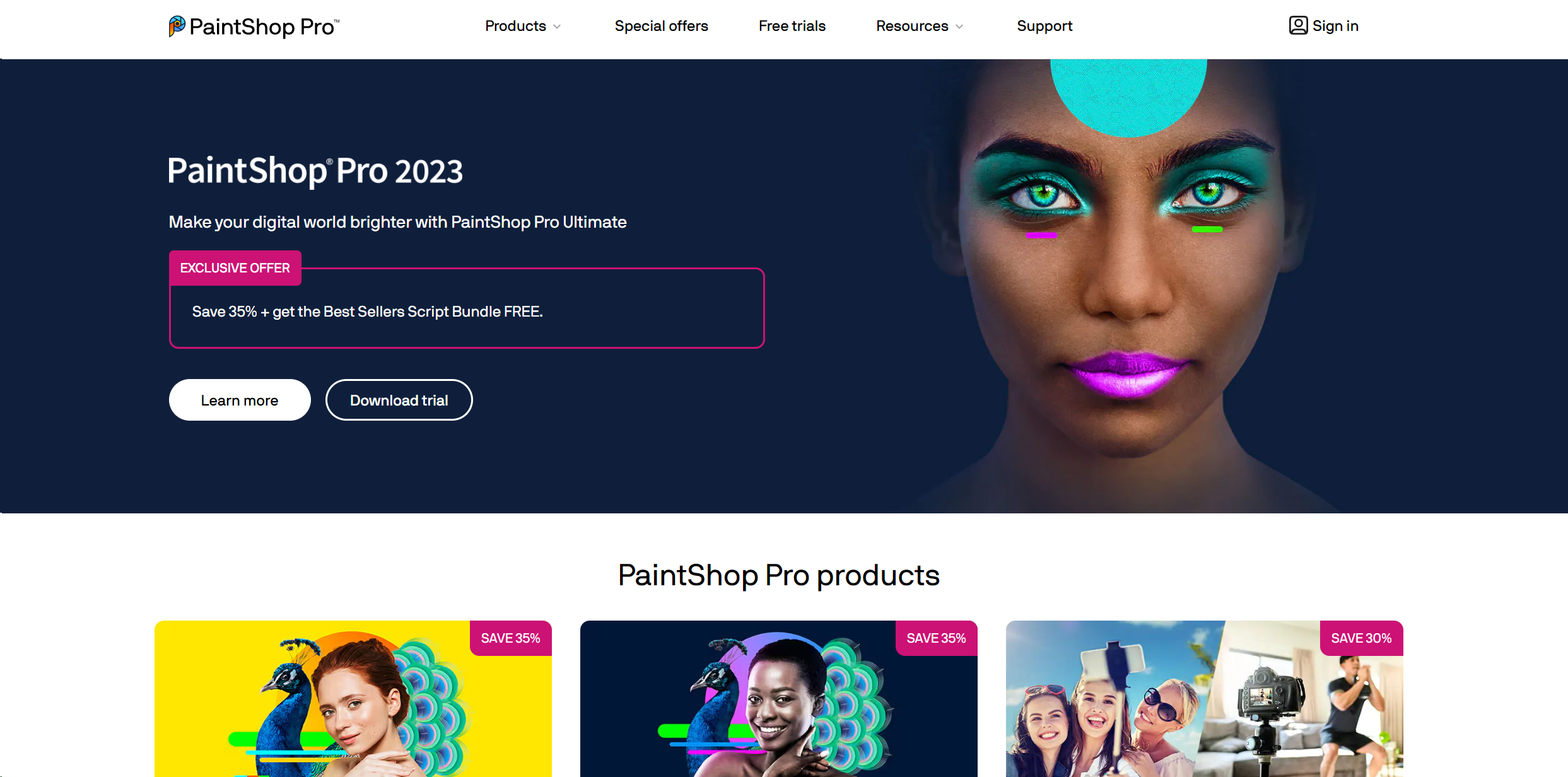
About PaintShop Pro
Advertiser Disclosure: Futurepedia.io is committed to rigorous editorial standards to provide our users with accurate and helpful content. To keep our site free, we may receive compensation when you click some links on our site.
Key Features
- Graphic Design Features: Beyond photo editing, it provides extensive graphic design tools that help in creating logos, web graphics, and print layouts.
- Layer-Based Editing: It supports complex, layer-based editing which is crucial for professional-grade photo composites, allowing for intricate adjustments and effects.
- 360° Photo Editing: PaintShop Pro supports editing 360-degree photos, enabling photographers to work with this modern format in innovative ways.
Pros & Cons
Pros
- Cost-Effective: Compared to other professional photo editing software, PaintShop Pro is relatively affordable, offering a powerful toolset without the hefty price tag.
- Comprehensive Toolset: With tools for photo editing, graphic design, and even video editing in the Ultimate bundle, it's a versatile software suitable for a wide range of creative tasks.
- Customization: Users can customize the interface and toolbars, which makes it adaptable to different workflows and user preferences.
- Support for Plugins: Extends its functionality with support for third-party plugins, particularly those designed for Adobe Photoshop, enhancing its versatility.
Cons
- Windows Only: Currently, PaintShop Pro is available only for Windows users, limiting its accessibility for Mac users.
- Learning Curve: While it is user-friendly, the vast range of features can be overwhelming for beginners.
- Performance Issues: Some users report slow performance, especially when handling large files or complex edits on less powerful PCs.