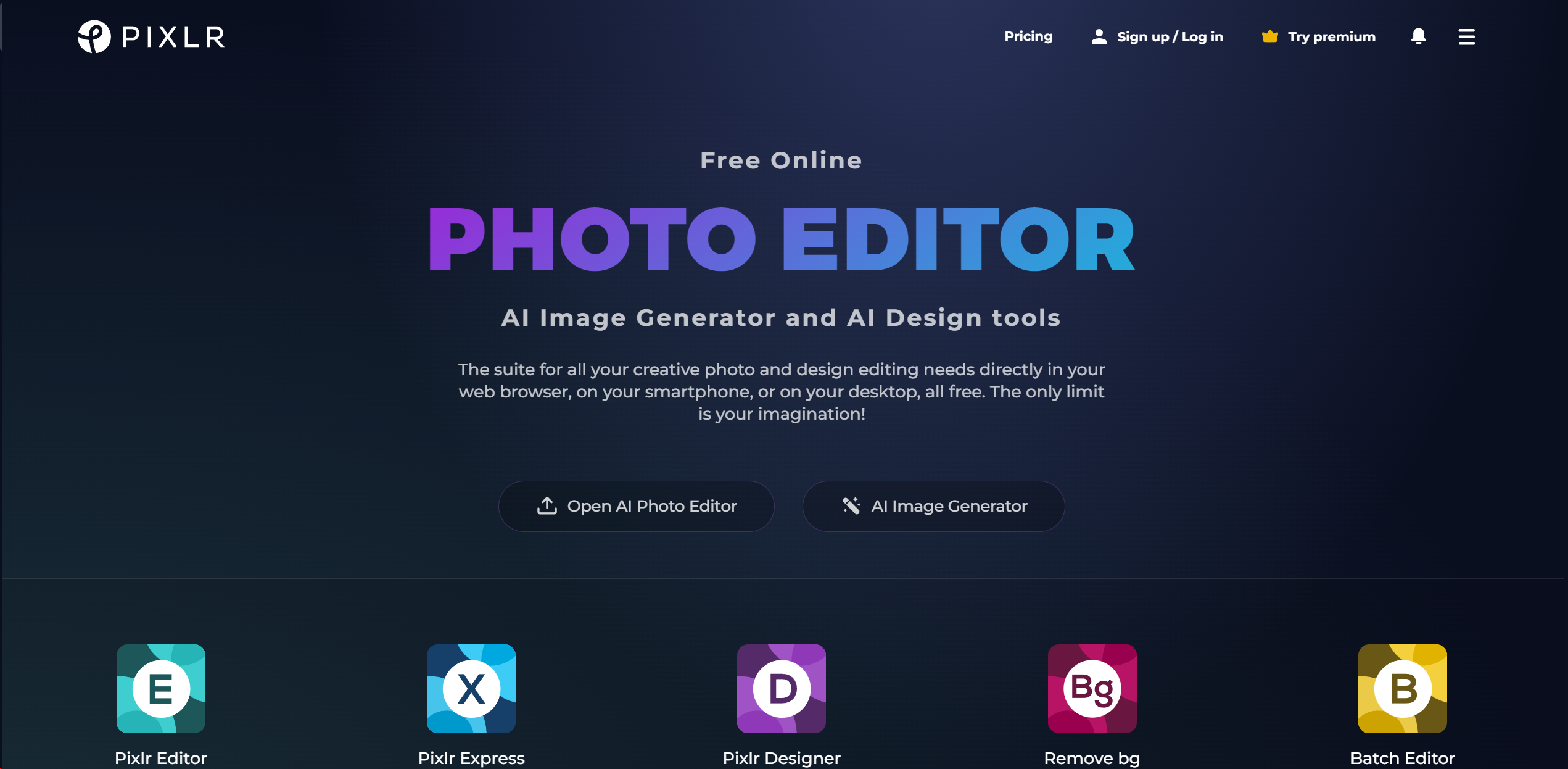
About Pixlr: AI-Powered Editor
Advertiser Disclosure: Futurepedia.io is committed to rigorous editorial standards to provide our users with accurate and helpful content. To keep our site free, we may receive compensation when you click some links on our site.
Key Features
- Comprehensive Photo Editing: Offers a broad spectrum of editing tools, from basic adjustments to advanced retouching, drawing, filters, and effects, catering to all levels of expertise.
- Cross-Platform Accessibility: Edit your images seamlessly across web, desktop, and mobile platforms, ensuring a consistent and efficient workflow regardless of the device used.
Pros & Cons
Pros
- Versatility: Caters to a wide range of creative tasks, from simple edits to complex designs.
- User-Friendly Interface: Intuitive and easy to navigate, making it accessible for users of all skill levels.
- No Installation Required: Being web-based, it eliminates the need for software downloads, offering convenience and flexibility.
- Free Access: Offers robust features for free, with additional premium options for advanced needs.
Cons
- Internet Dependency: Requires a stable internet connection for access, which might limit usability in offline scenarios.
- Feature Limitations in Free Version: While comprehensive, the free version has limitations that can be unlocked with a subscription.
- Learning Curve for Advanced Features: Some of the more sophisticated tools may require a learning period, especially for those new to photo editing.