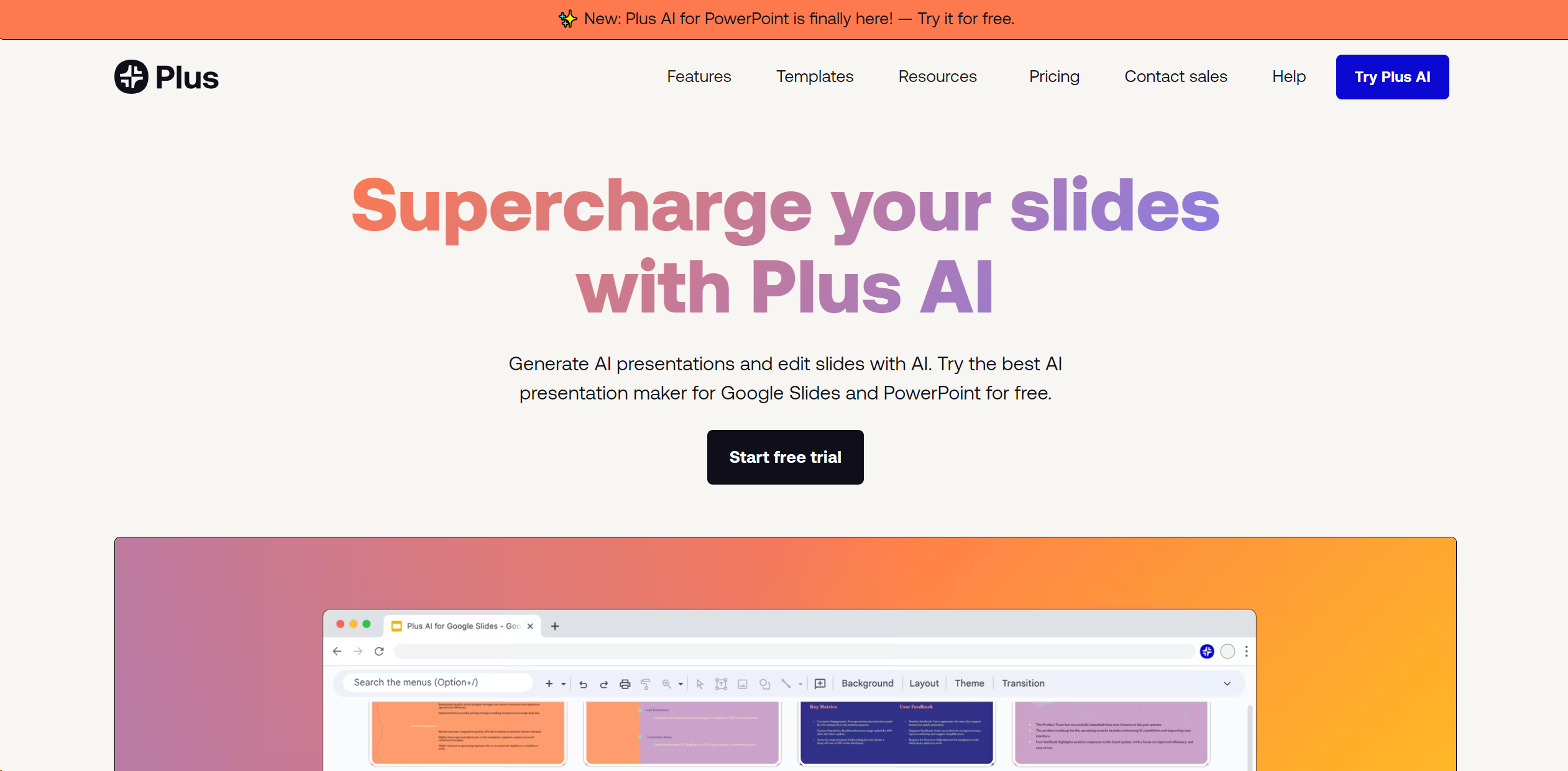
About Plus AI
In the ever-evolving world of digital presentations, Plus AI emerges as a revolutionary tool, especially designed for Google Slides users. This AI-driven platform enhances the process of creating and editing presentations by integrating seamlessly with Google Slides, making it a go-to solution for anyone looking to elevate their presentation game without the steep learning curve of new software. Whether you're generating a new presentation from a simple prompt or refining an existing deck, Plus AI simplifies these tasks with its intuitive AI features.
Key Features
- Prompt to Presentation: Start with just a description, and watch Plus AI craft a full presentation.
- Document to Presentation: Convert PDFs, Word documents, or text files directly into slides.
- AI in Any Language: Create and edit presentations in nearly any language, broadening accessibility.
- Edit Slides with AI: Refine slides with advanced editing tools like rewrite, remix, and custom instructions.
- Integration with Google Docs: Extend AI capabilities to document creation and editing within Google Workspace.
Pros & Cons
Pros
- Efficiency: Reduces the time required to create professional presentations.
- Ease of Use: Works directly within Google Slides, eliminating the need to master new tools.
- Multilingual Support: Offers the ability to read, write, and translate in numerous languages.
- Customizability: Features like custom instructions and preset libraries allow for tailored content generation.
Cons
- Platform Limitation: Primarily designed for Google Slides, which may not appeal to users of other presentation software.
- Learning Curve: New users may need time to familiarize themselves with AI features.
- Subscription Model: After a free trial, continued access requires a subscription.