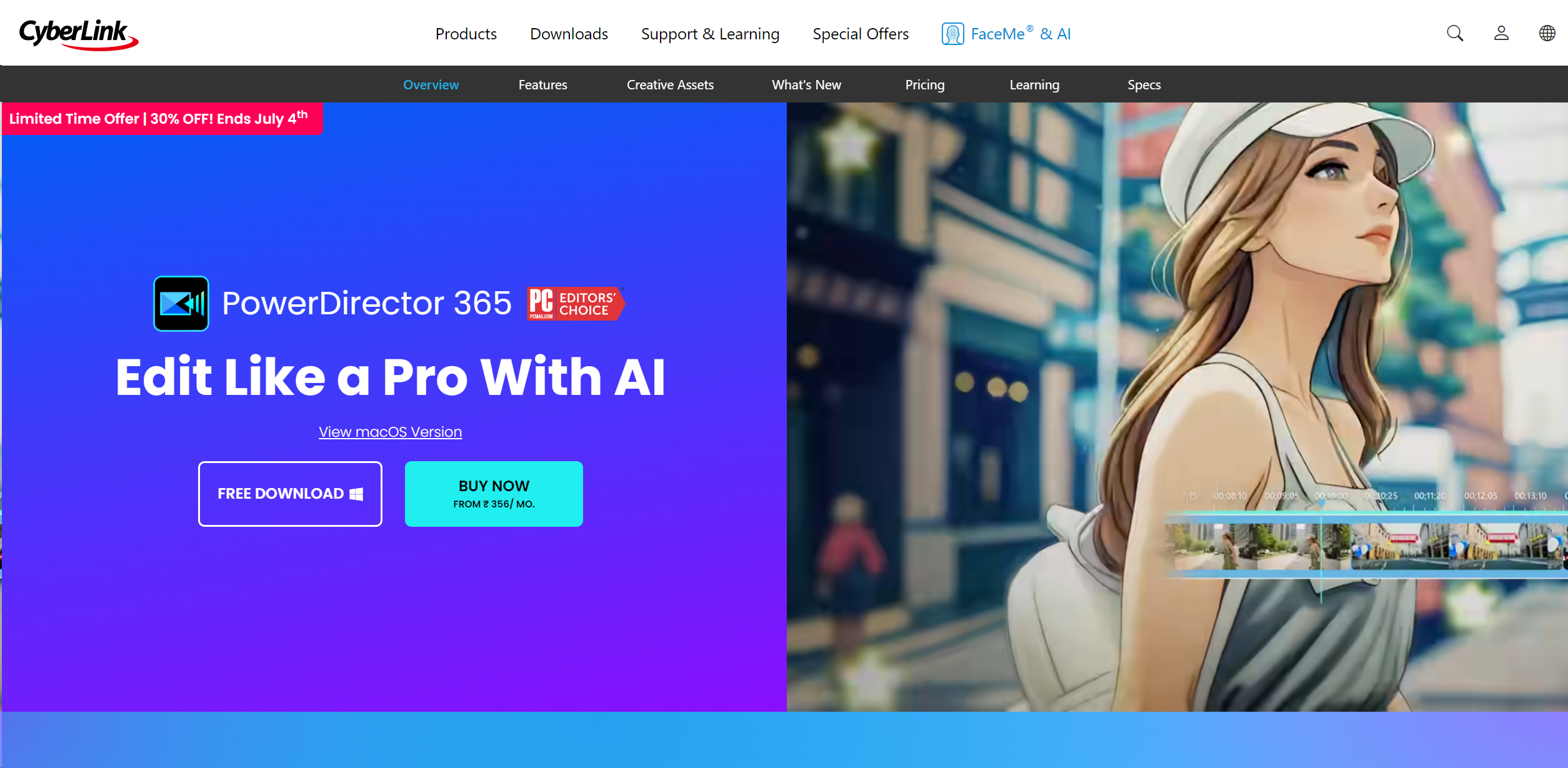
About PowerDirector
Revolutionize video editing with AI, cross-platform compatibility, and extensive effects.
Key Features
- 360-Degree Video Editing: Catering to the latest trends in video technology, PowerDirector supports 360-degree video formats, offering tools to edit and refine immersive video content effectively.
Pros & Cons
Pros
- User-Friendly Interface: Even with its vast array of features, PowerDirector maintains an intuitive interface that is easy to navigate for beginners while still meeting the needs of more experienced editors.
- High-Speed Rendering: The software optimizes video rendering, allowing for quicker production times without compromising the quality of the final output.
- Regular Updates: CyberLink frequently updates PowerDirector to include the latest video editing technologies and enhancements, keeping it at the cutting edge of the industry.
- Affordable Pricing: With various pricing tiers, including a significantly feature-rich free version, PowerDirector provides excellent value for money.
Cons
- Resource Intensive: High-level editing functions can be quite demanding on system resources, which might require a more robust hardware setup.
- Overwhelming for Beginners: The sheer number of features and customization options might initially overwhelm new users.
- Limited Cloud Storage: Compared to some competitors, the cloud storage offered is somewhat limited, which might be a concern for users dealing with large video files.