About PromptCompose
Advertiser Disclosure: Futurepedia.io is committed to rigorous editorial standards to provide our users with accurate and helpful content. To keep our site free, we may receive compensation when you click some links on our site.
Key Features
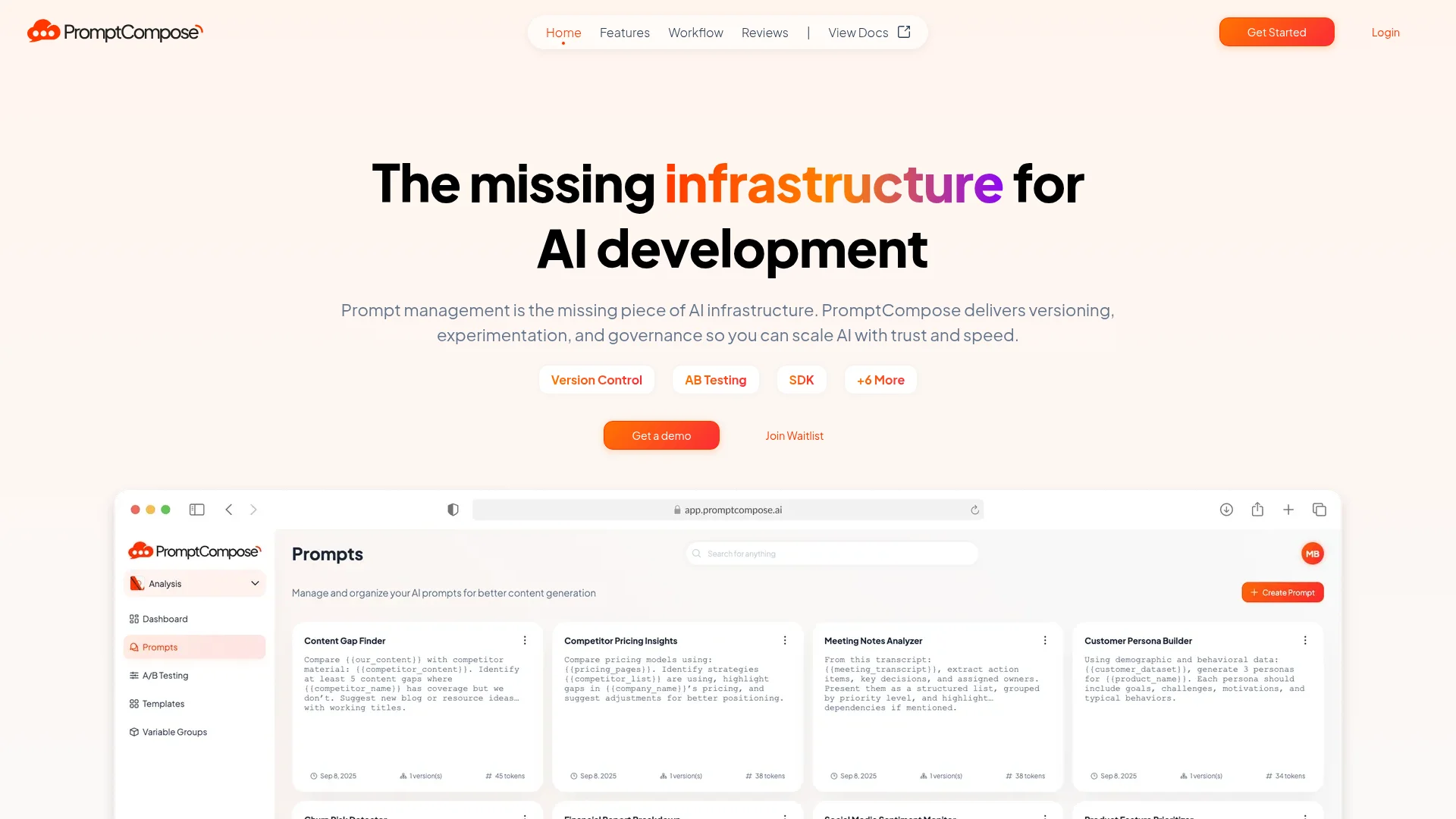
- Version Control for Prompts: Every change is tracked automatically, providing a complete history. This feature lets users draft, publish, and roll back with confidence, much like managing code.
- A/B Testing Made Simple: Users can test multiple prompt versions in real time, measure success rates, and roll out the best-performing versions based on data-driven decisions.
- Developer-Ready SDKs: With lightweight SDKs for JavaScript and Python, developers can integrate PromptCompose into apps quickly, managing prompts with ease.
- Prompt Blueprints: This feature allows users to turn successful prompts into templates, ensuring consistency and efficiency across projects.
Pros & Cons
Pros
- Enhanced Reliability: Offers a robust system for managing changes and rolling back to previous versions if needed.
- Data-Driven Decisions: A/B testing capabilities allow for informed choices based on real performance.
- Streamlined Integration: The SDKs simplify the process of connecting PromptCompose to existing applications.
- Time-Saving Templates: Prompt Blueprints save time and ensure consistency across different projects.
Cons
- Learning Curve: New users may need some time to familiarize themselves with all the advanced features.
- Limited to Specific Languages: Currently offers SDKs only for JavaScript and Python.