About Quadratic
Advertiser Disclosure: Futurepedia.io is committed to rigorous editorial standards to provide our users with accurate and helpful content. To keep our site free, we may receive compensation when you click some links on our site.
Key Features
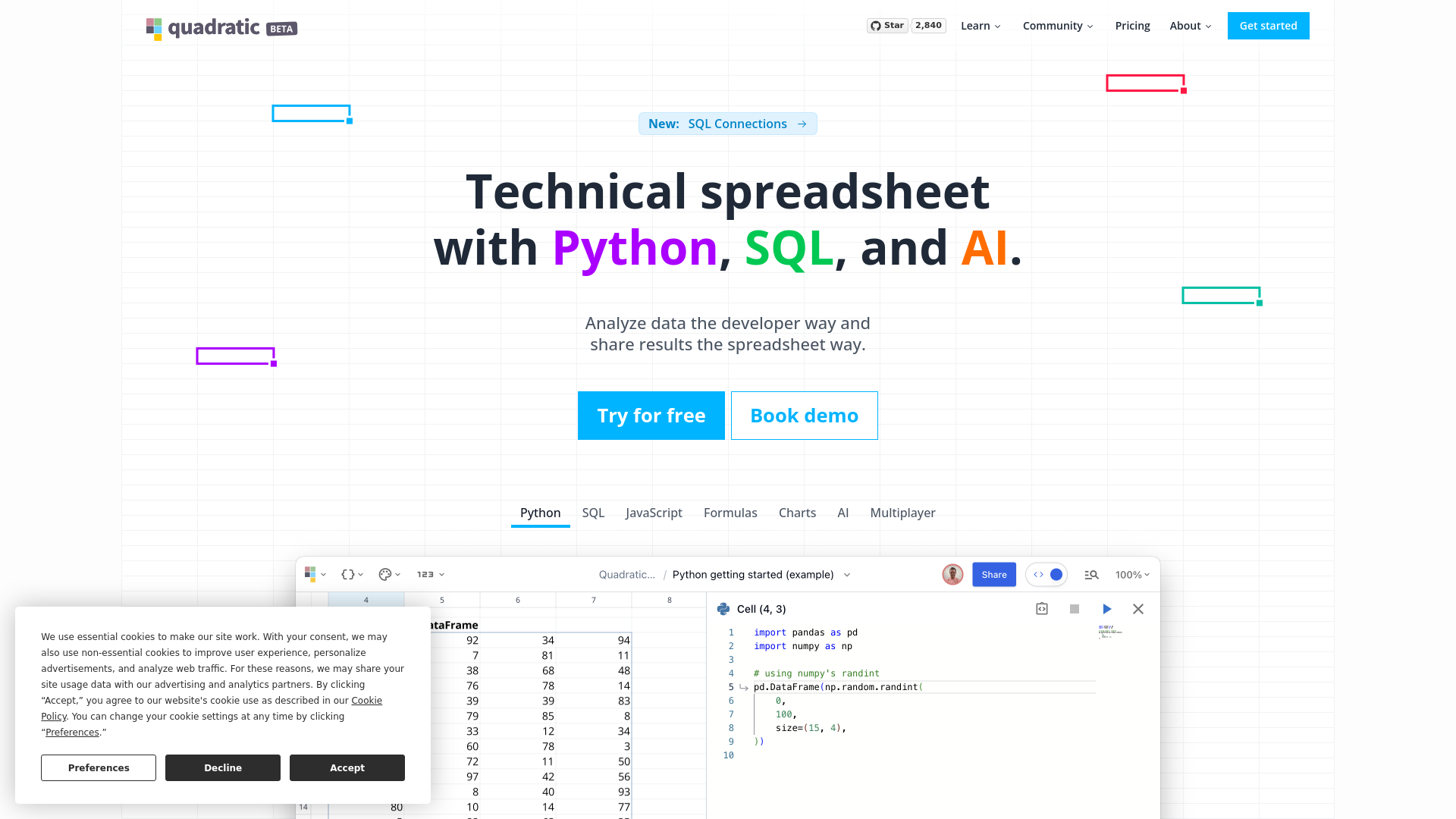
- Python and SQL Integration: Execute Python and SQL directly within spreadsheet cells, combining familiar spreadsheet functions with robust programming capabilities.
- Dynamic Data Visualizations: Utilize the Plotly library within Quadratic for creating and manipulating interactive charts and graphs.
- Real-Time Collaboration: Allow multiple team members to view and edit spreadsheets simultaneously, with live updates enhancing productivity.
- Infinite Canvas: Navigate and organize data on a flexible, infinite workspace, ideal for complex data sets and analyses.
- AI-Powered Autocomplete: GPT-4.0-powered autocomplete for Python code helps streamline coding by predicting snippets and reducing syntax errors.
Pros & Cons
Pros
- Enhanced Data Handling: Direct API integration and support for complex structures like Pandas DataFrames are ideal for modern data analysis.
- User-Centric Design: Offers a smooth, responsive experience even with large data sets, designed like a video game for optimal performance.
- Advanced Customization: Multi-line formulas and direct code expansion cater to both novice and advanced users.
- Privacy and Security: Local data storage ensures that sensitive information remains secure and operations are swift.
Cons
- Learning Curve: Users unfamiliar with Python or SQL may need time to fully leverage Quadratic's features.
- Limited Language Support: Currently supports only Python and SQL, with plans to include JavaScript, which may restrict some users.
- Initial Setup: Integration with existing IT environments might be challenging for some organizations.