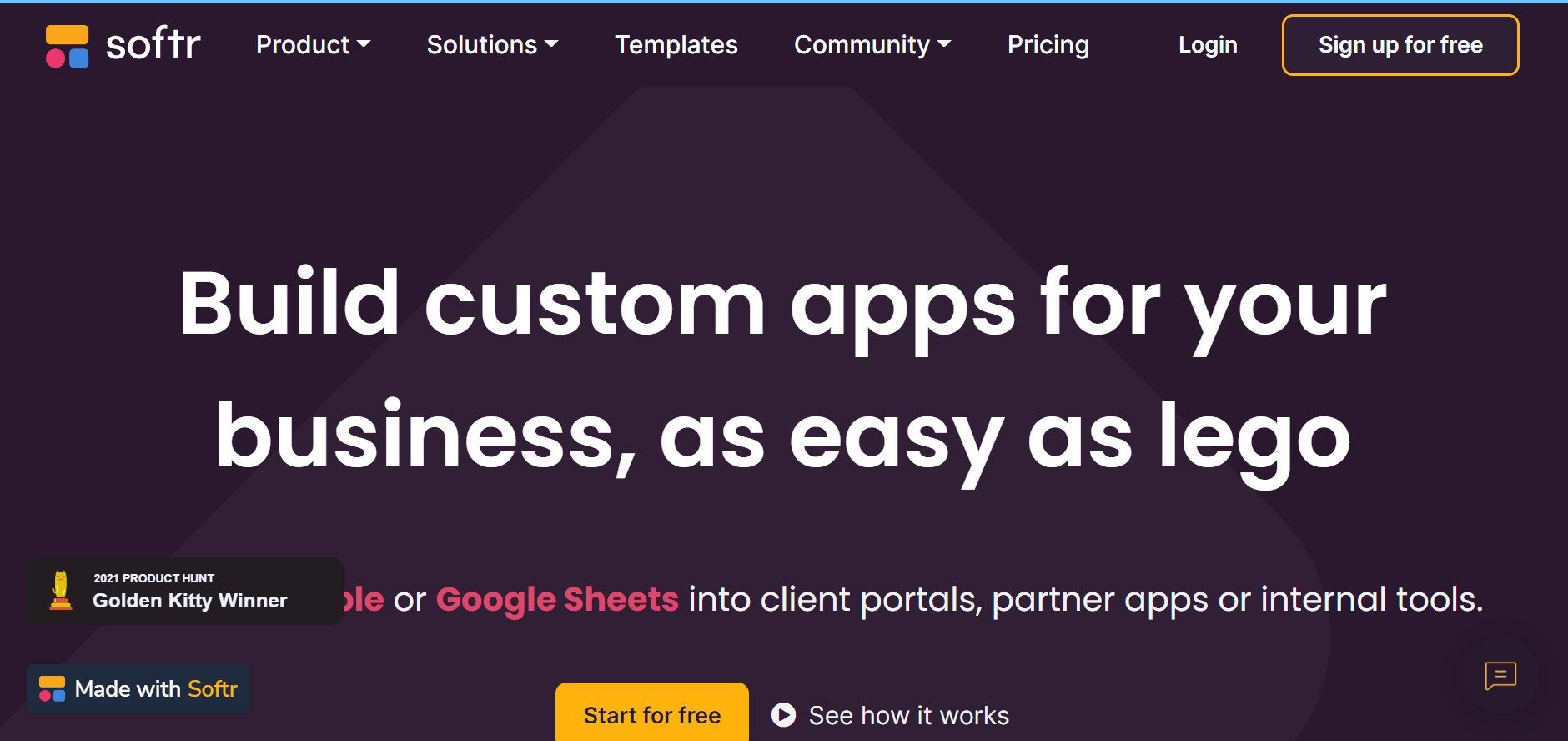
About Softr Studio
Advertiser Disclosure: Futurepedia.io is committed to rigorous editorial standards to provide our users with accurate and helpful content. To keep our site free, we may receive compensation when you click some links on our site.
Key Features
- No-Code App Builder: Build custom web applications using a simple drag-and-drop interface.
- Pre-Built Functional Blocks: Incorporate various elements such as lists, charts, and forms with ease.
- Granular Permissions: Set user permissions to control access to information within your app.
- Cross-Device Publishing: Design and launch your tools on any device with a single click.
- Integration-Friendly: Connect with popular tools like Zapier, Google Analytics, and Stripe for enhanced functionality.
Pros & Cons
Pros
- Speedy Development: Accelerate the app-building process, from ideation to deployment.
- Customization: Tailor applications to specific business needs without starting from scratch.
- Collaborative Features: Share and work on the app with teammates, clients, or partners.
- Template Library: Access numerous pre-built templates to kickstart your project.
Cons
- Platform Limitations: Some complex functionalities may be limited due to the no-code nature.
- Integration Depth: While integrations are supported, they may not be as extensive as custom-coded solutions.
- Learning Curve: New users may need time to get accustomed to the block-based building approach.