About StreamAlive
Advertiser Disclosure: Futurepedia.io is committed to rigorous editorial standards to provide our users with accurate and helpful content. To keep our site free, we may receive compensation when you click some links on our site.
Key Features
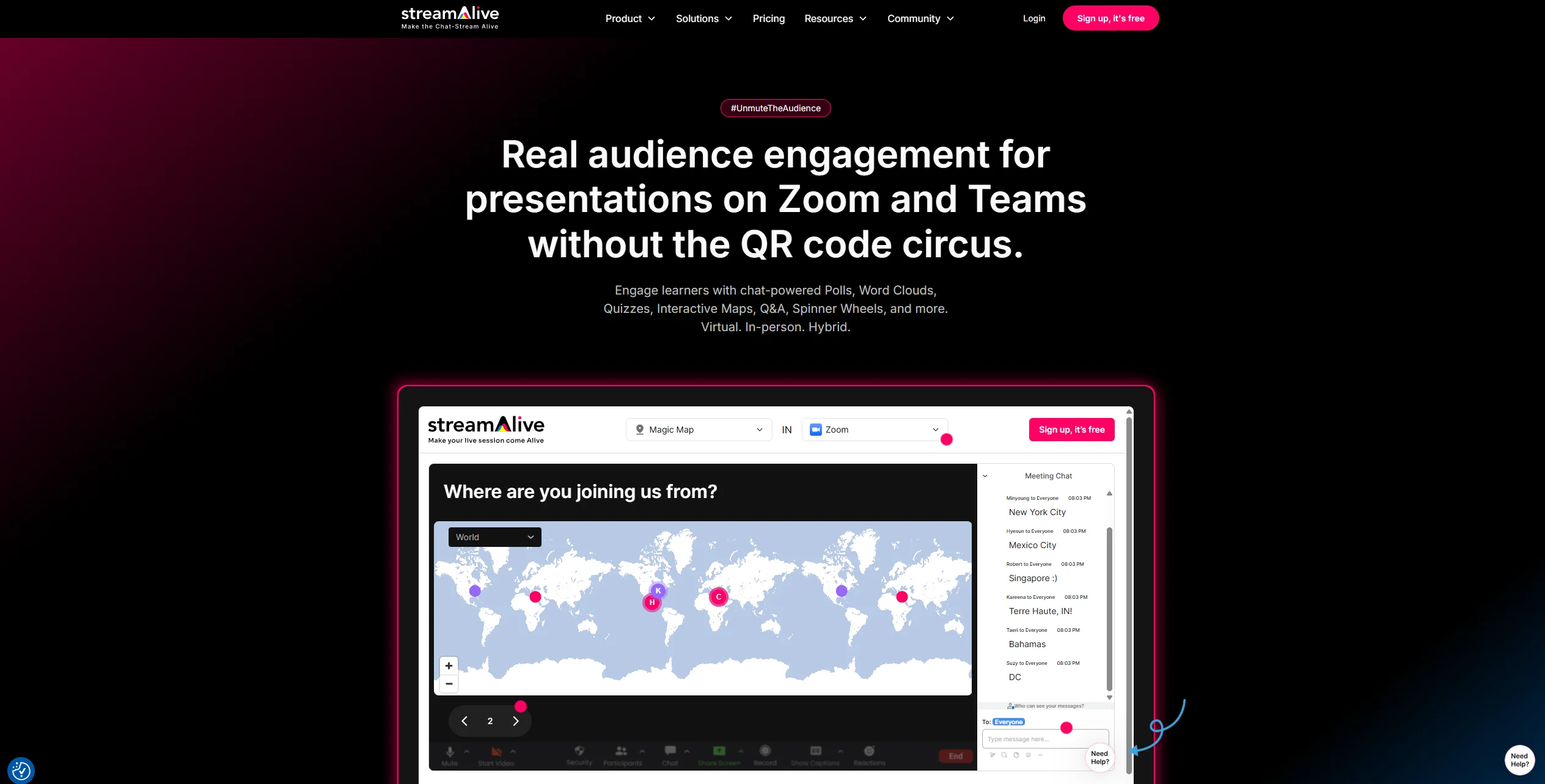
- Chat-powered visuals: Polls, word clouds, Magic Maps, rating bars, spinner wheels, emojis, and tiles transform simple chat messages into live visuals.
- AI Interaction Generator and templates: Upload a deck or describe the topic and the tool proposes ready-to-run polls, questions, and activities from 1,700+ templates.
- Chat intelligence and analytics: Automatically captures questions, builds leaderboards, extracts links, summarizes busy chats, and produces shareable reports after each session.
- Integrations and presentation builder: Works with PowerPoint, Google Slides, Zoom, Teams, Google Meet, YouTube Live, Twitch, and a browser-based builder for full slide-plus-interaction sessions.
Pros & Cons
Pros
- Low-friction for participants: Attendees answer in the existing meeting chat, avoiding QR codes, extra links, and separate apps.
- Visually rich sessions: Maps, wheels, word clouds, and emoji effects keep attention on the content instead of background multitasking.
- Time savings for hosts: AI-generated questions and summaries reduce preparation time and make reporting to stakeholders easier.
- Training-focused design: Use cases, templates, and copy are tuned for instructor-led training, corporate learning, and webinars.
Cons
- Live-first orientation: Strongest for real-time sessions and less useful today for fully self-paced or on-demand courses.
- Host learning curve: Presenters must learn how to connect meetings, manage the app window, and time interactions confidently.
- Pricing jump after free tier: Free use covers only small groups, so some solo trainers may feel the cost step-up.