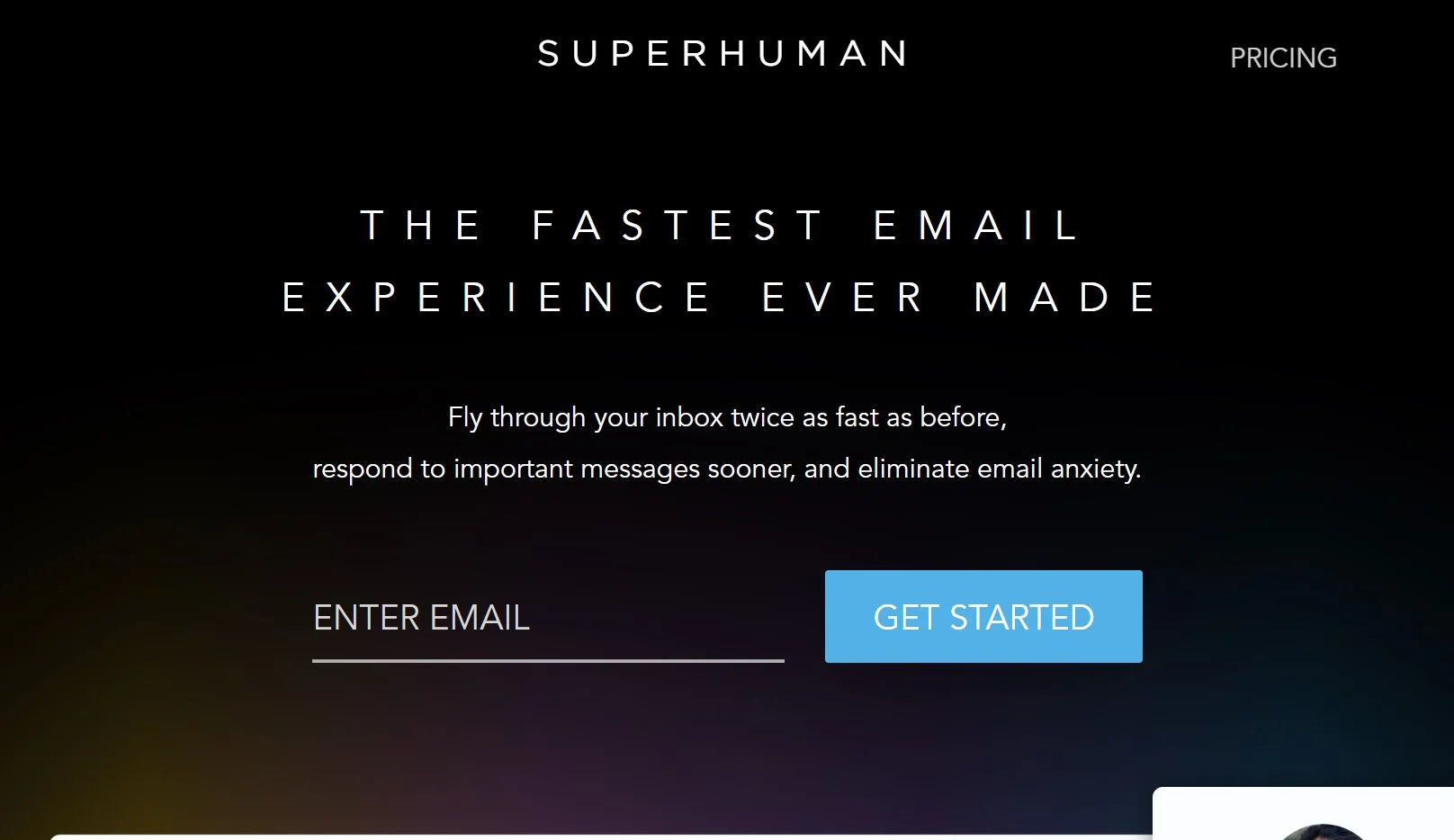
About Superhuman
Advertiser Disclosure: Futurepedia.io is committed to rigorous editorial standards to provide our users with accurate and helpful content. To keep our site free, we may receive compensation when you click some links on our site.
Key Features
- AI-Powered Tools: Superhuman incorporates advanced AI features like Instant Reply, which helps compose emails rapidly by expanding short phrases into complete, personalized messages.
- Split Inbox: This functionality allows you to categorize and prioritize emails, ensuring that you respond quickly to the most critical messages.
- Follow-Up Reminders: Superhuman ensures you never miss following up on important emails by providing timely reminders.
- Snippets: A feature that saves time by automating the inclusion of commonly used phrases and paragraphs in emails.
- Read Statuses: Gain insights into when and on which device your emails are being read, allowing for strategic follow-ups.
- Keyboard Shortcuts: Navigate your inbox and perform actions at lightning speed without reaching for the mouse.
- Autocorrect: A sophisticated autocorrect system that increases typing speed by addressing common typographical errors on the fly.
Pros & Cons
Pros
- Time-Saving: Users report gaining back hours each week thanks to Superhuman's efficiency-driven features.
- Productivity Boost: The tool's design and AI assistance streamline email management, leading to increased productivity.
- Team Collaboration: Shared Snippets and read statuses enhance team communication and prevent duplication of work.
- User Experience: A sleek interface coupled with keyboard shortcuts makes email management both fast and enjoyable.
Cons
- Learning Curve: New users may need time to adapt to the plethora of shortcuts and features.
- Price Point: The cost may be a consideration for some, especially those accustomed to free email clients.
- Platform Limitation: Currently optimized for Gmail and Outlook users, potentially limiting its appeal for users of other email services.