About Template.net
Advertiser Disclosure: Futurepedia.io is committed to rigorous editorial standards to provide our users with accurate and helpful content. To keep our site free, we may receive compensation when you click some links on our site.
Key Features
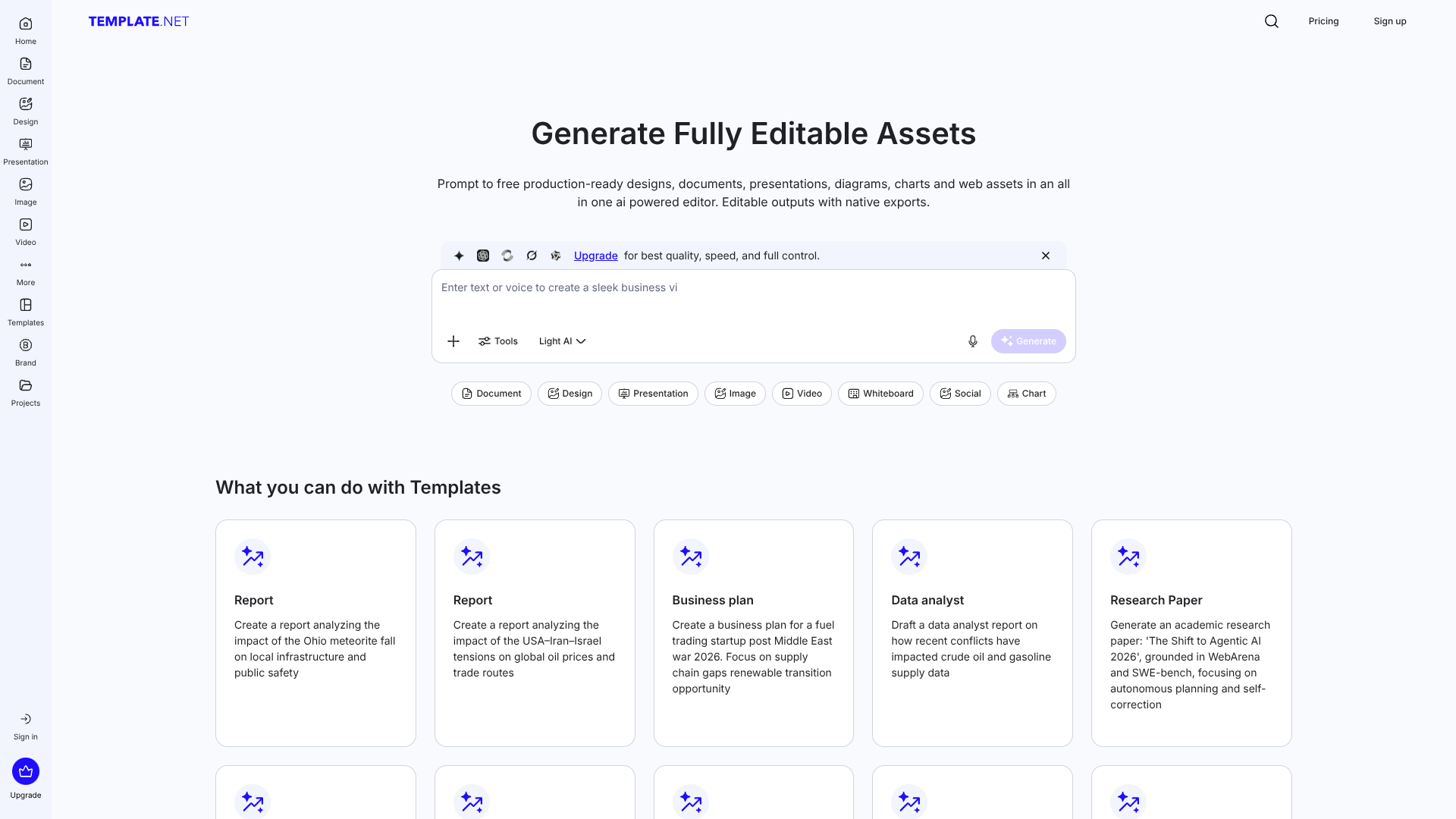
- AI Production Engine for Structured Assets: Converts natural language prompts into documents, decks, diagrams, social graphics, and web assets with proper hierarchy, layouts, and editable components.
- File Sovereignty and Data Controls: Outputs come as real source files rather than locked artifacts, and user prompts and proprietary assets are not used to train external AI models.
Pros & Cons
Pros
- Prompt‑to‑File Speed: Dramatically shortens the time from idea to usable PPTX, DOCX, or HTML, which is especially useful for recurring business documents and decks.
- Truly Editable AI Content: Layered, atomic outputs make it practical to refine AI‑generated work without hitting “flat image” or “uneditable PDF” walls.
- Strong Branding Support: Centralized Brand Kit keeps everything visually and tonally consistent across documents, slides, and social formats.
- Wide Format Coverage: Handles business docs, marketing designs, data visualizations, whiteboards, and web assets from the same interface, reducing tool‑switching.
- Creator Marketplace Angle: Professionals can publish templates that reach large audiences, turning their best work into lead‑generation or revenue.
Cons
- Feature Density and Learning Curve: The breadth of editors, generators, formats, and settings can feel overwhelming at first, especially for users who only need simple documents.
- Billing and Subscription Perception: Public reviews frequently mention confusion around subscriptions, renewals, and refunds, so new customers should read pricing and trial terms carefully.