About Thunderbit
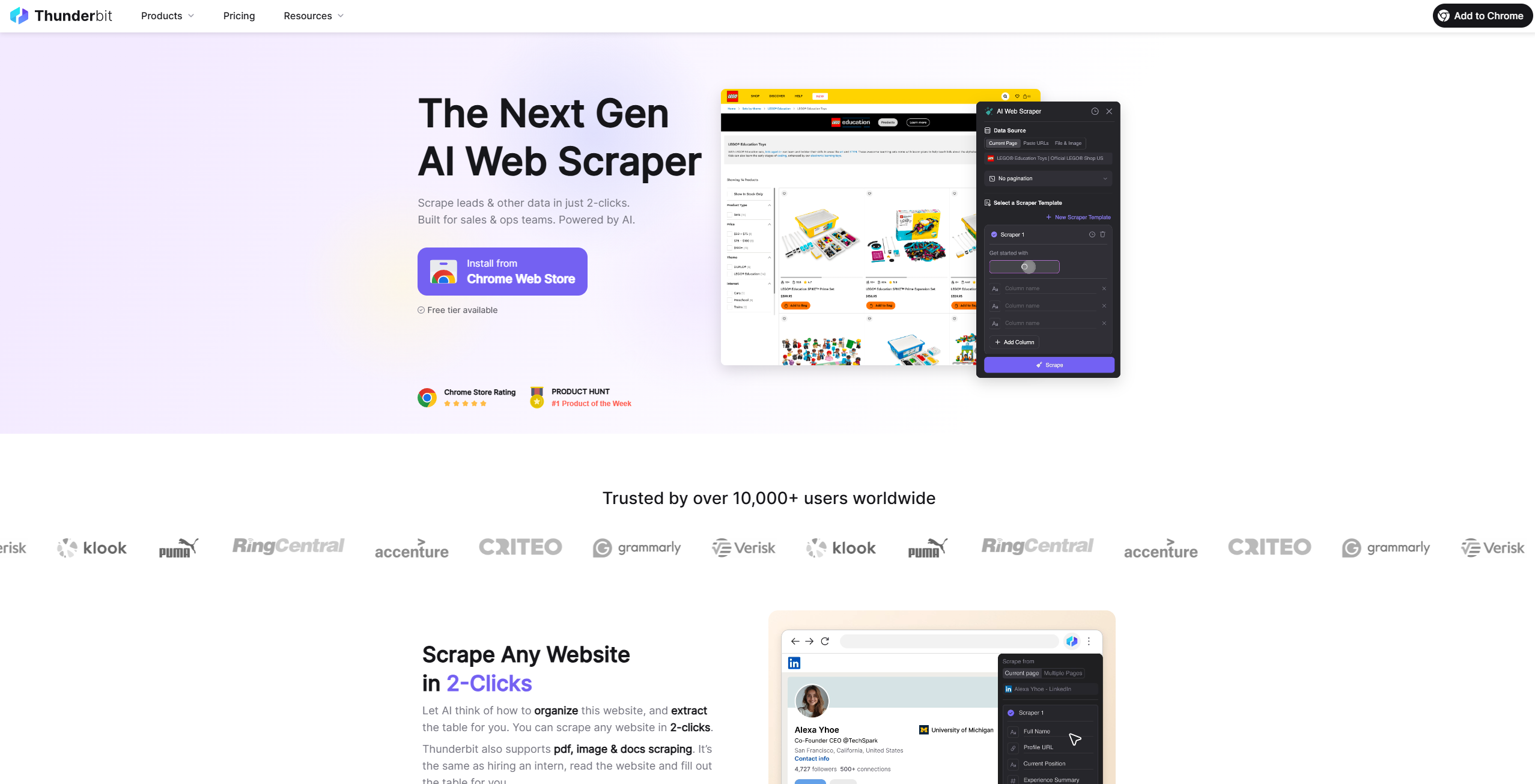
Scrape leads & other data in just 2-clicks. Built for sales & ops teams. Powered by AI.
Key Features
- Natural Language Data Extraction: Write down your desired column names and data types in everyday language. Thunderbit’s AI interprets your instructions and configures the scraper accordingly.
- Support for Various Formats: Extract data from multiple sources, including websites, batch URLs, PDFs (even scanned documents), and images.
- Subpage Scraping: Allow Thunderbit to follow links to additional pages. It compiles the results into a cohesive dataset, adding detail without manual navigation.
- Instant Data Scrapers: Choose from a collection of pre-built templates tailored to popular sites like Amazon and eBay, saving set-up time.
- Article Scraping: Capture entire articles instantly. Thunderbit neatly gathers text content while preserving important structural elements.
Pros & Cons
Pros
- Time Efficiency: Thunderbit significantly reduces the time required to create and automate web applications, making it a highly efficient tool for businesses.
- User-Friendly Interface: The platform is designed with an intuitive interface that makes it easy for users to navigate and utilize its features, even without technical skills.
- Cost-Effective Automation: By automating various business processes, Thunderbit helps reduce operational costs, making it a cost-effective solution for companies.
- High Customizability: The no-code customization options allow businesses to tailor the tool to their specific needs, enhancing its versatility and utility.
Cons
- Initial Learning Curve: While the tool is designed to be user-friendly, there may still be an initial learning curve for users unfamiliar with AI-powered automation platforms.
- Limited Integration: As of now, Thunderbit supports a limited number of third-party integrations, which could be a drawback for businesses relying on multiple software solutions.