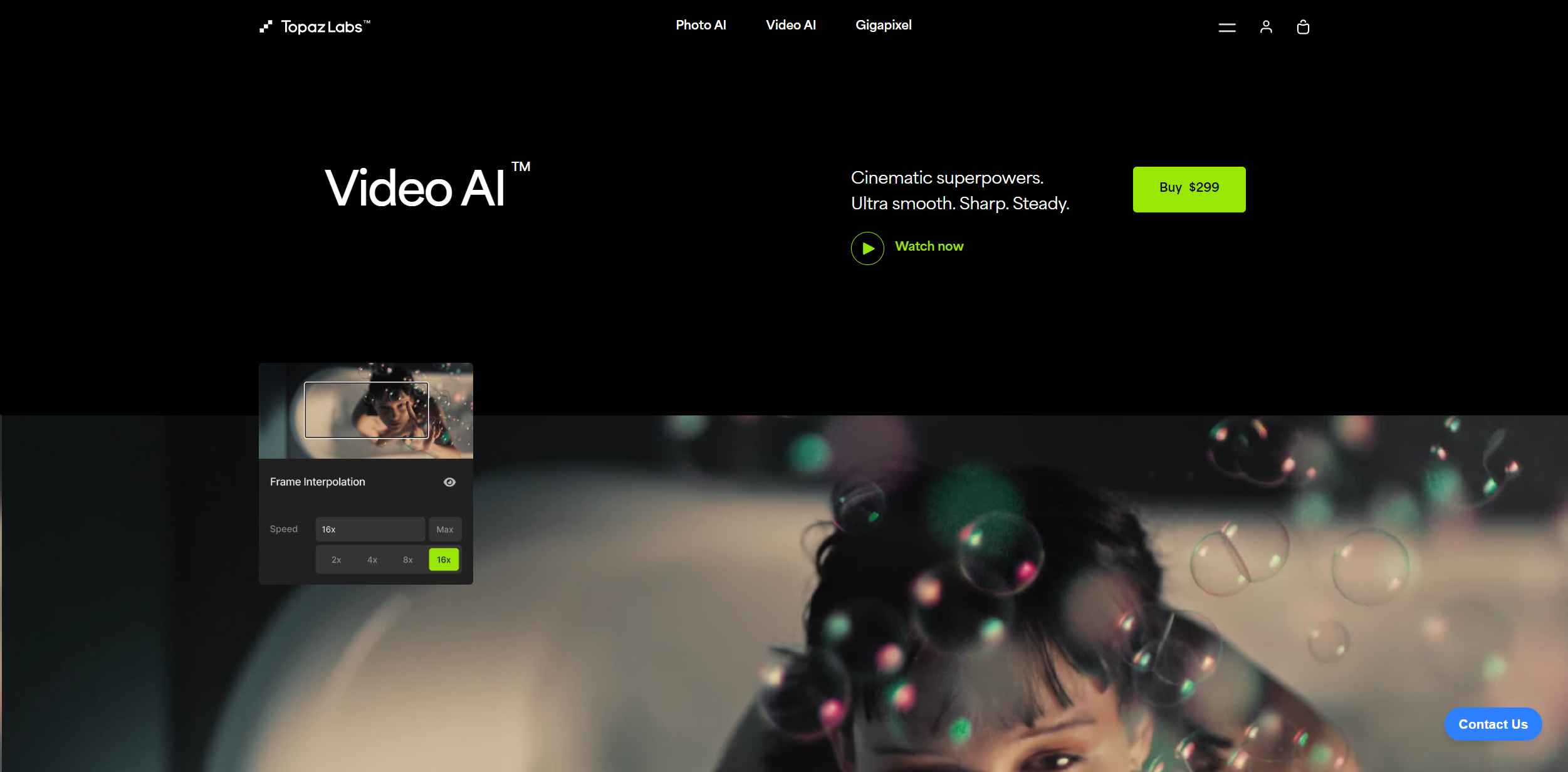
About Topaz Video AI
Advertiser Disclosure: Futurepedia.io is committed to rigorous editorial standards to provide our users with accurate and helpful content. To keep our site free, we may receive compensation when you click some links on our site.
Key Features
- Ultra High-Resolution Upscaling: Upscale your videos up to 16K resolution while maintaining clarity and reducing artifacts.
- Frame Rate Conversion: Achieve smooth slow-motion effects or synchronize clips with different frame rates using AI to interpolate additional frames.
- Advanced Noise Reduction: Utilize AI to distinguish between noise and detail, significantly enhancing video quality even in low-light conditions.
- Stabilization: Stabilize shaky footage and recover details lost to camera shake, ensuring smooth and steady output.
- Temporal Facial Recognition: Automatically detect and enhance faces frame-by-frame, ensuring consistent quality and realism.
- Compatibility with Major Software: Works as a standalone application or as a plugin for popular editing software like Adobe After Effects and DaVinci Resolve.
Pros & Cons
Pros
- Enhanced Video Quality: Dramatically improves resolution, sharpness, and noise levels.
- Time-saving: Automates complex processes like upscaling and denoising, saving hours of manual adjustments.
- User-Friendly Interface: Intuitive design that caters to both beginners and professionals.
- High Performance: Optimized for use with leading hardware from Nvidia, AMD, and Intel.
Cons
- High System Requirements: Requires a powerful computer system, particularly in terms of GPU capabilities.
- Cost: With a price tag of $299, it might be considered steep for non-professional users.
- Learning Curve: New users may need time to fully grasp all features and best practices.