About Twistly
Advertiser Disclosure: Futurepedia.io is committed to rigorous editorial standards to provide our users with accurate and helpful content. To keep our site free, we may receive compensation when you click some links on our site.
Key Features
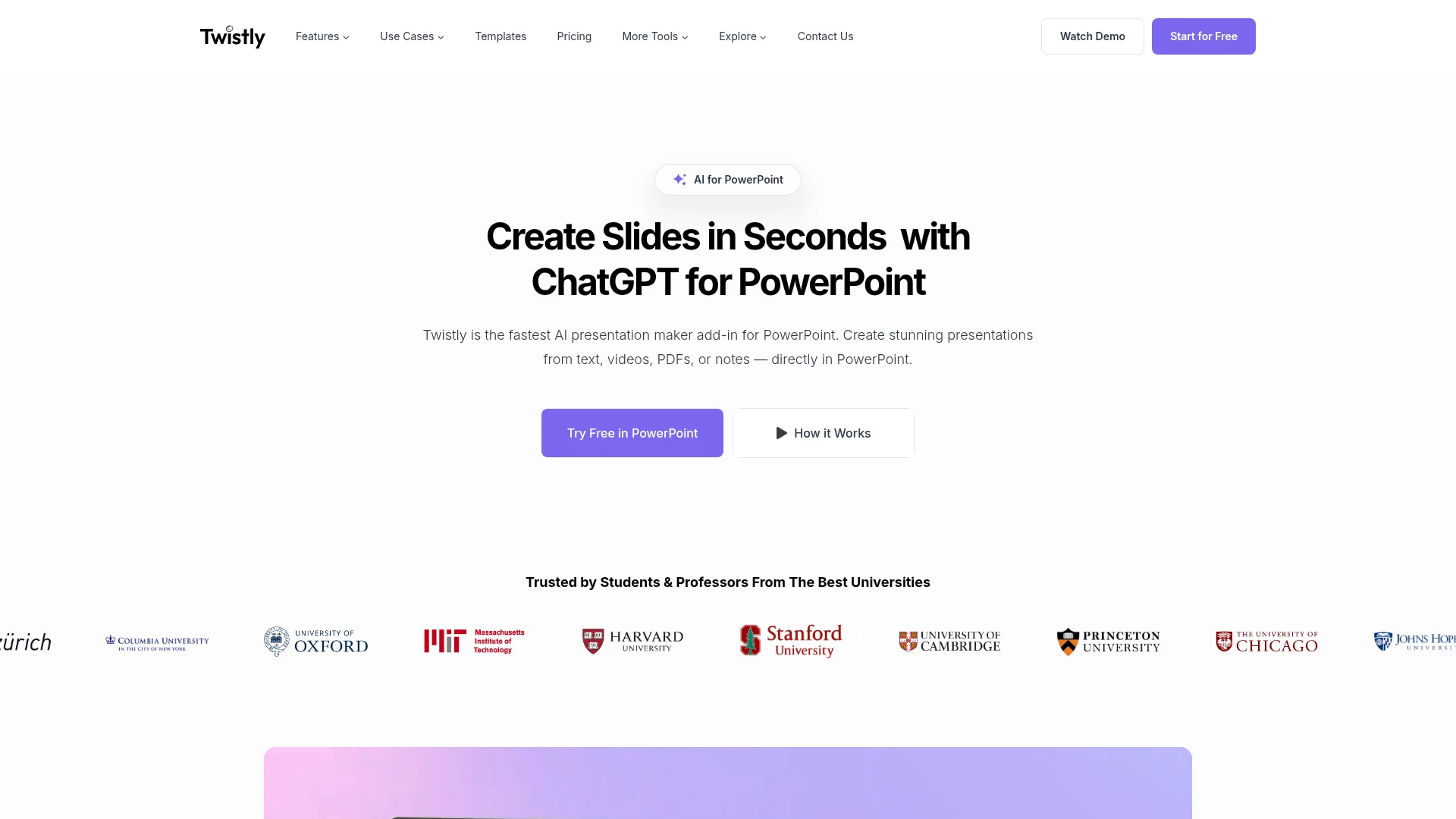
- AI-Powered Slide Generation: Create entire presentations from text prompts, YouTube videos, PDFs, and more, directly within PowerPoint.
- AI Image Generation: Generate custom visuals that perfectly match your content, eliminating the need for generic stock images.
- Speaker Notes Generator: Automatically add professional speaker notes to any slide or the entire presentation.
- Translation Capabilities: Instantly translate slides into different languages with the AI add-in for PowerPoint.
Pros & Cons
Pros
- Time Efficiency: Generates presentations in under 30 seconds, saving users significant time.
- Ease of Use: No design experience required, making it accessible for beginners.
- Integration: Works directly within PowerPoint, avoiding the hassle of switching between tools.
- Customizable Templates: Offers a variety of pre-designed templates optimized for AI-generated content.
Cons
- Limited to PowerPoint Users: Requires Microsoft PowerPoint to utilize Twistly's full capabilities.
- Initial Setup Required: Users need to install the add-in before getting started.