About Motion
Advertiser Disclosure: Futurepedia.io is committed to rigorous editorial standards to provide our users with accurate and helpful content. To keep our site free, we may receive compensation when you click some links on our site.
Key Features
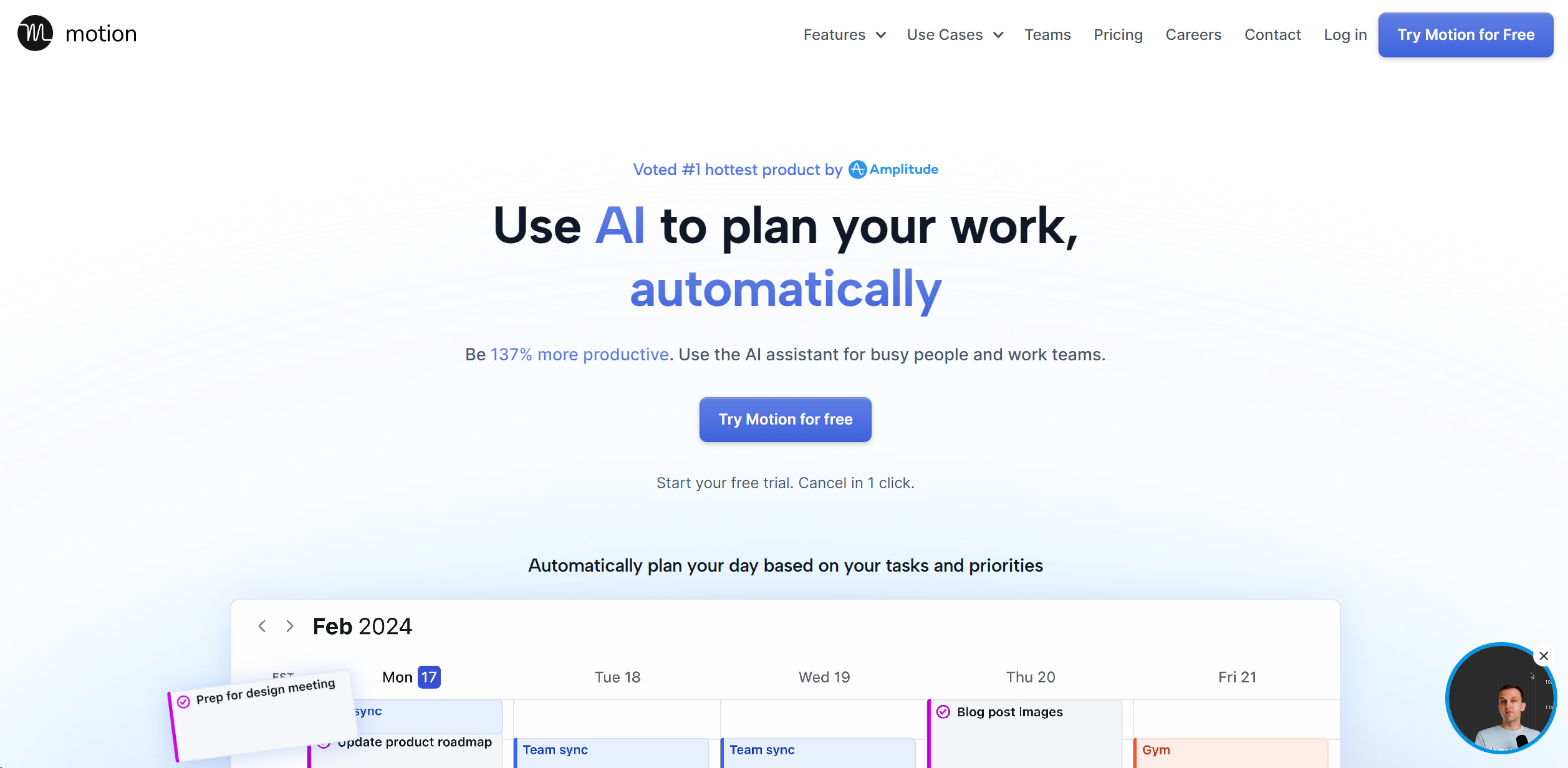
- Task Scheduling: Motion automatically organizes your tasks and projects, scheduling them on your calendar and adjusting in real-time to ensure optimal productivity.
- Project Management: Simplify complex projects into actionable plans. Motion handles the planning, allowing you to concentrate on execution.
- Automated Meeting Scheduling: Streamline the process of scheduling meetings with automated booking pages and availability management, ensuring meetings are set at ideal times.
- Workload Reporting: Motion provides insights into your workload, helping set realistic deadlines and prevent overcommitment.
- Calendar Syncing: Integrate all your work and personal calendars into one master calendar for seamless management of your schedule.
Pros & Cons
Pros
- Increased Productivity: Users report a significant boost in productivity, with the tool's AI planning capabilities allowing for more efficient use of time.
- Stress Reduction: By automating task prioritization and scheduling, Motion reduces the cognitive load, leading to less stress and overwhelm.
- Enhanced Focus: Motion guards your time, limiting interruptions and enabling focused work periods.
- One Tool for Everything: Combines the functionalities of project management apps, to-do lists, and meeting schedulers into one platform.
Cons
- Learning Curve: New users may need time to fully understand and leverage all of Motion's features.
- Dependency on Digital Setup: Those preferring traditional, non-digital planning methods might find the transition challenging.
- Limited Third-Party Integrations: While Motion offers some integrations, users might find the need for more extensive third-party compatibility.