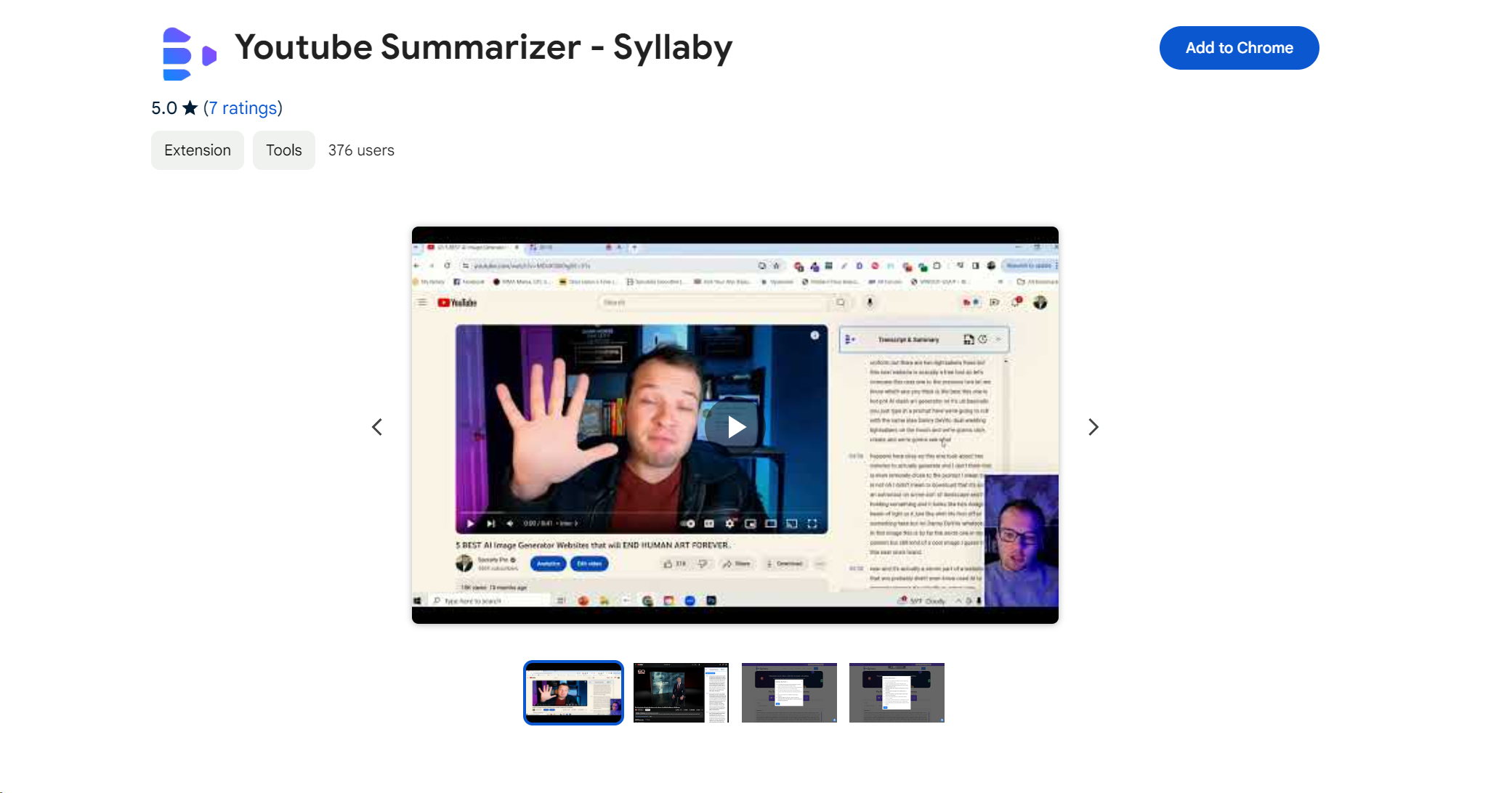
About YouTube Summarizer
Advertiser Disclosure: Futurepedia.io is committed to rigorous editorial standards to provide our users with accurate and helpful content. To keep our site free, we may receive compensation when you click some links on our site.
Key Features
- Transcript Fetching: Instantly access the video transcript without having to watch the entire content.
- Timestamp Navigation: Easily jump to different segments of the video based on your interest or need.
- Swift Summaries: Obtain a brief summary of the video in a new window for quick understanding.
- Clear Bullet Points: The essence of the video is distilled into concise, easy-to-read bullet points.
- Key Insights: Uncover essential takeaways to ensure you grasp the video's core message at a glance.
Pros & Cons
Pros
- Time Efficiency: Significantly reduces the amount of time spent on video consumption.
- Enhanced Learning: Facilitates better retention of information through concise summaries.
- User-Friendly Interface: Simplifies the process of obtaining video insights without any hassle.
- No Account Required: Offers a seamless experience without the need for a ChatGPT or OpenAI account.
Cons
- Dependence on Transcripts: Efficiency might decrease for videos without a clear or available transcript.
- Contextual Limitations: Summaries may occasionally miss nuanced details or context from the original video.
- Chrome Specific: Currently only available as a Chrome extension, limiting access for users of other browsers.